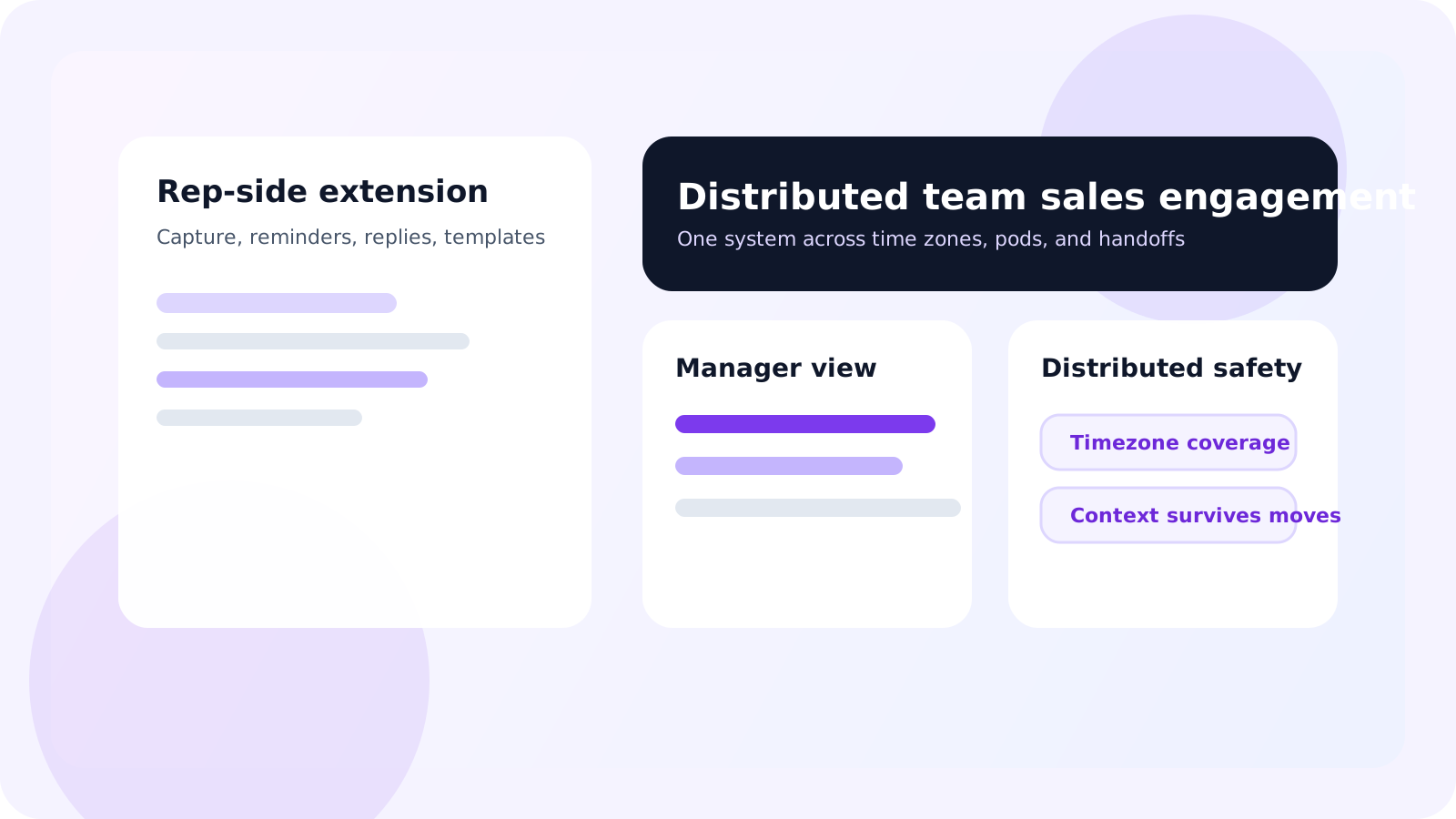
A sales engagement Chrome extension for distributed sales teams should keep rep workflow fast inside LinkedIn while giving the wider team shared visibility, clear ownership, and dependable handoffs across time zones. If the product only helps one rep work faster, remote teams will still lose context between meetings.
Distributed teams expose the weak points in every sales process. One rep signs off for the day while another starts theirs. A manager cannot rely on hallway conversations. A pod lead cannot assume the next owner saw the last update. That means the browser workflow has to stay simple for the rep, but the system around it has to be much stronger than a solo productivity tool.
DMnesia works well in that environment because it splits the job cleanly. The extension handles profile capture, follow-up timing, target leads, templates, and reply detection inside LinkedIn. The team portal adds the shared layer for member visibility, invites, seats, and organization-level reporting.
If you are comparing the general category first, read sales engagement Chrome extension for teams. This page is specifically for distributed orgs where time zones and remote handoffs change what “team-ready” really means.
Why distributed sales teams buy differently
In an office, teams can sometimes patch a weak workflow with quick conversations. Distributed teams cannot. The product has to carry more of the operating discipline itself.
- Follow-up timing has to survive time-zone changes instead of depending on one rep’s memory.
- Ownership has to be visible because account changes are easier to miss when the team is remote.
- Manager coaching needs shared data rather than ad hoc updates from each rep.
- Handoffs must preserve context when one person logs off and another continues the account work.
| Buying question | Co-located team | Distributed team |
|---|---|---|
| Can reps use it fast? | Still important | Critical because remote adoption falls off quickly with friction |
| Can managers see the system live? | Helpful | Essential because informal updates are unreliable |
| Can context survive ownership changes? | Useful | Mandatory across time zones and shifts |
What a distributed-team extension still needs on the rep side
Fast capture and visible due work
Reps still need one-click tracking, a clear daily queue, and obvious reminder timing. A remote team gets no benefit from a complex system that nobody wants to open.
Reply-aware workflow
Distributed teams especially need to avoid false urgency. If one rep sees a thread as overdue while another already got a reply, coordination breaks down fast. Reply-aware cleanup matters more when several people may touch the account across the week.
Target lead staging and templates
Distributed teams often work asynchronously. That makes pre-outreach staging and reusable templates more valuable because the next rep can inherit a cleaner starting point. For the category framing around that browser layer, read Chrome extension for LinkedIn pipeline team edition.
Buying shortcut: if the rep workflow feels clunky, distributed teams will create side channels and private workarounds. The right extension must feel lighter than those workarounds, not heavier.
What distributed teams need from the shared layer
Manager visibility without extra admin
Remote managers cannot rely on ambient awareness. They need a live view of team activity, pipeline shape, and where follow-up discipline is weakening. That is why the guides on shared LinkedIn outreach dashboards and team LinkedIn outreach analytics become much more important in distributed orgs.
Clear ownership and safer handoffs
Distributed teams change owners more visibly than office teams. Accounts move between shifts, regions, or pods, and there is less room for casual explanation. Pair this topic with LinkedIn outreach handoff workflow and managing outreach across reps after handoffs if that is the main pain point.
Team growth controls
Invites, seat visibility, and a clear team portal matter more in distributed teams because the product is also the operating surface for bringing new reps into the system. If rollout is messy, remote consistency breaks almost immediately.
How DMnesia fits distributed sales engagement
DMnesia gives reps the LinkedIn-native tools they need without forcing them into a heavyweight admin layer. At the same time, it gives managers and operations teams a place to see the broader system.
- One-click tracking and target leads keep reps fast during async prospecting.
- Reminder timing and badge visibility make due work obvious across different schedules.
- Reply detection reduces cross-time-zone confusion on live threads.
- Shared portal visibility helps leaders coach without waiting for manual updates.
- Integration-ready team data gives RevOps a path to connect the shared layer outward later.
If your team is earlier-stage and still lean, the companion article on sales engagement Chrome extension for lean sales teams may be the closer starting point. If you are already standardizing by pod or territory, the next reads are LinkedIn account ownership for sales teams and LinkedIn outreach dashboard for RevOps.
Evaluation checklist for distributed buyers
- Can a rep learn the browser workflow quickly?
- Can a manager see the live system without asking for updates?
- Can context survive owner changes across regions or time zones?
- Can the team layer grow with seats, invites, and reporting needs?
If any answer is no, the product might still help an individual rep, but it is not yet strong enough to be the operating system for a distributed sales team.
People also ask about distributed-team sales engagement extensions
What should a sales engagement Chrome extension do for distributed teams?
It should keep rep workflow fast inside LinkedIn while giving managers shared visibility, ownership clarity, and a dependable handoff layer across time zones and territories.
Why do distributed sales teams need more than an individual productivity tool?
Because remote teams lose context faster. Without a shared system, follow-ups, account ownership, and rep coaching become dependent on meetings, Slack messages, and memory.
How does DMnesia fit distributed sales engagement?
DMnesia gives each rep a LinkedIn-native tracking workflow and gives the wider team a shared portal for visibility, invites, reporting, and integration-ready team data.
Conclusion: distributed teams need speed plus a shared memory layer
A sales engagement Chrome extension for distributed sales teams has to do more than increase activity. It has to preserve continuity when the team is not in the same room, not in the same time zone, and not always online at the same time.
If the product cannot give reps speed and give managers shared clarity, remote execution will drift back into scattered notes and avoidable follow-up gaps.
Run LinkedIn outreach as one distributed team
Use DMnesia to keep rep-side execution inside LinkedIn while the portal gives distributed teams visibility, ownership, and safer handoffs.
View Team PricingFrequently asked questions
What should a sales engagement Chrome extension do for distributed teams?
It should keep rep workflow fast inside LinkedIn while giving managers shared visibility, ownership clarity, and a dependable handoff layer across time zones and territories.
Why do distributed sales teams need more than an individual productivity tool?
Because remote teams lose context faster. Without a shared system, follow-ups, account ownership, and rep coaching become dependent on meetings, Slack messages, and memory.
How does DMnesia fit distributed sales engagement?
DMnesia gives each rep a LinkedIn-native tracking workflow and gives the wider team a shared portal for visibility, invites, reporting, and integration-ready team data.