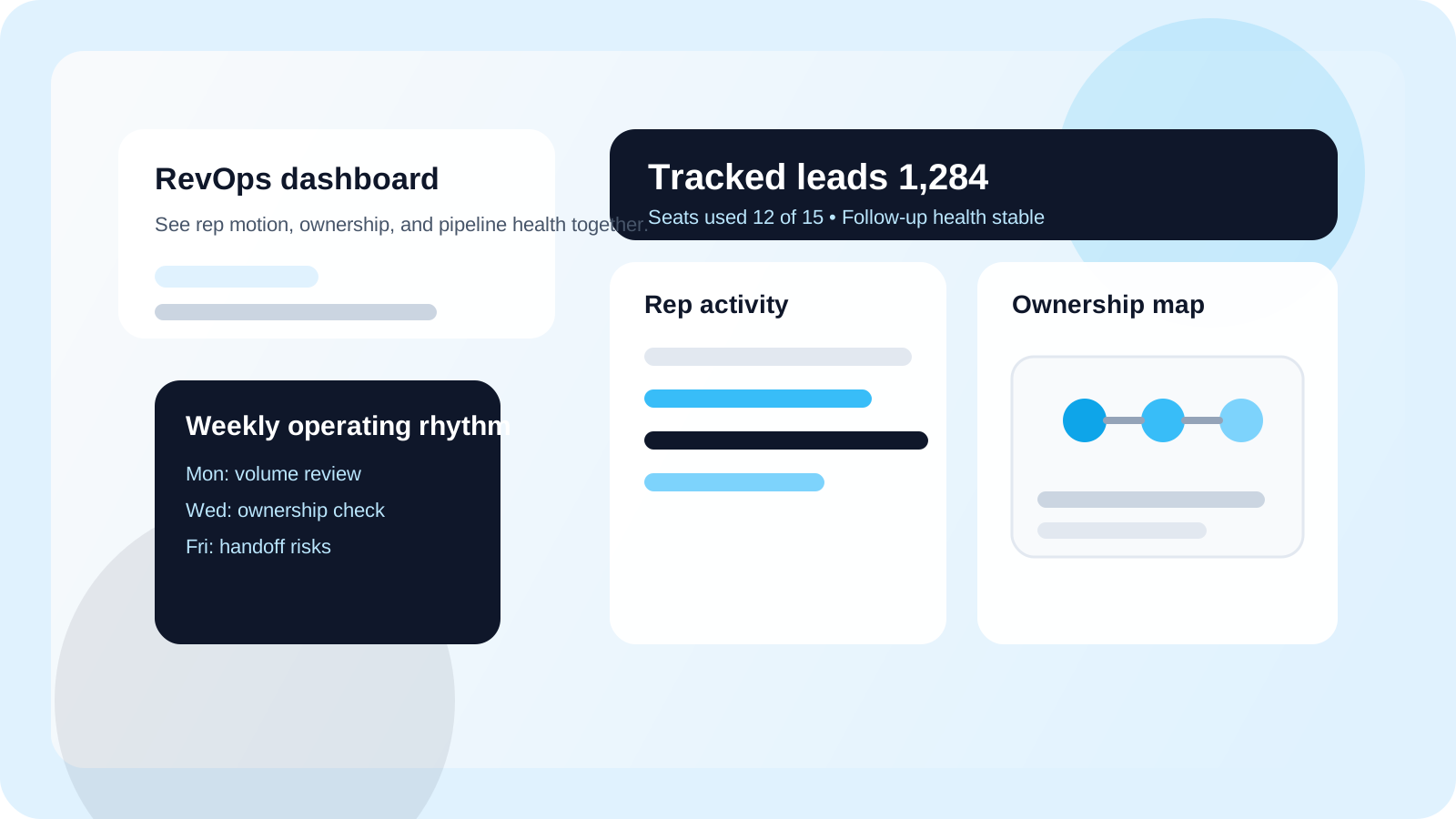
A LinkedIn outreach dashboard for RevOps should show team lead volume, rep activity, ownership coverage, and follow-up health in one operating view. The right dashboard lets reps stay fast inside LinkedIn while RevOps gets reliable numbers for coaching, capacity planning, and downstream reporting.
RevOps usually inherits LinkedIn outreach after the team has already outgrown memory. One rep has a good personal system. Another lives in browser tabs. A manager gets updates in Slack. A CRM only sees partial notes. The result is not just messy reporting. It is a broken operating model.
That is why a dashboard matters. Not because every sales team needs another chart, but because LinkedIn work needs a team layer once it stops being a solo habit. DMnesia handles this split cleanly: reps use the extension to track profiles, manage follow-ups, detect replies, and stage target leads, while the shared portal gives organizations a live view of team totals, member activity, seat usage, and invite control.
If you are first mapping the manager side of this problem, start with the broader guide to a shared LinkedIn outreach dashboard. This RevOps version goes one layer deeper into measurement, governance, and reporting design.
Why RevOps needs a dedicated LinkedIn outreach dashboard
RevOps owns consistency. The team may call it pipeline hygiene, process discipline, or seller productivity, but the real job is the same: make sure the motion can scale without collapsing when a rep gets busy or leaves the team.
- Rep workflow lives in the browser, so the CRM rarely tells the full story on its own.
- Manager requests create reporting drag when reps have to manually summarize what already happened.
- Ownership gaps stay hidden when no shared layer shows who is actively carrying which conversations.
- Coaching gets noisy when activity numbers are separated from reply and follow-up context.
| RevOps need | What the dashboard should show | What happens without it |
|---|---|---|
| Pipeline visibility | Total tracked leads, fresh volume, and active status mix | Forecast conversations rely on anecdotes |
| Rep accountability | Member-level activity and follow-up completion | Managers chase screenshots and spot checks |
| Coverage clarity | Ownership context and handoff readiness | Accounts go dark during rep changes |
| System reliability | Seats, invites, and a shared operating layer | The workflow breaks as the team grows |
What a LinkedIn outreach dashboard for RevOps should include
1. Team volume that reflects real pipeline creation
RevOps needs to know whether the team is creating enough relevant coverage before it argues about reply rate or conversion. DMnesia’s portal surfaces Total Team Leads and member-level tracked counts so leaders can see whether the motion is expanding or quietly starving.
2. Rep activity that is coachable, not just countable
A dashboard should make it easy to distinguish a new rep ramping up from an experienced rep letting follow-ups slip. That is why rep rows matter. When a system shows recent tracked activity alongside total tracked history, coaching gets more precise.
3. Ownership and transfer visibility
RevOps problems often show up as ownership problems first. If nobody can answer who is carrying the relationship, the dashboard is incomplete. Pairing the dashboard with a clear assignment model is essential. The companion guide on LinkedIn account ownership for sales teams covers the decision framework behind that layer.
4. Follow-up health, not just top-line activity
Pure activity can hide a decaying pipeline. RevOps should care whether the queue is getting worked, whether replies are detected, and whether overdue contacts are staying visible. The article on team LinkedIn outreach analytics explains the metric layer that sits under this dashboard view.
RevOps rule: if a dashboard requires extra weekly rep reporting to stay trustworthy, the system is upside down. The live operating layer should produce the reporting as a byproduct of normal work.
How DMnesia gives RevOps a cleaner operating layer
DMnesia is intentionally split across two surfaces. That matters because RevOps needs governance without making sellers work inside an admin tool all day.
- The extension stays rep-native with one-click profile tracking, follow-up reminders, reply awareness, and target lead staging.
- The portal stays team-native with shared visibility, seat management, invite flow, and organization-level controls.
- The data stays integration-ready so CRM or workflow teams can extend the shared layer later.
- The motion stays manual-first so consistency improves without turning LinkedIn execution into bot behavior.
That split is also why this dashboard works for handoffs. When a rep changes territory or a book needs coverage, the team does not have to reconstruct the context from memory. The handoff workflow stays visible. For that operating layer, read LinkedIn outreach handoff workflow.
How RevOps should use the dashboard in practice
The dashboard is most valuable when it becomes part of recurring operating rhythm, not just a monthly report.
- Use it in weekly pipeline reviews to compare team lead creation and follow-up health.
- Use it in one-on-ones to separate effort issues from targeting issues.
- Use it during territory or account changes to spot fragile ownership before leads get dropped.
- Use it before CRM sync conversations so you know which shared records actually deserve downstream reporting.
If the next question is how this shared browser-native workflow should connect to a wider system of record, read Salesforce LinkedIn outreach integration for the CRM-side design.
If your managers live in Slack between reviews, the new guide to Zapier LinkedIn outreach integration for Slack escalations shows how to route reply, owner-change, and follow-up-risk signals into channels without turning Slack into a stream of low-value activity.
People also ask about LinkedIn outreach dashboards for RevOps
What should a LinkedIn outreach dashboard for RevOps include?
It should include team lead volume, rep-level activity, ownership visibility, follow-up health, and a path to shared reporting. RevOps needs one layer that explains what outreach is happening without forcing reps to log everything twice.
Why does RevOps need a LinkedIn outreach dashboard?
Because LinkedIn work often lives inside separate browsers. A dashboard gives RevOps a reliable team view for coaching, capacity planning, handoffs, and CRM reporting without slowing rep execution.
Can a LinkedIn outreach dashboard replace spreadsheets for RevOps?
For day-to-day operating visibility, yes. Spreadsheets can still help with one-off planning, but the live dashboard should own rep activity, team totals, and pipeline health.
Conclusion: RevOps needs the team layer, not more rep admin
A LinkedIn outreach dashboard for RevOps works when it turns browser-native selling into a visible team system. The dashboard should explain whether the motion is healthy, who owns what, and where follow-up discipline is weakening, all without slowing the rep down.
If your current process still depends on separate recaps, copied notes, or manager guesswork, the dashboard layer is missing. RevOps should not be reconstructing a live outreach program after the fact.
Give RevOps a live LinkedIn operating view
Use DMnesia to keep rep execution inside LinkedIn while the team portal turns activity, ownership, and follow-up health into a shared dashboard.
Compare Team PlansFrequently asked questions
What should a LinkedIn outreach dashboard for RevOps include?
It should include team lead volume, rep-level activity, ownership visibility, follow-up health, and a path to shared reporting. RevOps needs one layer that explains what outreach is happening without forcing reps to log everything twice.
Why does RevOps need a LinkedIn outreach dashboard?
Because LinkedIn work often lives inside separate browsers. A dashboard gives RevOps a reliable team view for coaching, capacity planning, handoffs, and CRM reporting without slowing rep execution.
Can a LinkedIn outreach dashboard replace spreadsheets for RevOps?
For day-to-day operating visibility, yes. Spreadsheets can still help with one-off planning, but the live dashboard should own rep activity, team totals, and pipeline health.