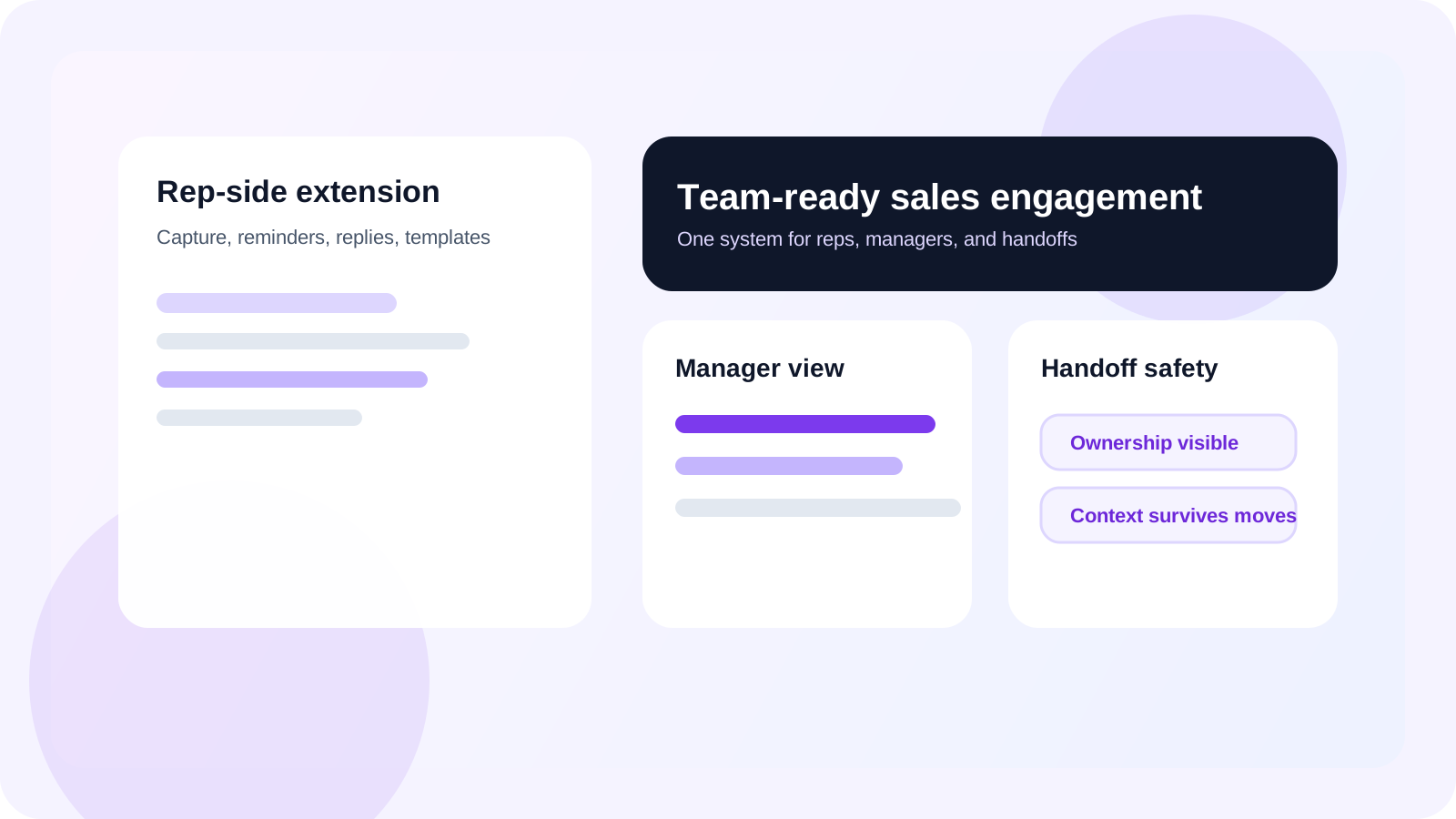
A sales engagement Chrome extension for teams should help reps capture prospects, manage follow-ups, detect replies, and use templates inside LinkedIn while giving managers shared visibility, ownership clarity, and team-level controls. If the tool only works for one rep at a time, the team layer will collapse back into spreadsheets.
Most sales engagement extensions are sold on personal productivity. That matters, but teams buy differently from individuals. A manager is not just asking whether the rep can move faster. They are asking whether the workflow stays visible, transferable, and governable once multiple sellers, territories, and handoffs are involved.
DMnesia is useful here because it was built as two connected layers. The extension handles the rep-side motion inside LinkedIn. The team portal handles visibility across members, invite flow, seats, and organization-level reporting. That makes it easier to keep one system for both daily execution and team oversight.
If you are evaluating the generic category first, the earlier guide to a sales engagement Chrome extension covers the broader buyer-intent question. This page is specifically for leaders rolling one out across a sales team.
Why teams buy sales engagement Chrome extensions differently
When one person buys, the success criteria are local. When a team buys, success becomes operational.
- Managers need visibility into what is tracked, what is due, and where the backlog is forming.
- RevOps needs consistency so rep workflow can roll up into usable team reporting.
- Account owners need continuity when territories shift or warm conversations move between reps.
- Leaders need a rollout path that covers seats, invites, and governance from day one.
| Buying question | Individual buyer answer | Team buyer answer |
|---|---|---|
| Will reps use it? | Only if the browser workflow feels fast | Still true, but adoption must hold across the whole team |
| Will managers trust it? | Often irrelevant | Critical for coaching and pipeline reviews |
| Can accounts survive rep changes? | Usually not considered | Essential once ownership shifts start happening |
| Can the system connect downstream? | Optional | Important for reporting and CRM workflows |
What a sales engagement Chrome extension for teams should do
Keep rep execution fast inside LinkedIn
A team-ready product still lives or dies on the rep flow. Reps should be able to save a profile, set or inherit follow-up timing, see due work, and identify replies without leaving the page where the conversation started.
Add a real manager layer around the rep workflow
The product should not force leadership to infer pipeline health from personal dashboards. DMnesia’s shared portal adds the team layer with lead totals, member activity, seat usage, and invite controls. The guide to a Chrome extension for LinkedIn pipeline team edition covers that operating split in more depth.
Support ownership, routing, and handoffs
A team system is not complete if it breaks when a rep changes patch or an account moves. That is why visibility matters. A leader should be able to see what is live and reassign without losing the context of the relationship. The paired guides on LinkedIn account ownership for sales teams and LinkedIn outreach handoff workflow show what that operating model should look like.
Buying shortcut: do not ask only whether the extension helps reps remember follow-ups. Ask whether it gives managers a live system they can actually run the team from.
How DMnesia handles the team version of sales engagement
DMnesia stays manual-first and browser-native for the rep, but it adds the structure teams usually end up needing later.
- One-click tracking keeps the start of outreach fast.
- Reply-aware queues stop warm conversations from getting buried under stale reminders.
- Target leads separate planned outreach from active conversations.
- Shared portal visibility gives leadership team totals and member-level context.
- Integration readiness gives RevOps a path to broader systems when the workflow matures.
That mix is what lets a team standardize without making every rep feel like they are working inside a clunky admin tool. If you care about the management layer specifically, pair this article with LinkedIn outreach dashboard for RevOps.
Distributed orgs should also read sales engagement Chrome extension for distributed sales teams for the time-zone, remote coaching, and cross-shift handoff requirements that a generic team rollout can miss.
If your org is earlier-stage and still deciding whether you need a full team rollout, read sales engagement Chrome extension for lean sales teams for the lighter operational model.
How to evaluate rollout risk before you buy
A team purchase is as much about adoption risk as feature fit. Ask these questions before rollout:
- Can a rep learn it in one session?
- Can a manager see team health without asking for manual updates?
- Can the team preserve account context during rep changes?
- Can RevOps connect the shared data layer to reporting later?
If the answer is no on any of those, the extension may still work for individuals, but it is not yet ready to become a team operating system.
People also ask about sales engagement Chrome extensions for teams
What should a sales engagement Chrome extension for teams do?
It should help reps capture prospects, manage follow-ups, detect replies, and use templates inside LinkedIn while giving managers shared visibility, ownership clarity, and team-level controls.
Can one extension support both reps and managers?
Yes, if the product separates the rep workflow from the team oversight layer. Reps need speed in the browser, while managers need a portal or dashboard for reporting and coordination.
How does DMnesia fit a team sales engagement workflow?
DMnesia gives reps a LinkedIn-native follow-up system and gives managers a shared portal for team leads, activity, invites, and integration-ready data.
Conclusion: team-ready sales engagement means speed plus oversight
A sales engagement Chrome extension for teams should not force a choice between rep speed and manager visibility. The right product keeps the action inside LinkedIn while giving the organization enough shared structure to coach, hand off, and report with confidence.
If your team keeps outgrowing individual productivity tools, that is the signal to buy for the team layer, not just the rep layer.
If you need the rollout sequence before you buy, the Chrome extension for LinkedIn pipeline rollout guide covers pilot design, queue behavior, and adoption checkpoints for managers.
Roll out a team-ready LinkedIn workflow
Compare DMnesia if you need a sales engagement Chrome extension that works for reps in LinkedIn and for managers across the whole team.
Compare DMnesia for TeamsFrequently asked questions
What should a sales engagement Chrome extension for teams do?
It should help reps capture prospects, manage follow-ups, detect replies, and use templates inside LinkedIn while giving managers shared visibility, ownership clarity, and team-level controls.
Can one extension support both reps and managers?
Yes, if the product separates the rep workflow from the team oversight layer. Reps need speed in the browser, while managers need a portal or dashboard for reporting and coordination.
How does DMnesia fit a team sales engagement workflow?
DMnesia gives reps a LinkedIn-native follow-up system and gives managers a shared portal for team leads, activity, invites, and integration-ready data.