A Chrome extension for LinkedIn pipeline team edition should do more than help one rep remember follow-ups. It should keep rep workflow fast inside LinkedIn while giving managers shared visibility, seat controls, team analytics, and cleaner handoffs across the whole book of business.
Most extensions are built for solo workflow first. That is fine until the second or third rep joins. Then the same questions show up fast: who owns which accounts, how many contacts are active, who is overloaded, and where should managers coach? If the product only helps one person work faster, the team layer ends up back in a spreadsheet.
Those team questions usually become ownership questions next. The new article on LinkedIn account ownership for sales teams explains how a team-ready extension should support clear account coverage, not just faster individual capture.
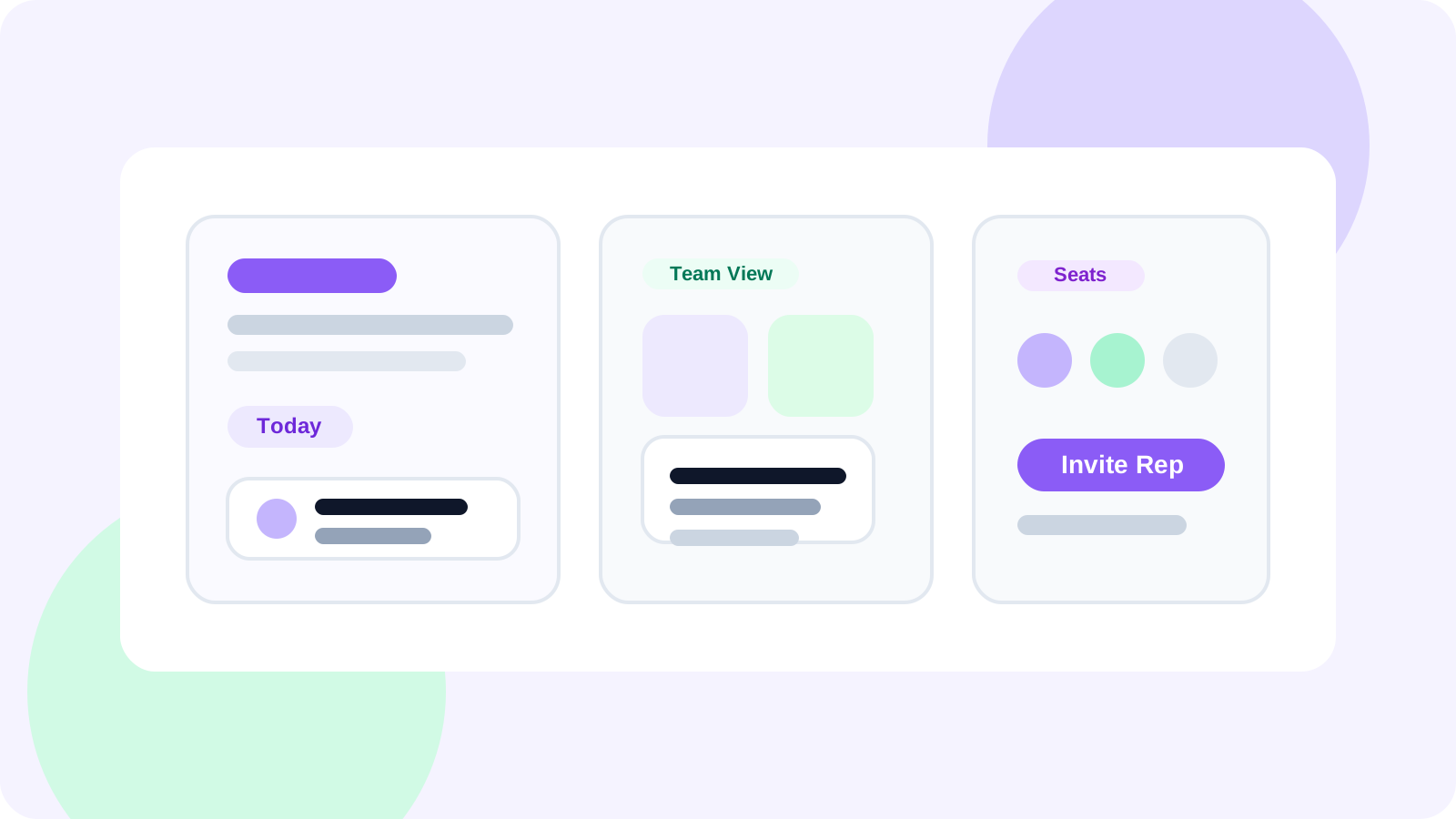
A real team edition needs both layers at once. DMnesia’s structure is built around that split. Reps use the extension to save profiles, stage prospects, track replies, and run follow-up from a daily queue. Managers use the shared portal for team leads, invite flow, seat usage, and activity visibility across members.
How a team edition differs from an individual LinkedIn extension
The rep still needs the basics: easy capture, reminders, templates, and reply awareness. But once the team grows, those basics need a shared operating layer around them.
| Capability | Individual-only extension | Team edition extension |
|---|---|---|
| Profile tracking | Rep can save and follow up on their own contacts | Rep workflow stays fast while the org can see shared totals |
| Pipeline visibility | Only the rep sees active work | Managers see team activity, gaps, and coverage |
| Scaling the team | No clean path for seats or invites | Invite controls and plan visibility support team growth |
| Integration readiness | Hard to connect to shared systems | Team-owned data layer can support CRM and ops workflows |
What the rep side still needs to do well
A team edition fails if it slows reps down. The rep view must still feel like a productivity tool, not an admin console.
- One-click profile capture so a useful prospect does not disappear when the tab closes.
- Target lead staging so discovery stays separate from active follow-up.
- Reminder timing so due work is visible every day.
- Reply detection so live conversations stop looking like pending tasks.
- Reusable templates so reps keep quality consistent without rewriting everything.
If you want the individual workflow angle in more detail, the companion article on Chrome extension for LinkedIn pipeline covers the solo operator side.
What the team layer must add
Shared dashboard visibility
Managers need more than anecdotes. They need a team-level view of tracked leads, member activity, and whether the system is healthy. The guide to shared LinkedIn outreach dashboards explains why this becomes essential once outreach spans more than one browser.
Seat usage and invite flow
Growing teams need a practical way to add members and understand capacity. This sounds operational, but it directly affects adoption. If adding a rep is clumsy, the team will not keep the workflow consistent.
Team analytics and coaching context
Once there are multiple reps, leadership needs to know whether the problem is targeting, timing, or discipline. That is where team LinkedIn outreach analytics become the difference between useful coaching and generic pressure.
Buying rule: if the extension adds dashboards but makes the rep workflow feel heavier, it is not really team-ready. The team layer should sit around the rep workflow, not on top of it.
Why teams outgrow individual-only LinkedIn tools
At one rep, memory and ownership are local problems. At five reps, they become operating problems. The manager cannot see the gaps. The team cannot easily spot overlap. Strategic accounts depend too much on one person’s discipline.
That is why the best team-ready LinkedIn tools create a shared memory layer. In DMnesia, that looks like team lead visibility, member tables, invite control, and organization-level access for broader integrations, while the extension itself keeps the day-to-day motion close to the rep.
If you are specifically trying to prevent dropped context during rep changes, pair this with LinkedIn outreach handoff workflow for the transfer rules that sit on top of the extension layer.
Teams working across regions or time zones should also read sales engagement Chrome extension for distributed sales teams for the remote-operating requirements that become critical once the team is no longer co-located.
If one pod is running partner-sourced outreach instead of classic SDR volume, the evaluation changes. The new guide to sales engagement Chrome extension for partner-led growth covers the warmer relationship model those teams need.
How to evaluate a Chrome extension for LinkedIn pipeline team edition
- Check the rep flow first. If capture, reminders, and reply handling are weak, team features will not save it.
- Check the shared layer second. Managers should be able to see the system without asking for screenshots.
- Check handoff readiness third. The team should be able to keep account context visible when ownership changes.
- Check integration path last. Once the workflow is stable, the shared data layer should support CRM or ops workflows.
Teams comparing options often also read LinkedIn outreach tool for sales teams because it frames the buying decision from the manager’s side rather than the extension category itself.
If you want the team-buying checklist version of this category, the new guide to sales engagement Chrome extension for teams breaks down what leaders should evaluate before rollout.
People also ask about Chrome extension for LinkedIn pipeline team edition
What makes a Chrome extension for LinkedIn pipeline team-ready?
A team-ready extension combines rep-side workflow tools like profile capture and reminders with manager-side visibility such as shared dashboards, seat management, and team analytics.
Can a LinkedIn pipeline extension work for both reps and managers?
Yes. The extension should handle individual execution inside LinkedIn, while a shared portal or dashboard gives managers the oversight layer they need.
Why do teams outgrow individual-only LinkedIn extensions?
Because once more than one rep is involved, leaders need shared pipeline visibility, capacity planning, and a way to understand who is building follow-up discipline consistently.
Conclusion: the best team edition protects both speed and visibility
A Chrome extension for LinkedIn pipeline team edition should not force a tradeoff between rep speed and manager oversight. The right product keeps the working motion inside LinkedIn and wraps it with the team controls needed to scale the system.
If your team is outgrowing individual browser tools, DMnesia is built for that next step: extension-side follow-up discipline for reps, plus portal-side visibility and controls for the org.
Move from solo workflow to team operating system
Compare DMnesia if you need a LinkedIn pipeline extension that still feels fast for reps and finally useful for managers.
Compare DMnesia PlansFrequently asked questions
What makes a Chrome extension for LinkedIn pipeline team-ready?
A team-ready extension combines rep-side workflow tools like profile capture and reminders with manager-side visibility such as shared dashboards, seat management, and team analytics.
Can a LinkedIn pipeline extension work for both reps and managers?
Yes. The extension should handle individual execution inside LinkedIn, while a shared portal or dashboard gives managers the oversight layer they need.
Why do teams outgrow individual-only LinkedIn extensions?
Because once more than one rep is involved, leaders need shared pipeline visibility, capacity planning, and a way to understand who is building follow-up discipline consistently.