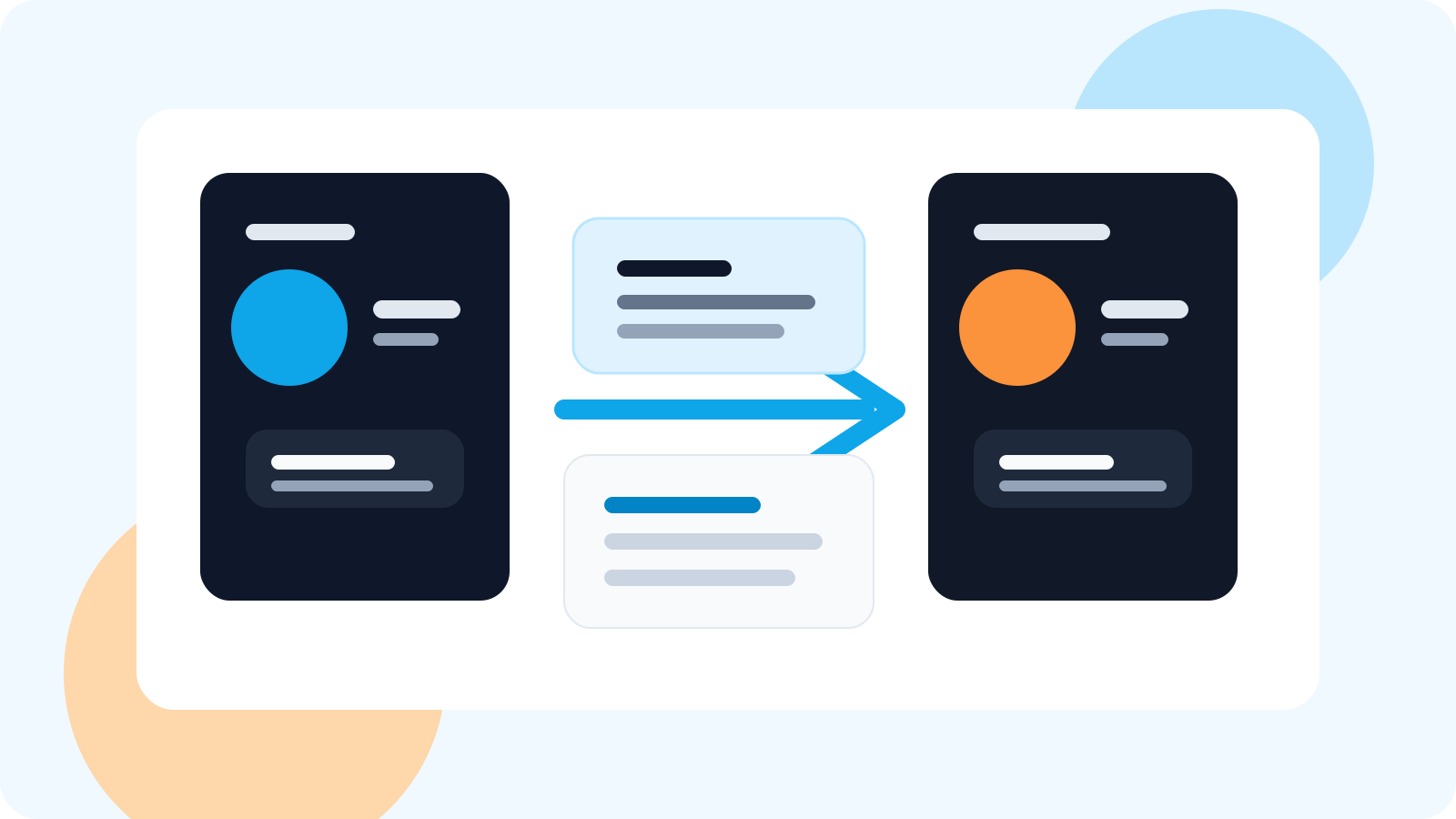
Sales teams manage LinkedIn outreach across reps after handoffs by separating ownership from visibility. The new rep needs a clean queue and conversation context, while managers need a shared view of who owns the account, what was already said, and which follow-up is due next.
That is the moment many teams get sloppy. A lead gets reassigned, a territory changes, an SDR books a meeting and hands it to an AE, or an account manager takes over after close. If LinkedIn outreach is still living in scattered tabs or memory, the next rep either duplicates outreach or hesitates long enough for the thread to cool down.
The strongest operating model keeps the rep workflow browser-first and the oversight layer shared. That gives the incoming owner enough context to act immediately without asking five people for screenshots.
For the bigger sequence-design version of this problem, pair it with multi-channel outreach orchestration with LinkedIn for account-based sales.
What usually breaks during LinkedIn handoffs
Most handoffs fail for a simple reason: the team knows the account changed hands, but the active LinkedIn conversation history does not turn into a usable next action.
| Handoff problem | What happens next | What a better system should show |
|---|---|---|
| No clear owner | Two reps think the other person will follow up | One visible account owner with tracked conversation status |
| No thread context | The new rep restarts the conversation awkwardly | Saved contacts, prior timing, and what stage the thread is in |
| No shared visibility | Managers need manual updates to understand risk | A dashboard view of open work, rep coverage, and overdue follow-ups |
That is why handoffs are not just a CRM routing issue. They are an execution issue inside LinkedIn itself.
How sales teams should manage outreach across reps after handoffs
1. Set ownership before the next message is due
The moment an account changes hands, the next rep should become the obvious owner in the system. That sounds basic, but it is the difference between a live follow-up and a silent gap. For a broader ownership model, the guide on LinkedIn account ownership for sales teams is the right companion read.
2. Keep the new rep inside a browser-level workflow
Handoffs get heavier than they need to be when the incoming rep has to reconstruct everything in the CRM before acting. A cleaner model gives them a browser-native queue with the relevant contacts already visible, then lets the shared system handle oversight.
3. Preserve context, not just names
Seeing that a contact exists is not enough. The new rep needs to know whether the thread was warm, stalled, replied, or waiting on a specific next step. That is why reply-aware status and timed follow-ups matter even more during handoff scenarios.
4. Give managers a shared dashboard, not a manual chase
Leaders should not need to ask each rep what happened to every transferred account. A shared team view should reveal active contacts, overdue follow-ups, and coverage by rep. If dashboard visibility is your main concern, the general answer lives in shared LinkedIn outreach dashboard and the more review-oriented version in weekly pipeline reviews.
Healthy handoff rule: the rep who inherits the account should know what to do next inside LinkedIn without waiting for another meeting about the meeting.
Where DMnesia fits for rep-to-rep LinkedIn handoffs
DMnesia works well here because the product separates day-to-day execution from team visibility. Reps can track contacts, follow due work from the browser, and rely on reply-aware status changes. Teams can then layer dashboards, member management, shared templates, and API-connected reporting on top when they need broader coordination.
- Tracked contacts make it easier to inherit a live account without rebuilding the contact list.
- Reply-aware follow-up queues reduce accidental duplicate nudges after a prospect responds.
- Team views help managers spot ownerless or stalled handoffs before the account goes cold.
- Shared templates preserve tone and positioning when different reps touch the same account journey.
If you need the broader non-handoff answer, start with how sales teams manage LinkedIn outreach across reps. If the real pain is routing and ownership logic, pair this with LinkedIn outreach handoff workflow and LinkedIn lead routing for sales teams.
For teams that run handoffs inside named account pods rather than one-to-one rep transfers, the new guide to shared LinkedIn outreach dashboard for account pods shows how coverage and next-owner visibility should become part of the operating view itself.
A simple handoff workflow table
| Stage | Rep action | Team system action |
|---|---|---|
| SDR to AE | Transfer live stakeholder context | Update owner and preserve tracked follow-up state |
| Territory change | Review active account threads | Show overdue work and replied contacts for the new owner |
| Post-sale expansion | AM inherits warm contact map | Keep shared visibility without restarting the relationship |
People also ask
How do sales teams manage LinkedIn outreach across reps after handoffs?
The strongest teams use clear account ownership, a shared dashboard for visibility, and a browser-level workflow so each rep can execute without stepping on another conversation.
What breaks during LinkedIn rep handoffs?
Most teams lose context, duplicate outreach, or leave follow-ups ownerless. Handoffs fail when the new rep cannot see who was contacted, what was said, and what is due next.
Do teams need CRM integration to manage LinkedIn handoffs?
Not always on day one. A shared LinkedIn dashboard and clear ownership can solve the immediate execution problem, while CRM or API integrations become more useful as reporting needs grow.
Conclusion: handoffs work when execution and visibility stay connected
Sales teams manage LinkedIn outreach across reps after handoffs by making ownership explicit and keeping the next action visible. The rep needs a clean operating layer. The manager needs confidence that nothing warm is slipping between seats.
DMnesia supports that model with browser-first execution for reps and a team layer for shared visibility. That keeps handoffs practical instead of turning them into spreadsheet archaeology.
Give every LinkedIn handoff a clear next owner
Use DMnesia to keep tracked contacts, due follow-ups, and team visibility aligned when accounts move between reps.
Explore the team workflowFrequently asked questions
How do handoffs usually fail on LinkedIn?
They fail when the next rep inherits an account name but not a usable conversation state. That creates silence, duplicate messages, or clumsy restarts.
What should managers see during rep transitions?
Managers should see ownership, active contacts, overdue follow-ups, and whether replied threads were picked up correctly by the new rep.
Can a browser-first tool still support team coordination?
Yes. The best model is often browser-first for rep execution and shared dashboards or integrations for leadership visibility.