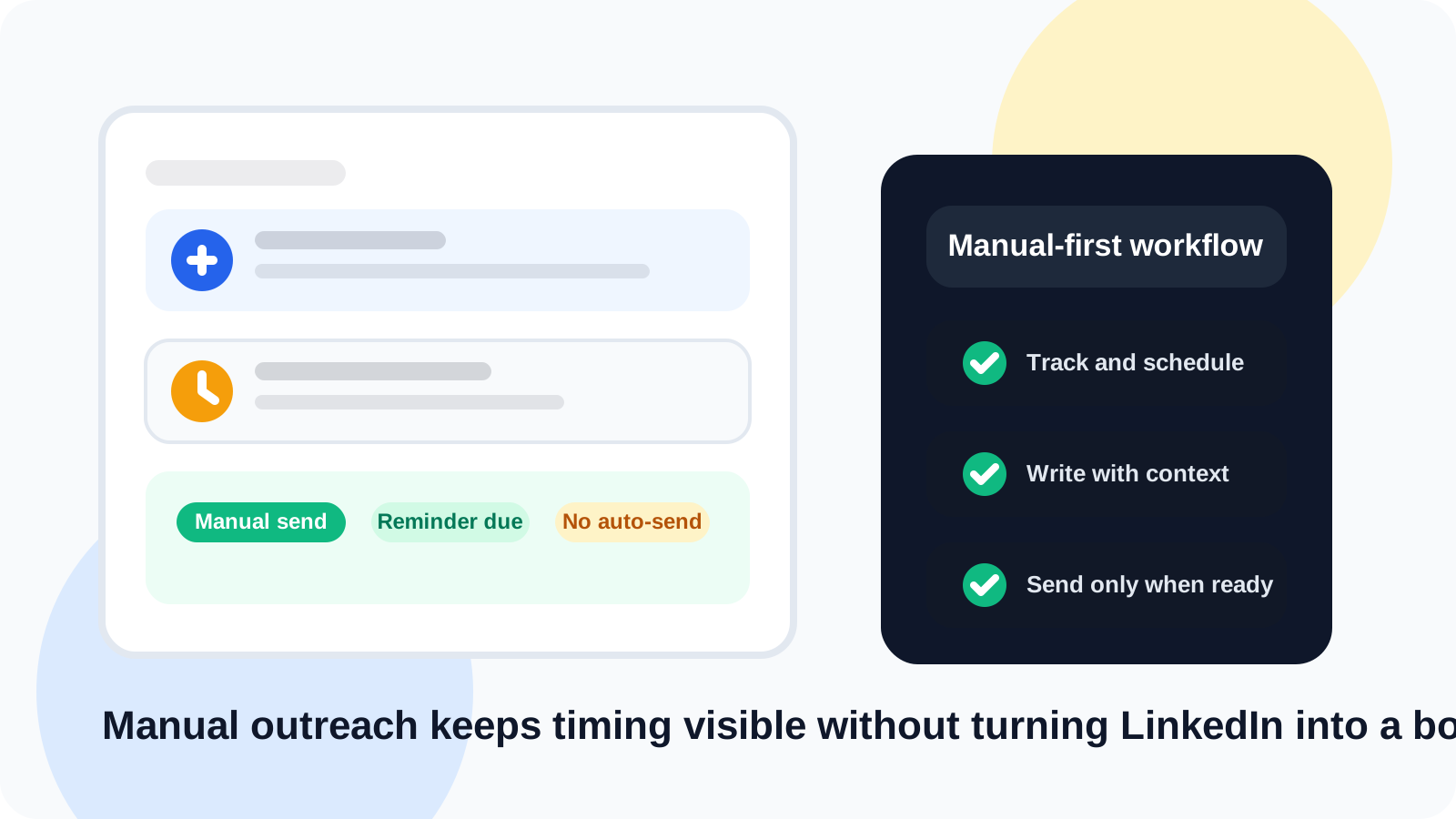
LinkedIn outreach without sending automated messages is not a step backward. It is usually the cleaner operating model. You keep control over tone and timing, while a browser-based workflow handles reminders, saved contacts, and reply awareness so warm conversations do not disappear between tabs.
Many teams start searching for automation because their current process feels fragile. Reps forget follow-ups, managers have no visibility, and every new conversation turns into another thing to remember later. The mistake is assuming the only fix is automated sending.
In practice, most outreach breakdowns come from weak workflow design, not a lack of buttons. The better answer is a system that supports the rep without impersonating the rep. That is why DMnesia is positioned as a manual-first LinkedIn tracking layer: save profiles in one click, set follow-up timing, reuse templates, and notice replies before the next nudge goes out.
Why teams want LinkedIn outreach without sending automated messages
When people say they want manual outreach, they usually do not mean they want chaos. They mean they want a workflow that feels safer, more personal, and easier to trust.
| Goal | Bad workaround | Better manual-first approach |
|---|---|---|
| Stay consistent | Mass sequence every prospect | Use reminders and a visible daily queue |
| Move faster | Copy the same message everywhere | Use templates as drafting help, then personalize |
| Avoid dropped threads | Rely on memory or sticky notes | Track profiles the moment they matter |
| Protect tone | Let automation decide follow-up behavior | Keep every send action human-controlled |
What a strong manual LinkedIn workflow actually includes
1. Fast profile capture while the context is fresh
If a rep has to leave LinkedIn, open another tool, and log everything by hand, some prospects will never be captured. A better system lets the rep save the person while they are still on the profile. DMnesia is built around that exact behavior with one-click profile tracking.
2. A daily queue that answers "who is due now?"
Manual outreach fails when timing becomes vague. The rep remembers they should follow up with someone, but not with whom or when. A visible Today queue fixes that by turning follow-up into a daily operating habit instead of a memory test.
3. Templates that speed drafting without flattening the message
The point of templates is not to send generic copy. It is to remove blank-page friction. A rep should start from a good structure, then adapt the opening and ask to the person, the trigger, and the stage of the conversation. DMnesia supports message template injection precisely for that reason.
4. Reply-aware status so you stop nudging live threads
Nothing makes manual outreach look worse than following up like a stranger after the prospect already replied. DMnesia uses reply detection to skip pending follow-ups for responded contacts, which keeps the workflow aligned with what is actually happening in the inbox.
Manual-first does not mean unstructured. It means the tool supports memory, timing, and visibility while the rep still decides what to say and when to say it.
How LinkedIn outreach without sending automated messages scales better than most people think
Manual-first outreach can still be fast when the system removes low-value admin. Reps do not need another dashboard for every message. They need an operating layer close to LinkedIn that keeps the next action visible.
- Track only active work so the queue stays clean and relevant.
- Use a fixed rhythm such as day 3, day 7, and day 14 when a thread is waiting.
- Keep target leads separate until they are ready for real outreach.
- Archive or snooze old threads instead of carrying stale noise forever.
- Use team reporting above the workflow rather than forcing heavy CRM logging into every DM.
That last point matters for managers. Teams often need visibility without wanting a risky automation layer. DMnesia adds a team portal, shared templates, and API access when the organization needs reporting or downstream systems, but the rep workflow remains manual and browser-native. If you care about the policy side of that distinction, read LinkedIn outreach compliance with TOS, the team rollout follow-up on LinkedIn outreach compliance with TOS for sales teams, and the recruiter-specific companion on LinkedIn outreach compliance with TOS for recruiters.
Where DMnesia fits in a manual outreach stack
DMnesia is strongest for teams that want personal outreach to stay human while the process around it gets tighter. The product helps with saved contacts, follow-up reminders, reply-aware updates, target lead staging, and template-assisted drafting. That makes it a better fit than a tool whose core promise is pushing actions automatically.
It also aligns well with the buyers reading pages like privacy-friendly LinkedIn outreach tracker, private LinkedIn tracker without automation, and LinkedIn tracker that does not get banned. Those people are not asking for more automation. They are asking for more control with less leakage.
People also ask about LinkedIn outreach without sending automated messages
Can you do LinkedIn outreach without sending automated messages?
Yes. Many teams run LinkedIn outreach manually and use a browser-based tracker only for reminders, saved contacts, templates, and reply visibility. The key is keeping the send action human-controlled.
What should a manual LinkedIn outreach workflow include?
A strong manual workflow should include quick profile capture, a due queue, message templates, reply-aware follow-up, and a way to snooze or archive stalled conversations.
Why do teams prefer manual-first LinkedIn outreach?
Manual-first outreach gives the rep control over tone, timing, and targeting while still creating enough structure to avoid dropped follow-ups and duplicate messaging.
Conclusion: structure beats automation theater
LinkedIn outreach without sending automated messages works when the system is disciplined enough to replace guesswork. Better timing, cleaner capture, and reply awareness matter more than trying to automate the entire interaction.
If you want that kind of workflow, DMnesia keeps LinkedIn follow-up organized in the browser while every send still belongs to the rep. You can compare the operating model on the DMnesia features page or start directly in Chrome.
Keep LinkedIn outreach human and organized
Use DMnesia to track the right profiles, surface due follow-ups, and keep every LinkedIn message manual.
Install DMnesia for ChromeFrequently asked questions
Can you do LinkedIn outreach without sending automated messages?
Yes. The core requirement is a system that handles reminders, saved contacts, and reply visibility while keeping the send action manual.
What should a manual LinkedIn outreach workflow include?
Quick profile capture, a due queue, templates, reply awareness, and a way to close or pause stale threads are the essentials.
Why do teams prefer manual-first LinkedIn outreach?
Because it protects message quality and control while still giving the team enough operational discipline to stay consistent.