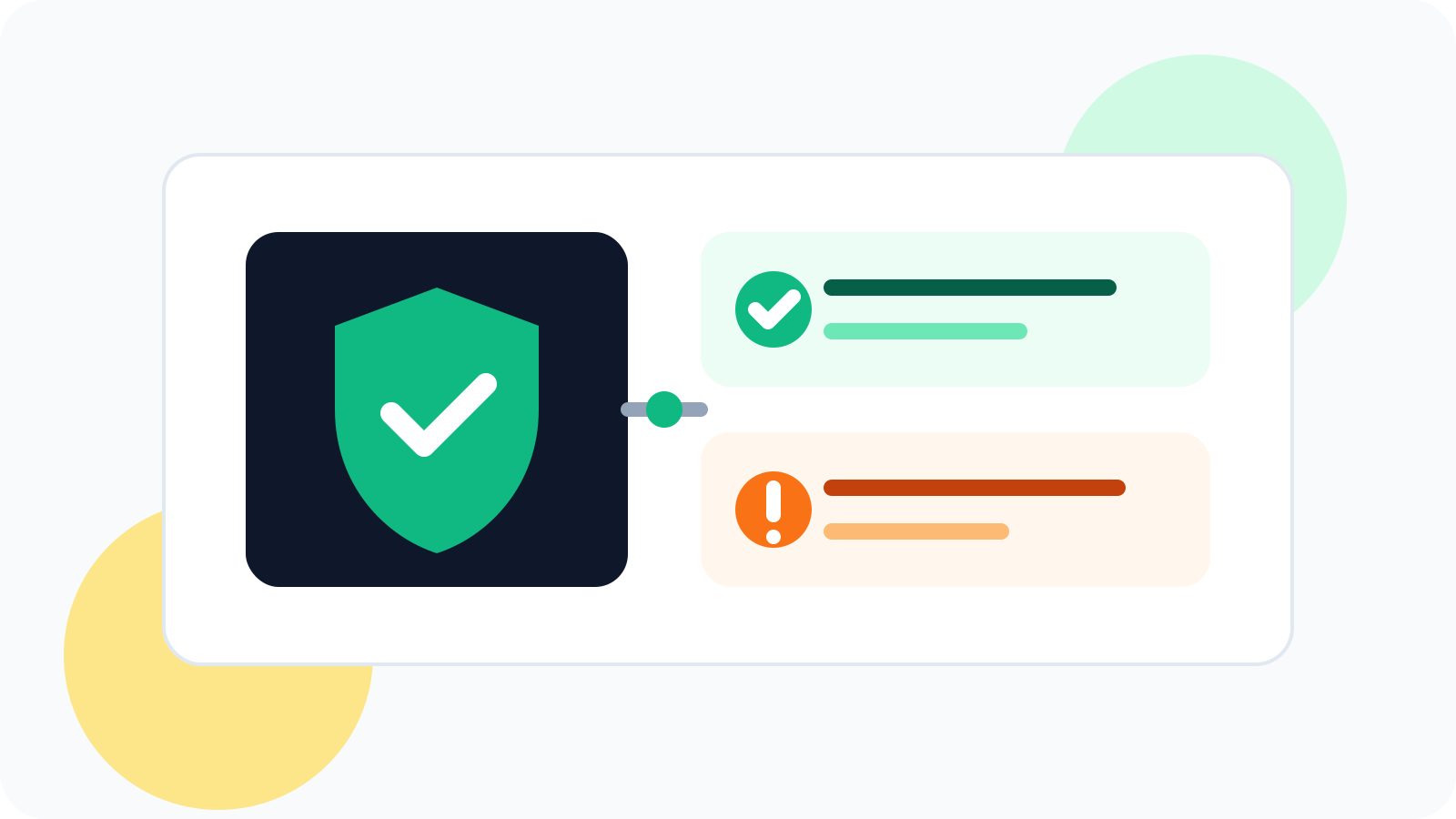
A LinkedIn tracker that doesn't get banned is usually one that helps you stay organized without acting like a bot. Safer tools focus on contact tracking, reminders, and reply visibility, while risky tools try to automate outreach actions at scale and create the kind of behavior platforms watch closely.
When people ask for a safe LinkedIn tracker, they are usually asking two different things at once. First, they want a way to remember who needs a follow-up. Second, they do not want to risk their account by using something that behaves like aggressive automation.
Those are not the same product category. A manual-first tracking tool is built to support the rep’s decisions. A risky automation tool is built to perform the rep’s actions. That distinction matters.
Teams that need shared visibility and lower-governance anxiety should also read LinkedIn tracker that doesn't get banned for compliance-conscious sales teams.
What a safer LinkedIn tracker does
Safe tracking is about organization, not imitation. It should help you keep context around conversations you are already managing yourself.
- Track contacts you chose manually instead of scraping or blasting unknown people.
- Set reminders so the right follow-up happens on time.
- Spot replies quickly so live conversations leave the pending queue.
- Show due work in a simple daily view instead of pushing mass actions.
If you are explicitly comparing products through a data-handling lens, the best companion reads are privacy-friendly LinkedIn outreach tracker, which breaks down local-first storage, manual-first behavior, and optional sync, and private LinkedIn tracker without automation, which focuses on the manual-first side of the same buying question.
That is the basic logic behind DMnesia. The product is built around tracking, timing, and visibility: follow-up schedules, a Today queue, badge alerts for due items, reply detection, reusable templates, and cloud sync. Those features help reps stay consistent without turning the browser into an auto-sending machine.
| Safer tracking behavior | Riskier automation behavior | Why the distinction matters |
|---|---|---|
| Manual contact tracking | Mass outreach execution | One supports your workflow; the other tries to replace it |
| Reminder scheduling | Connection blasting and timed send loops | Reminders prompt a human action instead of simulating one |
| Reply visibility | Automated message chains that keep firing | Tracking helps you stop and respond appropriately |
| Simple analytics | Volume obsession with little context | Healthy workflows optimize for real conversations, not just output |
What to avoid if you want a LinkedIn tracker that doesn't get banned
1. Anything that promises fully automated outreach
If the main promise is that you can remove yourself from the process, that is already a warning sign. LinkedIn outreach is safest when the user is still making the decisions and sending the messages.
2. Tools that keep firing follow-ups after replies
This is not just awkward. It is also a sign of weak workflow design. DMnesia’s reply detection exists for a reason: once a contact replies, the system should move away from pending follow-up logic and back toward human judgment.
3. Tools that only measure activity, not conversation quality
Pure activity dashboards can push teams toward more volume and less thought. A safer workflow measures what matters: active contacts, replies, and how long it takes to get a response.
Simple safety test: if the tool is mainly helping you remember, review, and respond, it is in the safer category. If it is mainly trying to act for you, risk goes up fast.
What safe LinkedIn tracking looks like in practice
For most reps, a safer setup looks like this:
- Save a profile only when you have a reason to work it.
- Set a follow-up sequence that matches your selling motion.
- Use a Today view to work due follow-ups one by one.
- Rely on reply visibility so warm conversations get handled first.
- Use templates as drafting help, not as an excuse to remove thinking.
That is why manual-first tracking remains attractive in 2026. Reps want discipline without the exposure of aggressive automation. They want consistency without losing control.
Some teams want that same restraint in a CRM shape, which is why profile-only LinkedIn CRM workflows are getting more attention too.
People also ask about a LinkedIn tracker that doesn't get banned
What kind of LinkedIn tracker is less likely to get banned?
A tracker that supports manual outreach rather than automated sending is generally safer. Tools that organize contacts, set reminders, and surface replies are very different from bots that mimic user actions at scale.
Is reply tracking safer than message automation on LinkedIn?
Yes. Reply tracking helps the user manage conversations that already exist. Automated sending, blasting, and scripted activity create a very different risk profile.
Can I use a LinkedIn tracker without sending automated messages?
Absolutely. Many sales teams only want timing, organization, and visibility. That is exactly what a manual-first tracker should provide.
Conclusion: safer LinkedIn tracking is about support, not simulation
If you want a LinkedIn tracker that doesn't get banned, stop looking for something that can do the selling for you. The safer category is the one that helps you track people, manage timing, notice replies, and stay consistent while keeping the outreach itself human.
That is the model DMnesia is built around. It keeps the rep in control while making the follow-up system much harder to forget.
Track manually, follow up consistently
Use DMnesia to manage contacts, reminders, replies, and due follow-ups without turning LinkedIn into an automation bot.
Try DMnesia on ChromeFrequently asked questions
What kind of LinkedIn tracker is less likely to get banned?
A tracker that supports manual outreach rather than automated sending is generally safer. Tools that organize contacts, set reminders, and surface replies are very different from bots that mimic user actions at scale.
Is reply tracking safer than message automation on LinkedIn?
Yes. Reply tracking is focused on helping the user stay organized around conversations that already exist. Automated sending, connection blasting, and scripted activity create far more platform risk.
Can I use a LinkedIn tracker without sending automated messages?
Yes. Many reps only want reminders, contact organization, and reply visibility. That manual-first setup is exactly what safer LinkedIn tracking should provide.