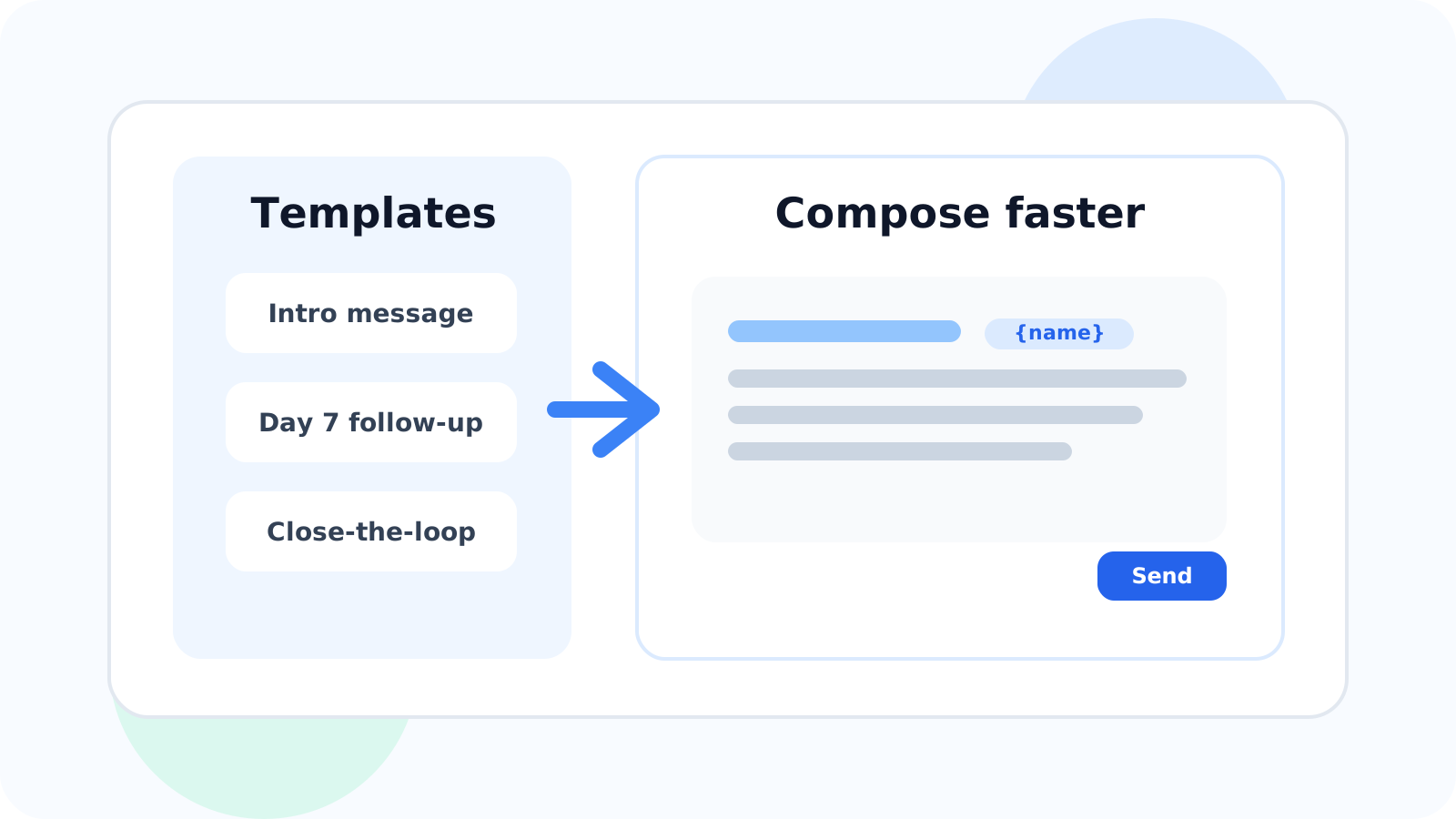
LinkedIn message template injection helps reps start from a strong draft instead of a blank compose box. Done well, it saves time, preserves consistency, and still leaves space to personalize the message so outreach feels relevant rather than copied and pasted.
Template speed is useful, but only when it protects quality. Most reps do not need a bigger library of canned messages. They need a cleaner way to grab a working draft, adjust it quickly, and keep moving while the prospect context is still fresh.
That is the practical value of DMnesia’s template workflow. Reps can store reusable messages, use personal placeholders, and pull a template from the extension while composing. The result is not automation pretending to be human. It is a faster drafting step for human-led outreach.
What good LinkedIn message template injection should accomplish
| Template moment | What should happen | Why it matters |
|---|---|---|
| Before writing | Choose the right template for the stage of the conversation | You start with the right intent instead of improvising every time |
| While composing | Insert a draft with personal details already mapped in | You remove blank-page friction without losing relevance |
| After sending | Return to a visible reminder queue | The template becomes part of a follow-up system, not an isolated shortcut |
That final point matters most. Templates are only valuable when they connect to the rest of the outreach workflow.
Why most template systems fail reps
1. They optimize for storage instead of speed
A huge message bank looks impressive, but if it takes too long to find and use the right draft, the rep goes back to typing from scratch. DMnesia keeps the workflow simple with a focused template picker rather than a bloated content library.
2. They remove too much judgment
The best templates do not try to finish the job on their own. They create a better starting point. That is why personal placeholders for details like name, company, headline, and location matter: they keep the draft closer to the actual person.
3. They are disconnected from follow-up timing
A good draft on the wrong day still underperforms. DMnesia ties templates to the same browser workflow that shows due contacts in Today, which means the message and the timing stay linked.
Useful test: if your team says the template system is helpful but still rewrites every message from zero, the problem is usually workflow friction, not writing skill.
How to use LinkedIn message template injection without sounding generic
Templates work best when the rep uses them as structure, not as identity.
- Build templates by outreach stage instead of one-size-fits-all scripts.
- Keep the body short so edits are fast and the message stays readable.
- Add one real detail before sending to anchor the message in context.
- Use templates for follow-ups too so consistency does not vanish after message one.
- Import proven drafts in bulk when the team already has a repeatable message set.
DMnesia supports that lighter model with saved templates, a quick picker, and CSV import when teams want to standardize a starter library. The point is not to industrialize the conversation. The point is to remove repeated setup work.
People also ask about LinkedIn message template injection
What is LinkedIn message template injection?
It is a faster way to drop a reusable message draft into your LinkedIn workflow so you begin from a strong structure instead of a blank compose box.
Do LinkedIn templates make messages sound robotic?
Only when they are used lazily. Strong templates save drafting time, but the rep still needs to adjust the message to the prospect and the conversation stage.
What should a LinkedIn message template include?
It should include a clear purpose, a concise body, and relevant personal details so the message begins closer to context instead of generic outreach language.
Conclusion: templates should accelerate relevance, not replace it
LinkedIn message template injection is most useful when it helps the rep move faster toward a good message, not when it encourages lazy repetition. The best systems reduce typing, preserve consistency, and still leave room for judgment.
That is where DMnesia fits. Templates, personalization, and due follow-up visibility all sit inside the same browser-native routine, so writing speed does not come at the cost of message quality.
For the manager-focused angle, read LinkedIn message template injection for team consistency. It covers how teams standardize message quality without turning every rep into a copy-and-paste machine.
If you are the one writing every note yourself, the new LinkedIn message template injection for founder-led sales guide explains how solo founders can use reusable drafts without losing voice or timing.
Speed up follow-ups without turning robotic
Use DMnesia to keep reusable LinkedIn templates, personalize drafts quickly, and work each message from a clean follow-up queue.
Try DMnesia for freeFrequently asked questions
What is LinkedIn message template injection?
It is a quick way to start from a reusable LinkedIn draft instead of writing every outreach message from scratch.
Do LinkedIn templates make messages sound robotic?
They can, but only if the rep stops personalizing. A good template should shorten setup time, not remove judgment.
What should a LinkedIn message template include?
A clear purpose, a short draft, and personal details that make the message feel anchored in the prospect, not in a script.