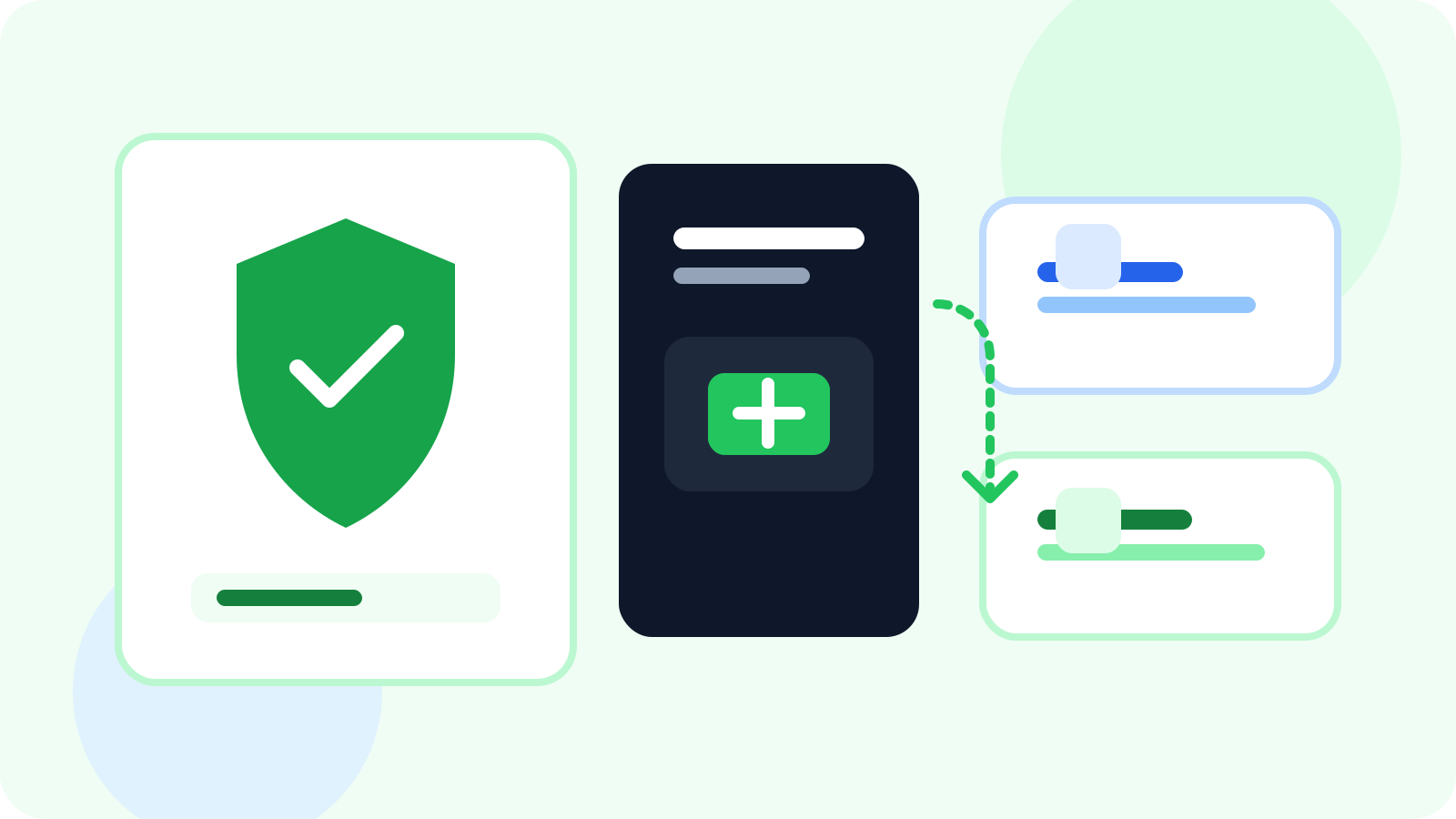
A privacy-friendly LinkedIn outreach tracker should keep core tracking local, stay manual-first, and only move data to the cloud when you explicitly want sync or team visibility. That gives you a cleaner balance between outreach discipline and data restraint, which is exactly what many modern reps want from a browser-native workflow.
Privacy conversations around LinkedIn tools often get flattened into one vague question: is this safe or not? In practice, people care about more specific things. They want to know what gets stored, where it lives, how much control they keep, and whether the tool is quietly trying to do more than it needs to do.
That is why the phrase privacy-friendly LinkedIn outreach tracker usually points toward a very particular product shape: local-first storage, manual tracking instead of automated sending, and optional sync rather than mandatory account creation from day one.
If your evaluation is happening at team scale, compare that with LinkedIn tracker that doesn't get banned for compliance-conscious sales teams for the rollout and governance angle.
What makes a LinkedIn outreach tracker privacy-friendly
A privacy-friendly tool is not just one that says the right words. It should make product choices that reduce unnecessary data movement and avoid workflow patterns that feel invasive or over-collected.
| Design choice | Why it is privacy-friendly | Why users still care about it operationally |
|---|---|---|
| Local-first storage | Keeps core data on the user’s machine by default | Fast access and less dependence on external systems |
| Manual-first tracking | Reduces aggressive automation behavior | Keeps follow-up tied to human judgment |
| Optional sync | Lets users choose when data should move across devices | Supports growth without forcing complexity too early |
| Focused capture | Tracks contacts you intentionally work | Creates a cleaner queue and fewer junk records |
Notice that none of these features require a weak workflow. Privacy-friendly design can still support serious execution if the queue and reminder system are done well.
Why privacy-friendly does not mean less useful
1. Follow-up discipline still matters
A privacy-friendly tracker should still help you remember the right people at the right time. If the product keeps data local but leaves you with a chaotic reminder system, it is protecting the wrong thing.
2. Queue trust matters as much as storage location
The best manual-first tools give you a real daily operating list. That means due follow-ups, reply awareness, and a clear way to snooze or archive stale contacts without destroying context.
3. Optional sync is often the right compromise
Some users never need anything beyond local-only tracking. Others eventually want cross-device access or team visibility. Privacy-friendly design does not have to block that. It just means sync should be a conscious upgrade path instead of the unavoidable starting point.
Best standard: collect only what is necessary for the workflow you actually perform, and make anything beyond that optional, visible, and easy to understand.
How DMnesia approaches privacy-friendly LinkedIn tracking
DMnesia is designed around exactly that progression. On the Free plan, core data stays local in the browser so solo users can track contacts, manage reminders, and work their LinkedIn queue without mandatory sign-in. When users want broader access, Pro adds cloud sync. When organizations need shared visibility, the workflow expands into team features.
- Local-first free mode for private, browser-native contact tracking.
- Manual-first workflow with reminders, reply detection, and a Today queue instead of automated sending.
- Optional sync for users who want cross-device continuity.
- Team visibility only when the motion genuinely needs shared dashboards, templates, or API-connected reporting.
That makes DMnesia a strong fit for people who care about privacy but still want a real operating system for LinkedIn follow-up. It is not just a storage philosophy. It is a workflow philosophy.
If your main concern is staying manual-first rather than only local-first, read LinkedIn outreach without sending automated messages. It explains how reminder-driven workflows stay organized without handing sending behavior over to automation.
If this is the lens you are using, compare it with the guide to a LinkedIn tracker that does not get banned, the article on tools that remind you to follow up on LinkedIn DMs, the overview on how to detect when a LinkedIn lead has replied, the recruiter-focused compliance guide on LinkedIn outreach compliance with TOS for recruiters, and the companion breakdown of a local-first LinkedIn follow-up tracker. For the product’s legal position, the public privacy policy is the right place to verify details.
People also ask about privacy-friendly LinkedIn outreach trackers
What makes a LinkedIn outreach tracker privacy-friendly?
The strongest privacy-friendly trackers keep core tracking local, avoid automated sending, and only use cloud sync when the user explicitly wants it.
Can a privacy-friendly tracker still be useful for follow-ups?
Yes. Privacy-friendly design does not mean weak workflow design. You can still have reminders, due queues, reply awareness, and clean contact organization.
Is local-only storage better for LinkedIn outreach tracking?
For many solo users, yes. Local-only storage can be a strong default because it minimizes data movement while keeping the workflow fast inside the browser. If you later need broader access, a tool with optional sync is usually the better path than one that forces it immediately.
Conclusion: privacy-friendly outreach tools should feel restrained, not limited
The right privacy-friendly LinkedIn outreach tracker does not try to win by doing everything. It wins by doing the necessary things clearly: tracking the contacts you care about, reminding you when to follow up, noticing when a reply changes the queue, and letting you decide when more data movement is worth it.
That is why local-first, manual-first, optional-sync design has become such a strong category signal in 2026. It respects the user without giving up the workflow discipline that actually drives conversations forward.
Track LinkedIn follow-ups with a privacy-friendly default
Use DMnesia to keep core outreach tracking local, stay manual-first, and add sync or team visibility only when your workflow is ready for it.
Install DMnesia for ChromeFrequently asked questions
What makes a LinkedIn outreach tracker privacy-friendly?
Local-first storage, manual-first workflows, and optional sync are the strongest signs. Those choices reduce unnecessary data movement without weakening follow-up execution.
Does privacy-friendly mean no cloud features at all?
No. It usually means cloud features are optional and clearly tied to a user benefit such as cross-device access or team visibility, rather than being mandatory from day one.
Can privacy-friendly tracking still help sales teams?
Yes. Teams can start with more restrained data handling and still expand into dashboards, templates, and reporting once the workflow genuinely needs them.