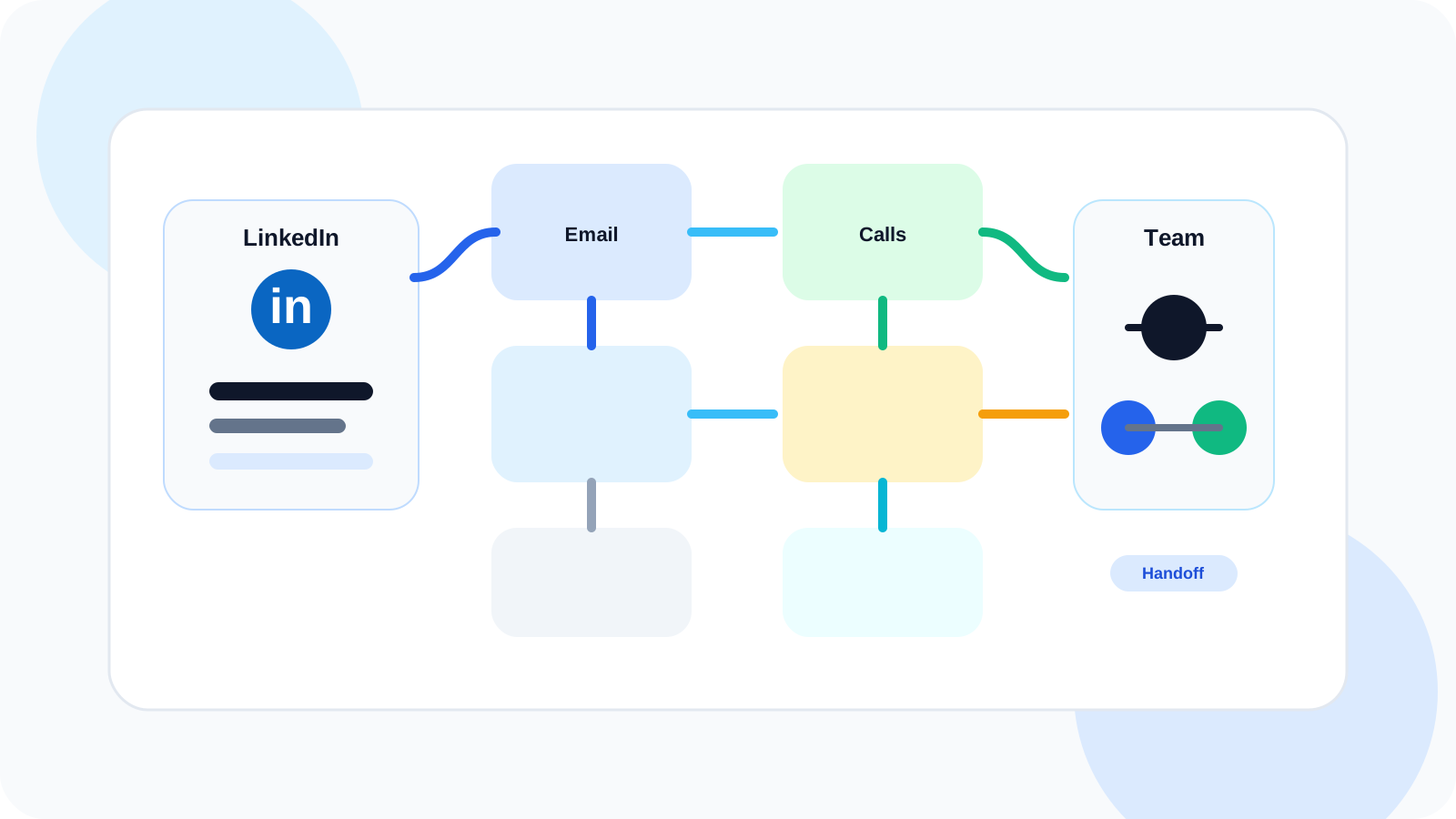
Multi-channel outreach orchestration with LinkedIn works best when LinkedIn becomes the context layer, not a disconnected extra channel. Account-based teams use it to see who is active, coordinate the next touch, and keep handoffs clean across email, calls, and shared account ownership.
A lot of “multi-channel” outreach is just channel stacking. One rep sends an email, another calls, someone else sends a LinkedIn message, and no one knows which touch created momentum. That is not orchestration. It is parallel activity.
True orchestration is about sequence, ownership, and timing. Large accounts require more than a single-thread workflow because conversations happen with multiple people and across multiple surfaces. LinkedIn becomes especially useful because it is often where live signals appear first: a profile visit, a role change, fresh posting activity, or a visible reply that should change what the team does next.
DMnesia fits well into that model because it keeps the LinkedIn side of the account visible without asking reps to leave the browser. The team can save target profiles, run follow-up reminders, detect replies, and keep active LinkedIn threads from disappearing while the broader account strategy continues in CRM or team systems.
Why LinkedIn belongs inside account-based orchestration
LinkedIn is not just another place to send a message. It is the channel that usually holds the richest real-time context around the buyer. That makes it valuable for deciding when to push, when to pause, and which stakeholder should get the next touch.
| Channel | Best job in the sequence | What LinkedIn adds |
|---|---|---|
| Structured value message and formal follow-up | Profile context helps the email feel less generic | |
| Phone | Urgency, qualification, and fast objection handling | LinkedIn activity helps time the call more intelligently |
| Warm context, visible signals, and thread continuity | It shows who is active and what follow-up should happen next | |
| Team handoff | Move ownership between SDR, AE, and manager | Reply history and due reminders reduce dropped threads |
The orchestration problem most ABM teams actually have
The issue is rarely “we need more channels.” The real problem is that the team cannot see the account motion clearly enough to coordinate the next move.
- Multiple reps touch the same account but only one person sees the LinkedIn reply.
- Follow-up timing drifts because email and LinkedIn steps are scheduled in different places.
- Warm threads get buried when the team optimizes for volume instead of shared visibility.
- Managers cannot coach timing because the activity is split across tools and memory.
The broader piece on managing LinkedIn outreach across reps after handoffs covers the ownership problem directly. This article is narrower: how to use LinkedIn as the connective layer inside a more complex multi-channel motion.
How to orchestrate LinkedIn with other channels without creating chaos
1. Decide what LinkedIn is responsible for
If LinkedIn is treated as a random extra touch, it will stay random. Strong ABM teams use it for three specific jobs: validating context, watching signals, and managing warm-thread follow-up after the first engagement.
2. Attach the next step to the person, not just the account
Account-based selling often becomes account-level theater. Everyone knows the company matters, but nobody owns the next move for each stakeholder. DMnesia is useful because it gives individual LinkedIn contacts a visible next action, which makes orchestration more concrete.
3. Keep handoffs tied to live LinkedIn context
When an SDR hands a thread to an AE, the LinkedIn follow-up should not restart from zero. Bring the relationship context, the last message, and the next due step with it. That is how orchestration feels coordinated instead of improvised.
4. Let replies change the sequence immediately
A sequence that ignores replies is not orchestration. It is automation. DMnesia’s reply detection and badge visibility matter here because they help teams see when a human conversation should override the planned cadence.
Useful rule: if the team cannot answer who owns the next LinkedIn touch and why it happens before the next email, the “multi-channel” sequence is still just stacked activity.
A practical workflow for multi-channel outreach orchestration with LinkedIn
A clean account-based motion often looks like this:
- Start with a named target list so the account team knows which stakeholders matter most.
- Use LinkedIn to collect context before the first email or call sequence begins.
- Schedule a LinkedIn follow-up when the email goes out, not days later from memory.
- Promote active replies to priority work so warm threads outrank untouched accounts.
- Hand off with notes and timing intact when the account moves from SDR to AE or from AE to manager.
If your team is still earlier-stage and leaner than that, the companion read on LinkedIn-first multi-channel orchestration for lean sales teams is the simpler version. This article assumes more account complexity and shared ownership.
Where DMnesia helps inside the orchestration layer
DMnesia is strongest where ABM sequences usually break down: inside the day-to-day work of deciding who needs attention on LinkedIn right now. It keeps target leads, reminders, templates, and reply visibility close to the rep so the LinkedIn side of the account does not become invisible between CRM updates.
That means the team can keep LinkedIn manual and compliant while still making it operationally useful. If the broader organization also needs reporting or integration, DMnesia’s portal and API-oriented features can sit above the browser workflow instead of replacing it.
People also ask about multi-channel outreach orchestration with LinkedIn
Where does LinkedIn fit in a multi-channel outreach sequence?
LinkedIn usually works best as the context and timing layer. It helps teams see who is active, personalize the next touch, and decide when to follow email or call activity with a higher-context message.
Why do account-based teams need orchestration instead of isolated channels?
Because large accounts involve more people, more handoffs, and more timing windows. Without orchestration, one rep emails, another calls, and nobody knows which LinkedIn conversation is warmest.
Can LinkedIn be orchestrated without turning outreach into automation spam?
Yes. The safer model is to keep LinkedIn manual while using it for timing, reminders, and reply visibility across the account team.
Conclusion: LinkedIn should be the timing layer, not the forgotten layer
Multi-channel outreach orchestration with LinkedIn works when LinkedIn is connected to real ownership and next steps. The goal is not to add more touches. It is to make the right touch happen next, with the right person, while the account context is still fresh.
If your ABM motion needs cleaner timing and clearer follow-up, use DMnesia to keep the LinkedIn side of the account visible while the rest of the sequence moves around it.
Keep LinkedIn visible across the account team
Use DMnesia to track stakeholder follow-ups, spot replies, and keep LinkedIn synchronized with the rest of your outreach motion.
Explore team workflowsFrequently asked questions
Where does LinkedIn fit in a multi-channel outreach sequence?
LinkedIn usually works best as the context and timing layer. It helps teams see who is active, personalize the next touch, and decide when to follow email or call activity with a higher-context message.
Why do account-based teams need orchestration instead of isolated channels?
Because large accounts involve more people, more handoffs, and more timing windows. Without orchestration, one rep emails, another calls, and nobody knows which LinkedIn conversation is warmest.
Can LinkedIn be orchestrated without turning outreach into automation spam?
Yes. The safer approach is to keep LinkedIn manual while using it to coordinate timing, reminders, and reply visibility across the account team.