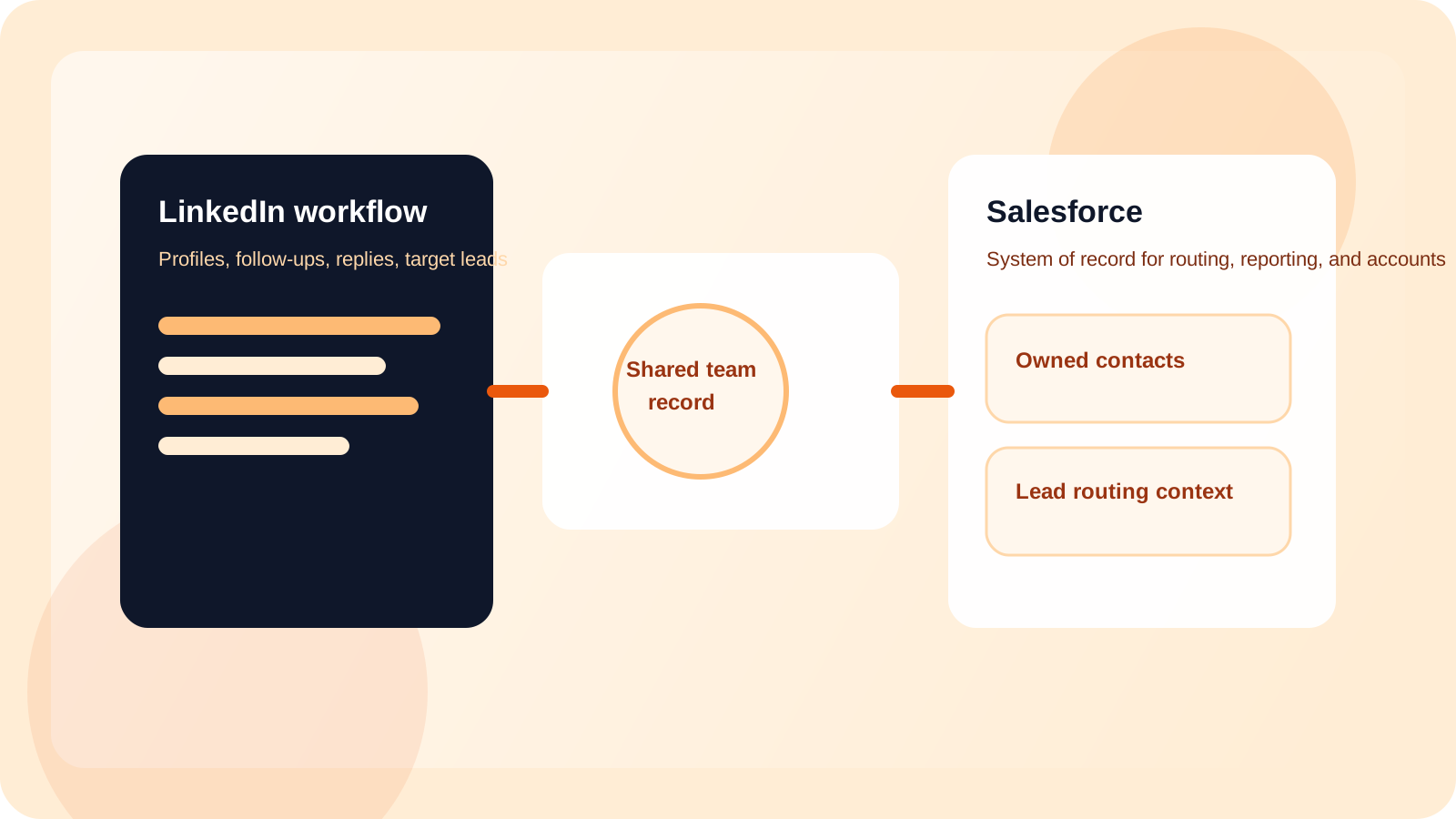
A Salesforce LinkedIn outreach integration should let reps work inside LinkedIn while Salesforce receives the shared contact, ownership, and status data the business needs. The best setup preserves rep speed, reduces double entry, and gives RevOps a cleaner reporting layer for active outreach.
Teams get this wrong when they treat Salesforce like the place where every LinkedIn action must be narrated in real time. Sellers slow down, updates drift, and everyone quietly stops trusting the record. The fix is not more rep discipline. The fix is better system design.
DMnesia is built around that distinction. The extension keeps the day-to-day work close to the rep with one-click profile tracking, reminders, target lead staging, and reply awareness. The team portal then creates a shared layer the organization can work with, including team-level contacts, target leads, templates, and access for integration workflows.
If you are comparing the broader CRM architecture first, read how to integrate LinkedIn outreach data into HubSpot or Salesforce. This article focuses specifically on the Salesforce operating model and the governance expectations that usually come with it.
Why Salesforce integrations fail for LinkedIn outreach teams
Most failures are not technical first. They are workflow failures disguised as sync problems.
- Reps are asked to duplicate context that already exists in the browser where the work happened.
- Every activity gets treated as equal even when Salesforce only needs the shared team record, not every click.
- Ownership changes are handled late, so contacts keep moving while the system of record lags behind.
- RevOps gets partial truth because manual updates naturally decay under quota pressure.
| Integration model | Rep experience | Salesforce outcome |
|---|---|---|
| Manual CRM logging | Slow and repetitive | Incomplete records and poor trust |
| Browser-only workflow | Fast and focused | Weak shared reporting outside the team tool |
| Browser workflow plus shared sync | Fast execution with less duplicate work | Cleaner account context, routing, and analytics |
What a Salesforce LinkedIn outreach integration should sync
Owned contacts and relationship context
Salesforce should receive the records that matter to account planning, routing, and leadership visibility. That usually means the shared outreach record, not every small browser event. The contact should carry enough context for another team member or manager to understand what is happening.
Target leads before they disappear into memory
Target lead queues are useful because they separate discovery from active follow-up. That distinction often gets lost when the CRM only sees late-stage records. DMnesia keeps target leads visible early, which gives RevOps a better view of pipeline build before the conversation matures.
Templates and team standards
Many teams overlook shared templates as integration data, but they matter when you want outreach quality to stay consistent across reps. In DMnesia, team templates belong to the organization layer, which makes them easier to govern and reuse.
Integration rule: sync the shared operating record that helps the company act. Do not force Salesforce to impersonate the browser, and do not force reps to narrate every micro-step just to keep leadership comfortable.
How DMnesia fits into a Salesforce-ready workflow
DMnesia does not ask reps to move LinkedIn execution into a heavyweight CRM tab. Instead, it creates a clean handoff between where the seller works and where the business reports.
- Reps track profiles in one click as soon as a prospect becomes worth remembering.
- Replies get detected automatically in the workflow, which keeps pending queues cleaner.
- Managers see the team layer in the portal, including lead totals, seat usage, and member activity.
- RevOps gets an integration-ready data layer for organization-level contact and lead workflows.
That model is especially useful if your team also cares about routing and handoffs. The CRM benefits most when ownership is already clean before the sync. If that is the next operating problem on your list, pair this with LinkedIn lead routing for sales teams and LinkedIn outreach handoff workflow.
When Salesforce should be the system of record, not the system of action
Salesforce is excellent when the team needs structured account visibility, territory control, downstream reporting, and broader revenue governance. It is much less useful as the place where every seller should perform browser-native outreach work.
That division matters. Once Salesforce is freed from trying to act like the browser, it becomes more reliable. Once the rep is freed from trying to work LinkedIn inside the CRM, execution quality improves too.
If your team prefers middleware-style workflow design, the article on Zapier LinkedIn outreach integration covers the downstream automation angle. If you are still deciding whether the dashboard layer should exist before the sync, read LinkedIn outreach dashboard for RevOps.
People also ask about Salesforce LinkedIn outreach integrations
What should a Salesforce LinkedIn outreach integration sync?
It should sync the shared outreach record that matters to the business, including owned contacts, target leads, status context, and team templates. The goal is to give Salesforce useful records without forcing sellers to narrate every step manually.
Should reps do LinkedIn outreach inside Salesforce?
Usually no. Reps move faster when LinkedIn work stays inside the browser, while Salesforce remains the reporting, routing, and account-governance layer.
How does DMnesia fit a Salesforce integration workflow?
DMnesia keeps LinkedIn capture, reminders, and reply awareness close to the rep while the team portal creates a shared data layer that RevOps can connect to broader Salesforce workflows.
Conclusion: the best Salesforce integration respects how sellers actually work
A Salesforce LinkedIn outreach integration should make the data better without making the rep slower. That means LinkedIn stays the system of action for the rep, while Salesforce becomes the durable system of record for the business.
If your current setup still depends on copy-paste updates and late admin cleanup, the architecture is backwards. Fix the operating model first, then let the integration carry the shared record into Salesforce.
Connect LinkedIn outreach to Salesforce cleanly
Use DMnesia to keep execution inside LinkedIn and move shared outreach records into a Salesforce-ready team workflow.
Explore Team AccessFrequently asked questions
What should a Salesforce LinkedIn outreach integration sync?
It should sync the shared outreach record that matters to the business, including owned contacts, target leads, status context, and team templates. The goal is to give Salesforce useful records without forcing sellers to narrate every step manually.
Should reps do LinkedIn outreach inside Salesforce?
Usually no. Reps move faster when LinkedIn work stays inside the browser, while Salesforce remains the reporting, routing, and account-governance layer.
How does DMnesia fit a Salesforce integration workflow?
DMnesia keeps LinkedIn capture, reminders, and reply awareness close to the rep while the team portal creates a shared data layer that RevOps can connect to broader Salesforce workflows.