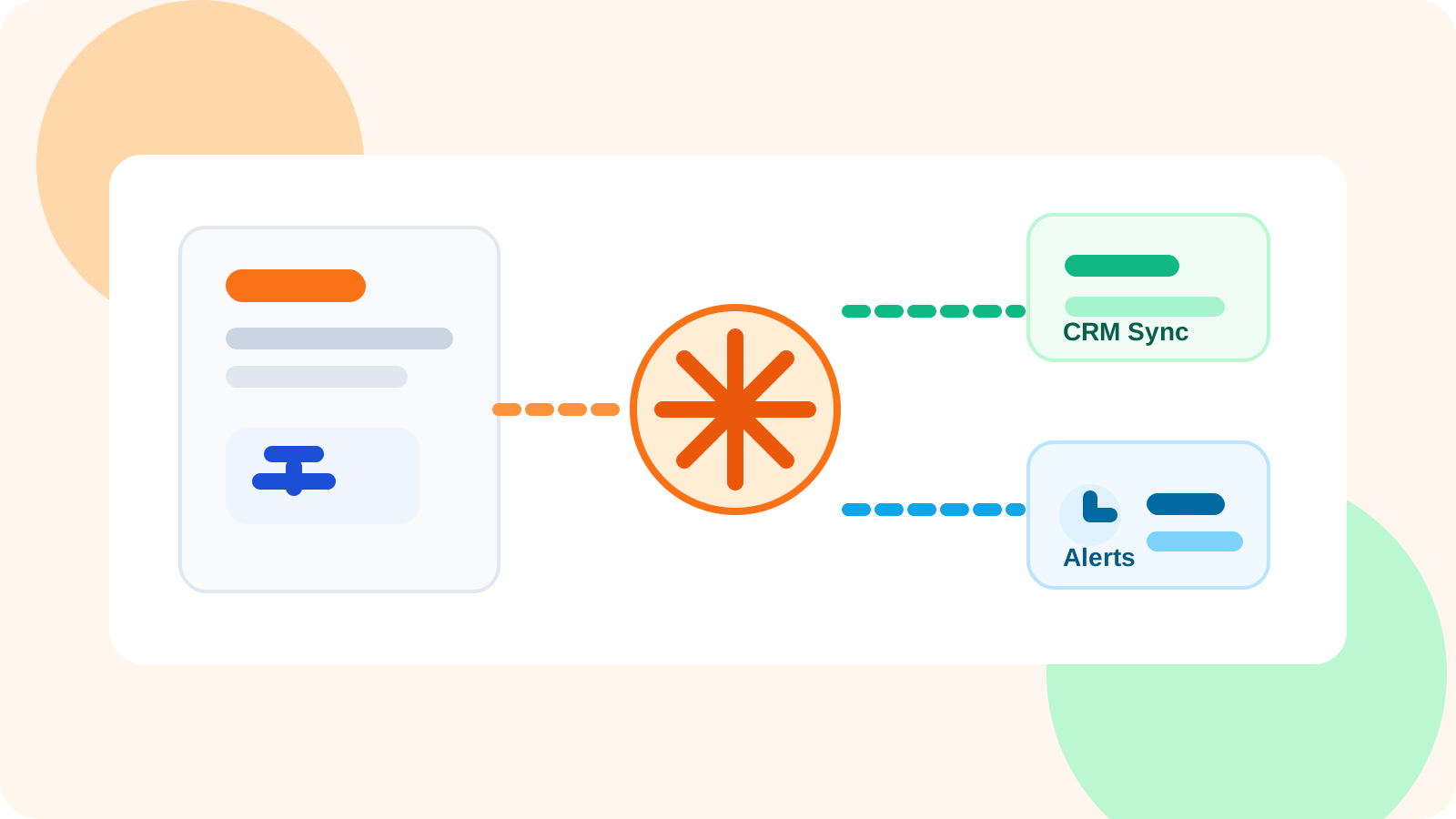
A Zapier LinkedIn outreach integration should move useful team data out of LinkedIn-native workflow and into the rest of your stack without forcing reps to do duplicate admin. The best setup keeps execution fast in the browser, then passes approved contact and activity data into CRM, alerts, and reporting flows.
That matters because most LinkedIn systems fail at one of two extremes. Either everything stays trapped in the browser, which leaves RevOps blind, or the team forces every rep to log every step into a heavy system of record, which destroys speed and consistency.
The middle path is the right one. LinkedIn should stay the rep’s working surface. Zapier-style workflows should take care of distribution after the fact: CRM creation, Slack notifications, reporting updates, enrichment handoffs, and operational triggers. That is the model DMnesia supports best because the extension handles active follow-up while the team layer provides shared data and API access when organizations are ready to connect other systems.
What a Zapier LinkedIn outreach integration is really for
It is not there to automate the conversation itself. It is there to stop the rest of your business from being disconnected from the conversation.
| Integration goal | Good outcome | What to avoid |
|---|---|---|
| CRM sync | Shared contacts and lead context arrive where leaders report | Making reps re-enter the same notes manually |
| Ops notifications | Teams know when a lead changes state or needs follow-up | Trigger spam for every tiny action |
| Reporting workflows | Pipeline health becomes visible outside the extension | Vanity dashboards with no link to real workflow |
What data should move through the integration
Not every browser event belongs in Zapier. The integration should focus on shared objects that matter outside the individual rep’s tab.
- Tracked contacts so account owners and managers can see real LinkedIn activity.
- Target leads when pre-outreach pipeline building matters to the broader team.
- Status changes so downstream systems know when a conversation becomes active, snoozed, or replied.
- Shared templates when enablement wants one standard library across reps.
- Team-level metrics for dashboards, coaching, and planning.
If your current architecture thinking is “sync everything,” it usually means you have not decided which system is responsible for what. The article on how to integrate LinkedIn outreach data into HubSpot or Salesforce covers the same division from the CRM angle.
Teams standardizing on Salesforce should also read Salesforce LinkedIn outreach integration for the system-of-record design choices that usually sit next to this Zapier layer.
If your immediate destination is Slack rather than a CRM workflow, the new guide to Zapier LinkedIn outreach integration for Slack escalations shows which LinkedIn events actually deserve a live channel alert and which ones should stay out of the feed.
If the immediate use case is operational alerting rather than broad sync, the new guide to Zapier LinkedIn outreach integration for no-code RevOps alerts shows how to route replies, ownership changes, and follow-up risk without flooding your team with noise.
How to design the workflow so reps do not hate it
1. Keep the system of action close to LinkedIn
Reps should still save contacts, set reminders, detect replies, and work due follow-ups from inside the LinkedIn workflow. DMnesia is built around that assumption. If the browser is where the context lives, that is where the active work should stay.
2. Push only the shared layer into Zapier
Zapier is strong when it connects systems that were never meant to share a screen. It is weak when it becomes the product. Use it to move team data out, not to become the place where reps manage the relationship.
3. Trigger downstream work that people actually use
Useful examples include creating or updating CRM records, alerting managers when a strategic account replies, appending rows to a reporting sheet, or posting a status change into Slack for team visibility. A workflow nobody reads is not an integration win.
Design rule: if the integration makes reps slower without making managers smarter, it is the wrong integration. Browser-native execution should feel intact after the sync is added.
Where DMnesia fits a Zapier-style architecture
DMnesia keeps the rep-side workflow lightweight: track the contact, save the next action, notice replies, and keep due work visible. On the team side, the portal adds the shared layer that makes integrations worthwhile.
That is the same split you see in the posts on shared LinkedIn outreach dashboards and team LinkedIn outreach analytics. The extension handles execution. The portal and integration layer handle the organization.
For teams on professional plans, that shared layer includes API access at the organization level. In practical terms, that is what makes a Zapier-style integration viable: the workflow can pull from team-owned data rather than depending on one rep’s local setup.
Examples of strong Zapier LinkedIn outreach integrations
CRM enrichment path
When a rep starts tracking a strategic LinkedIn contact, the integration adds or updates the corresponding record in your CRM with the latest outreach context and owner.
Manager alert path
When a high-value contact replies, the integration posts a Slack or email alert so leaders know the account is active and can support next steps if needed.
Reporting path
At the end of each day or week, the integration pushes team metrics into a sheet or business reporting tool so performance conversations use the same data every time.
People also ask about Zapier LinkedIn outreach integration
What should a Zapier LinkedIn outreach integration sync?
The most useful sync points are shared contacts, target leads, reminders or status changes, and team templates. Those objects let your CRM, Slack, sheets, or reporting tools stay useful without forcing reps into manual re-entry.
Should LinkedIn outreach run directly inside Zapier?
Usually no. Outreach execution works best close to the rep inside LinkedIn. Zapier is more useful as the bridge that sends approved team data into the rest of your workflow stack.
How does DMnesia fit a Zapier-style integration workflow?
DMnesia keeps the LinkedIn workflow in the browser, while team-level data and API access create a clean integration layer for CRM, analytics, and ops automations.
Conclusion: integrate the data layer, not the rep’s brain
A Zapier LinkedIn outreach integration works when it respects what each tool is for. LinkedIn is where the rep reads context and sends messages. DMnesia is where that active memory and follow-up discipline stay organized. Zapier-style workflows are where the shared records, alerts, and reporting fan out to the rest of the business.
If you want that architecture, start with a LinkedIn-native workflow that reps will actually use, then connect the team layer outward. That is how you keep both speed and visibility.
Connect outreach data without slowing execution
Use DMnesia to keep reps inside LinkedIn while your team builds cleaner CRM, analytics, and ops workflows around shared outreach data.
View Team PricingFrequently asked questions
What should a Zapier LinkedIn outreach integration sync?
The most useful sync points are shared contacts, target leads, reminders or status changes, and team templates. Those objects let your CRM, Slack, sheets, or reporting tools stay useful without forcing reps into manual re-entry.
Should LinkedIn outreach run directly inside Zapier?
Usually no. Outreach execution works best close to the rep inside LinkedIn. Zapier is more useful as the bridge that sends approved team data into the rest of your workflow stack.
How does DMnesia fit a Zapier-style integration workflow?
DMnesia keeps the LinkedIn workflow in the browser, while team-level data and API access create a clean integration layer for CRM, analytics, and ops automations.