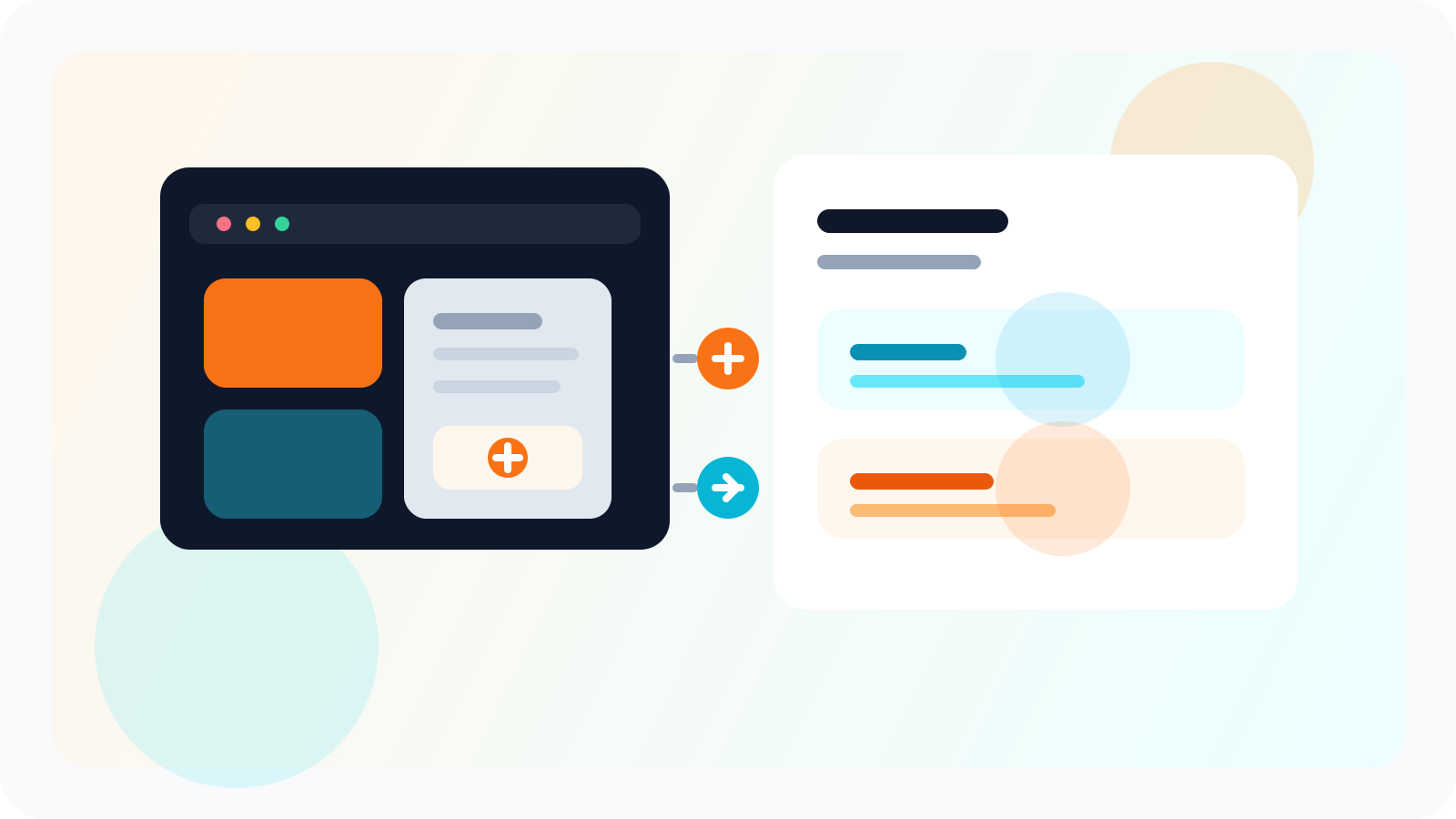
A LinkedIn API for HubSpot integration should let reps work inside LinkedIn while HubSpot receives shared contacts, target leads, and team templates in a clean, secure sync layer. The best setup reduces manual logging, preserves speed, and gives RevOps reliable records without forcing sellers into extra admin.
Most teams do not actually need more places to type notes. They need a better handoff between the browser workflow where outreach happens and the CRM where leadership wants visibility.
That is the practical gap DMnesia is built around. Reps keep using the extension to track profiles in one click, manage their Today queue, and work through replies without leaving LinkedIn. At the team level, the portal adds API Access so organizations can move shared outreach records into HubSpot while managers keep a live team view.
If your integration review is happening alongside budgeting or procurement, compare it with the procurement guide for LinkedIn outreach tools with Stripe billing so finance and RevOps requirements stay aligned.
Why most LinkedIn-to-HubSpot setups slow reps down
The common mistake is to make the rep do double entry. The browser becomes the place where the conversation lives, but the CRM becomes the place where the rep has to re-create it. That friction compounds fast.
- Reps stop updating the CRM when every LinkedIn action turns into extra admin.
- Managers get partial data because manual logging is always the first thing to slip.
- Templates and lead context drift apart when the workflow is split across too many tools.
- RevOps loses trust in the numbers because the system depends on memory instead of process.
| Integration model | What reps experience | What HubSpot receives |
|---|---|---|
| Manual CRM logging | Slow, repetitive updates after every conversation | Inconsistent records with missing context |
| Browser-only tracking | Fast execution inside LinkedIn | Little shared reporting outside the extension |
| LinkedIn-native workflow plus team API | Fast outreach and fewer duplicate tasks | Cleaner shared contact and pipeline data |
What a LinkedIn API for HubSpot integration should sync
Tracked contacts that are already in motion
Once outreach has started, the contact record stops being a private scratchpad and becomes shared team context. That is when HubSpot benefits from a cleaner handoff.
Target leads before they become active outreach
DMnesia keeps a separate Target Leads pipeline so teams can collect likely prospects before they message them. That distinction matters because pre-outreach pipeline is a different management layer from active follow-up.
If your next question is how those prospects should get assigned to the right seller, read LinkedIn lead routing for sales teams for the routing logic that should sit upstream of the HubSpot sync.
Shared templates and team operating standards
If enablement wants consistency, the CRM should not just receive names. It should connect to the team’s reusable messaging structure too. DMnesia’s shared templates help keep that layer organized at the organization level.
Good integration rule: sync the shared record, not every tiny browser action. HubSpot should become more useful because LinkedIn work is visible, not more painful because reps are forced to narrate every step.
How DMnesia approaches HubSpot-ready data for teams
DMnesia’s setup is intentionally split into two layers. The extension handles rep execution. The portal handles organization-wide visibility and access control.
- One-click profile tracking keeps contact capture close to the moment of outreach.
- Reply detection keeps pending follow-ups from cluttering the CRM with false urgency.
- Team dashboard visibility gives managers shared lead counts and member activity.
- Named API keys with revocable access give operations teams a safer way to run integrations over time.
That structure fits HubSpot well because it lets sellers stay quick while giving the business a team-owned integration layer instead of relying on one rep’s browser session forever.
If you are mapping fields, ownership, and sync timing from a RevOps seat, read LinkedIn API for HubSpot integration RevOps guide for the more technical operating checklist.
People also ask about LinkedIn API for HubSpot integration
What should a LinkedIn API for HubSpot integration sync?
It should sync the shared outreach record that matters to the team: tracked contacts, target leads, templates, and ownership context. The goal is to give HubSpot clean team data without making every rep log work twice.
Should reps do LinkedIn outreach inside HubSpot?
Usually no. Reps move faster when LinkedIn work stays inside the browser, while HubSpot remains the team’s reporting and routing layer. The best integration connects those two systems instead of forcing one to imitate the other.
Can DMnesia support HubSpot integration workflows?
Yes. DMnesia’s organization setup includes API access so teams can move shared contacts, target leads, and templates into broader CRM workflows while reps keep working inside LinkedIn.
Conclusion: the right HubSpot integration respects how outreach actually happens
A LinkedIn API for HubSpot integration works best when it respects the rep’s real operating environment. LinkedIn is where the relationship starts. HubSpot is where the organization needs shared records, routing, and reporting.
If the integration makes reps slower, it is not helping revenue operations. It is just relocating the mess.
If you are still evaluating the integration layer itself, start with LinkedIn outreach tool with API access for the buyer checklist around shared records, team ownership, and downstream system fit.
If you are comparing broader workflow connectors, read Zapier LinkedIn outreach integration for the automation and downstream tools angle.
Connect LinkedIn outreach to HubSpot without double entry
Use DMnesia to keep rep workflow inside LinkedIn while your team syncs shared contacts, target leads, and templates into the wider CRM stack.
Explore Team API AccessFrequently asked questions
What should a LinkedIn API for HubSpot integration sync?
It should sync the shared outreach record that matters to the team: tracked contacts, target leads, templates, and ownership context. The goal is to give HubSpot clean team data without making every rep log work twice.
Should reps do LinkedIn outreach inside HubSpot?
Usually no. Reps move faster when LinkedIn work stays inside the browser, while HubSpot remains the team’s reporting and routing layer. The best integration connects those systems instead of forcing one to imitate the other.
Can DMnesia support HubSpot integration workflows?
Yes. DMnesia gives teams API access for shared contacts, target leads, and templates so those records can move into broader CRM workflows while reps keep working natively inside LinkedIn.