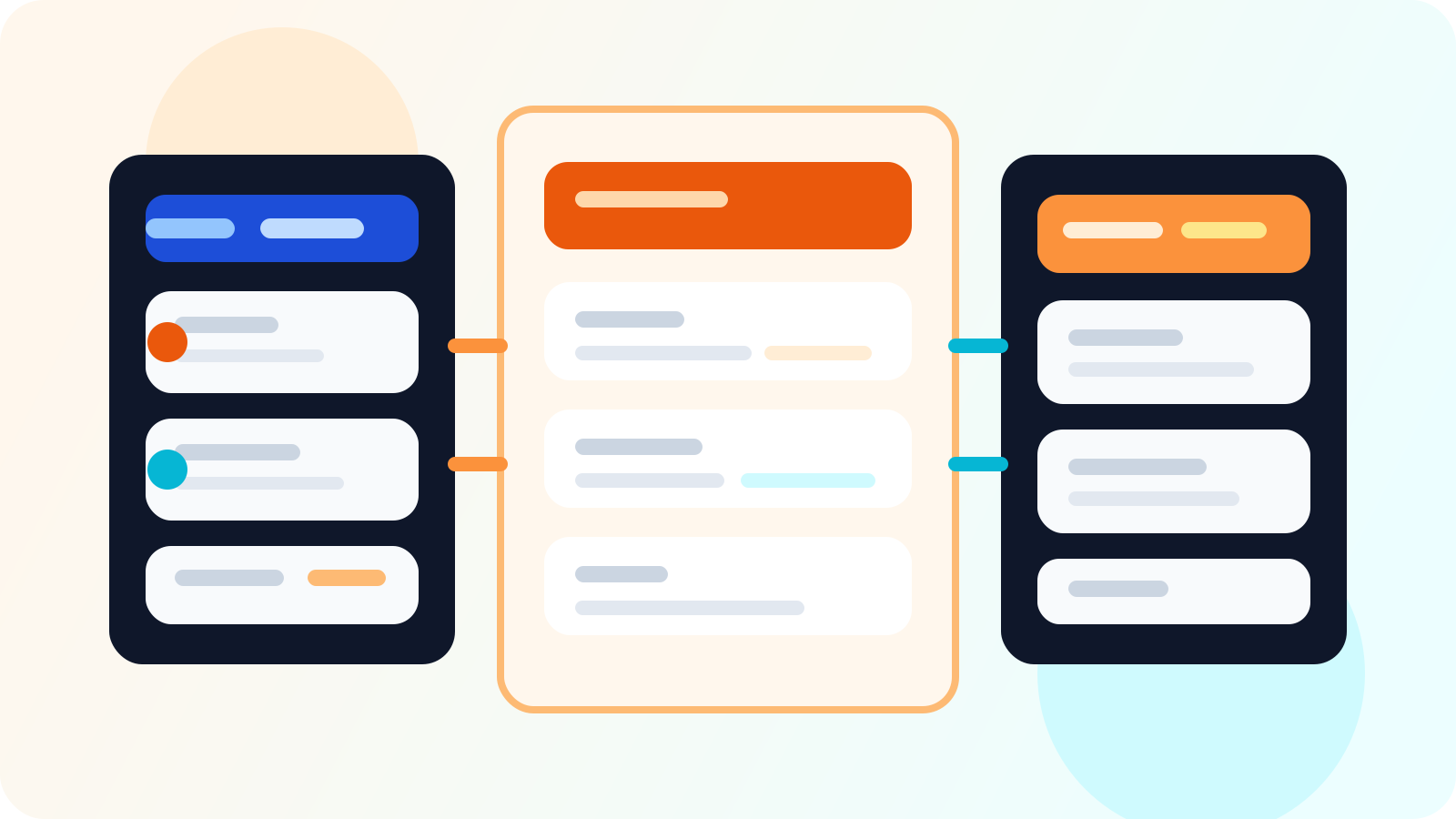
A LinkedIn API for HubSpot integration should map tracked contacts, ownership, target lead status, and shared workflow fields into HubSpot without slowing reps down. RevOps gets better reporting when the sync reflects the team record that matters, not when sellers are forced to duplicate every browser action by hand.
Most integration conversations go wrong because the team asks technical questions before it asks operating questions. Which record matters? When does a private follow-up become shared team data? Who owns the relationship when the account changes hands? If those answers are fuzzy, the sync will be messy no matter how elegant the field mapping looks.
DMnesia is designed around that distinction. The extension keeps LinkedIn execution fast for reps. The team portal creates the shared layer, with API access for organizations that need to move contacts, target leads, and shared templates into a broader system like HubSpot.
If you want the broad category version first, read LinkedIn API for HubSpot integration. This page is for RevOps leaders deciding what the sync should include and when it should run.
What RevOps should define before mapping fields
A good integration starts with business rules, not just object names. RevOps should decide:
- When a contact becomes a shared record instead of one rep’s private working note.
- How ownership should be represented when there are handoffs or team coverage models.
- Which pre-outreach states matter so target leads are not confused with live conversations.
- Which fields are truly useful downstream for dashboards, routing, and manager review.
| Record type | Why it matters | What RevOps should decide |
|---|---|---|
| Tracked contact | Rep has begun active LinkedIn follow-up | When it becomes visible in HubSpot and to whom |
| Target lead | Prospect is curated before outreach begins | Whether it belongs in sourcing, planning, or a shared queue |
| Ownership context | Explains who carries the live relationship | How handoffs and manager review should preserve context |
| Shared templates | Connects enablement to execution | Whether message standards should surface in reporting or QA workflows |
How DMnesia fits the RevOps integration model
Tracked contacts are already structured for team use
DMnesia captures outreach close to the browser action, not after the fact. That means the contact record is cleaner by the time RevOps wants to expose it to HubSpot.
Target leads stay distinct from active outreach
This matters because planning is not the same as execution. DMnesia’s target lead workflow lets teams build a prospect queue before messaging starts. That gives RevOps a better boundary for what should sync early and what should wait.
API access belongs to the organization, not one rep
RevOps needs a team-owned integration layer. DMnesia’s portal gives organizations named access they can manage centrally, which is a stronger pattern than building reporting around one user’s browser state.
Useful filter: sync what another team member or system genuinely needs to know. If a browser event changes nothing about ownership, priority, or pipeline health, it probably does not need to be a CRM field.
Ownership is the field most teams under-design
RevOps teams often focus on contact data and forget the control layer. But without ownership context, HubSpot cannot explain who is accountable for the live LinkedIn relationship.
That is why the sync should support the account model, not just the rep note model. If the territory changes or an account manager inherits the relationship, the system should preserve context. The guide on LinkedIn account ownership for sales teams is the right companion here.
How to avoid double-entry and reporting bloat
The fastest way to ruin a sync is to treat HubSpot like the place where reps should narrate every LinkedIn action. RevOps should instead design a lightweight handoff:
- Let reps execute inside LinkedIn where the context is richest.
- Sync the shared records that influence team decisions.
- Preserve clean status boundaries between target, active, replied, and archived work.
- Review output with managers weekly so the field design stays useful in real meetings.
That last point is where the dashboard and the CRM sync meet. If the team cannot use the shared layer in a live operating review, the integration will probably produce noise. For the review workflow, see shared LinkedIn outreach dashboard for weekly pipeline reviews.
People also ask about LinkedIn API for HubSpot integration
What should a LinkedIn API for HubSpot integration map first?
Start with tracked contacts, ownership context, target lead status, and any shared templates or workflow fields your team actually reports on. RevOps should sync the shared record that drives decisions, not every tiny browser interaction.
Should HubSpot be the place where reps run LinkedIn outreach?
Usually no. Reps move faster when LinkedIn execution stays in the browser and HubSpot acts as the shared reporting and account system. The best integrations connect those layers without forcing double entry.
Why do RevOps teams care about ownership in a HubSpot integration?
Because CRM visibility gets weak fast if nobody can tell which rep owns the live LinkedIn relationship. Ownership makes the data usable for handoffs, routing, and manager review.
Conclusion: map the shared record, not the rep’s every click
A LinkedIn API for HubSpot integration works when RevOps treats it like an operating-system design problem. The right sync captures the team record that matters for ownership, reporting, and follow-up health while leaving reps free to work inside LinkedIn.
Compare DMnesia as a LinkedIn follow-up tool for your team if you need API-ready outreach data without adding more CRM admin.
Design a cleaner HubSpot sync for LinkedIn outreach
Use DMnesia to keep LinkedIn execution fast while your team exposes tracked contacts, target leads, and shared workflow data through one organization-owned integration layer.
Explore Team API AccessFrequently asked questions
What should a LinkedIn API for HubSpot integration map first?
Start with tracked contacts, ownership context, target lead status, and any shared templates or workflow fields your team actually reports on. RevOps should sync the shared record that drives decisions, not every tiny browser interaction.
Should HubSpot be the place where reps run LinkedIn outreach?
Usually no. Reps move faster when LinkedIn execution stays in the browser and HubSpot acts as the shared reporting and account system. The best integrations connect those layers without forcing double entry.
Why do RevOps teams care about ownership in a HubSpot integration?
Because CRM visibility gets weak fast if nobody can tell which rep owns the live LinkedIn relationship. Ownership makes the data usable for handoffs, routing, and manager review.