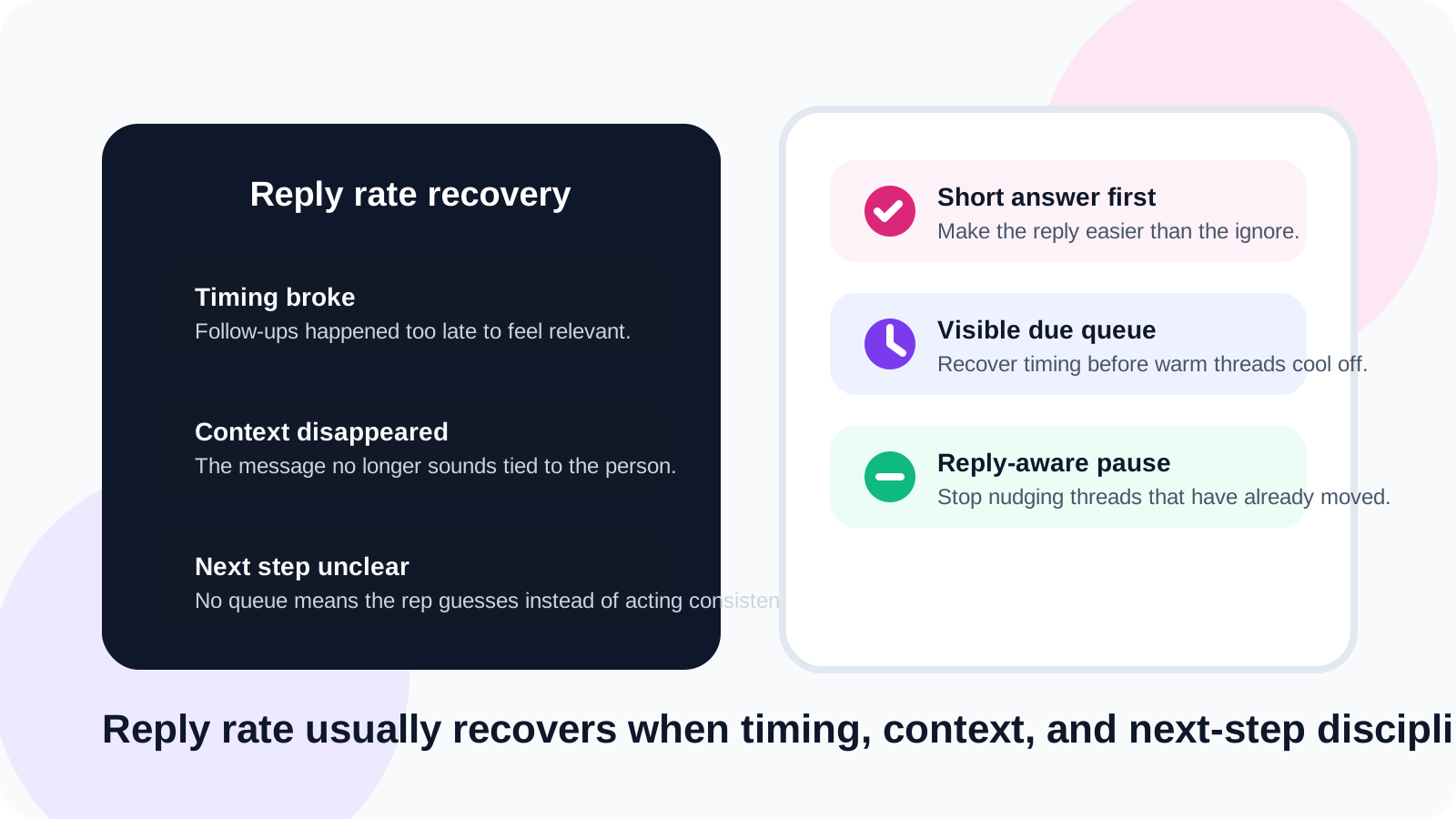
LinkedIn reply rate recovery usually starts with fixing workflow before fixing copy. When follow-ups arrive too late, ask for too much, or ignore fresh replies, even strong prospects go quiet. A visible queue and a lighter next message often recover more performance than another rewrite sprint.
Reply rate drops rarely feel dramatic in the moment. They show up as a few promising threads that stop moving, a week where follow-ups happen later than planned, or a batch of messages that all sound technically fine but get little back. Sellers often blame targeting last, even when the real problem is timing.
DMnesia is useful here because it solves the operational side of the problem: save the person early, keep the next follow-up visible in the Today queue, use templates to remove drafting friction, and rely on reply detection so active conversations stop being treated like cold prospects.
What usually causes a LinkedIn reply rate drop
Before you change the message, inspect the system around the message. Most performance dips are not random.
| Cause | What it looks like | Recovery move |
|---|---|---|
| Late follow-up timing | The thread feels cold before the second touch | Restore a visible reminder cadence |
| High-friction asks | Every message jumps straight to a meeting | Use a smaller question or lower-commitment next step |
| Generic copy | The prospect could swap places with anyone else | Keep a template structure but personalize the first line |
| Queue blindness | Warm threads disappear until it is too late | Work from a short due list every day |
How to recover LinkedIn reply rate without overcorrecting
1. Fix the timing gap first
When reply rate drops, check whether the follow-up is still happening while the original context is alive. A clean reminder rhythm is often the fastest recovery lever. Pages like LinkedIn reply rate optimization explain the strategic side. The operational side is making sure the queue exists in the first place.
2. Make the second message easier to answer
A lot of second touches fail because they ask for too much. Instead of jumping back to a calendar ask, try a small question, a short clarification, or a concrete observation tied to the person. Recovery often comes from lowering effort for the prospect, not from sounding more aggressive.
3. Separate active conversations from follow-up tasks
If the system does not notice replies quickly, reps end up sending the wrong kind of message at the wrong time. DMnesia’s reply detection matters here because it lets the queue focus on silent prospects while responded threads move back into human judgment.
4. Remove dead weight from the queue
A cluttered queue lowers reply rate indirectly because it reduces attention quality. The rep starts batch-processing instead of thinking. Snooze, archive, and target-lead staging are small workflow features that protect message quality by keeping the live list believable.
Reply rate is often a systems metric in disguise. If the rep sees the right person at the right time with the right context, message quality usually improves on its own.
What a reply-rate recovery message should do
The point of recovery messaging is not to sound clever. It is to make the prospect feel that replying is easy and relevant.
- Reference a real trigger from the profile, role, or prior exchange.
- Keep the message short enough to scan in a few seconds.
- Ask for one simple reaction instead of forcing a big commitment.
- Use templates carefully so the structure is efficient but the signal still feels personal.
- Know when to stop and move the thread into a lower-priority state.
If your follow-up tone is part of the problem, the best companion read is how to stop getting ghosted on LinkedIn. If your issue is not knowing whether someone already replied, read how to detect when a LinkedIn lead has replied.
How DMnesia helps with LinkedIn reply rate recovery
DMnesia improves the operating conditions around the message. The rep can track a profile the moment it matters, work from a due queue instead of memory, draft faster with templates, and avoid blind follow-ups after a reply lands. That combination is what keeps timing and context from eroding between messages.
It is especially useful for teams that want stronger execution without turning LinkedIn into an auto-sending system. That is the same audience reading LinkedIn outreach without sending automated messages: performance matters, but control matters too.
People also ask about LinkedIn reply rate recovery
How do you recover LinkedIn reply rate after it drops?
Start by fixing timing and message clarity. Most reply-rate drops happen when follow-ups arrive too late, ask for too much, or lose the context that made the first message relevant.
What hurts LinkedIn reply rate the most?
The biggest causes are late follow-ups, generic copy, poor targeting, and queue blindness. Reps stop replying well when the workflow makes every prospect feel the same.
Can a reminder system improve LinkedIn reply rate?
Yes. A reminder system improves reply rate by helping reps follow up while the conversation is still warm, notice replies faster, and avoid dropping threads that showed early interest.
Conclusion: recover the operating rhythm first
LinkedIn reply rate recovery does not usually require a dramatic reinvention. It requires a better operating rhythm: visible timing, clearer asks, and enough context to make each next message feel earned.
DMnesia gives reps that rhythm with browser-native tracking, due queues, templates, and reply-aware follow-up. If you want a cleaner recovery workflow, compare the setup on the DMnesia features page or install the extension and rebuild the queue from the browser.
Recover reply rate before warm leads go cold
Use DMnesia to keep timing visible, detect replies, and follow up while the conversation still has momentum.
Install DMnesia for ChromeFrequently asked questions
How do you recover LinkedIn reply rate after it drops?
Fix timing first, lower the ask in the next message, and work from a visible due queue so warm threads do not cool off silently.
What hurts LinkedIn reply rate the most?
Late follow-ups, generic copy, and queue blindness do more damage than most teams realize.
Can a reminder system improve LinkedIn reply rate?
Yes. Reminder systems improve consistency and help the rep act while the thread still has context and intent behind it.