LinkedIn reply rate optimization works best when you improve timing, context, and follow-up visibility before changing every script. Reps who can see who is due, who replied, and how long replies usually take are in a much better position to improve response rates consistently.
Low reply rate is often treated like a copy problem alone. Sometimes it is. But many teams are trying to optimize messages without a clean view of what is actually happening after those messages are sent.
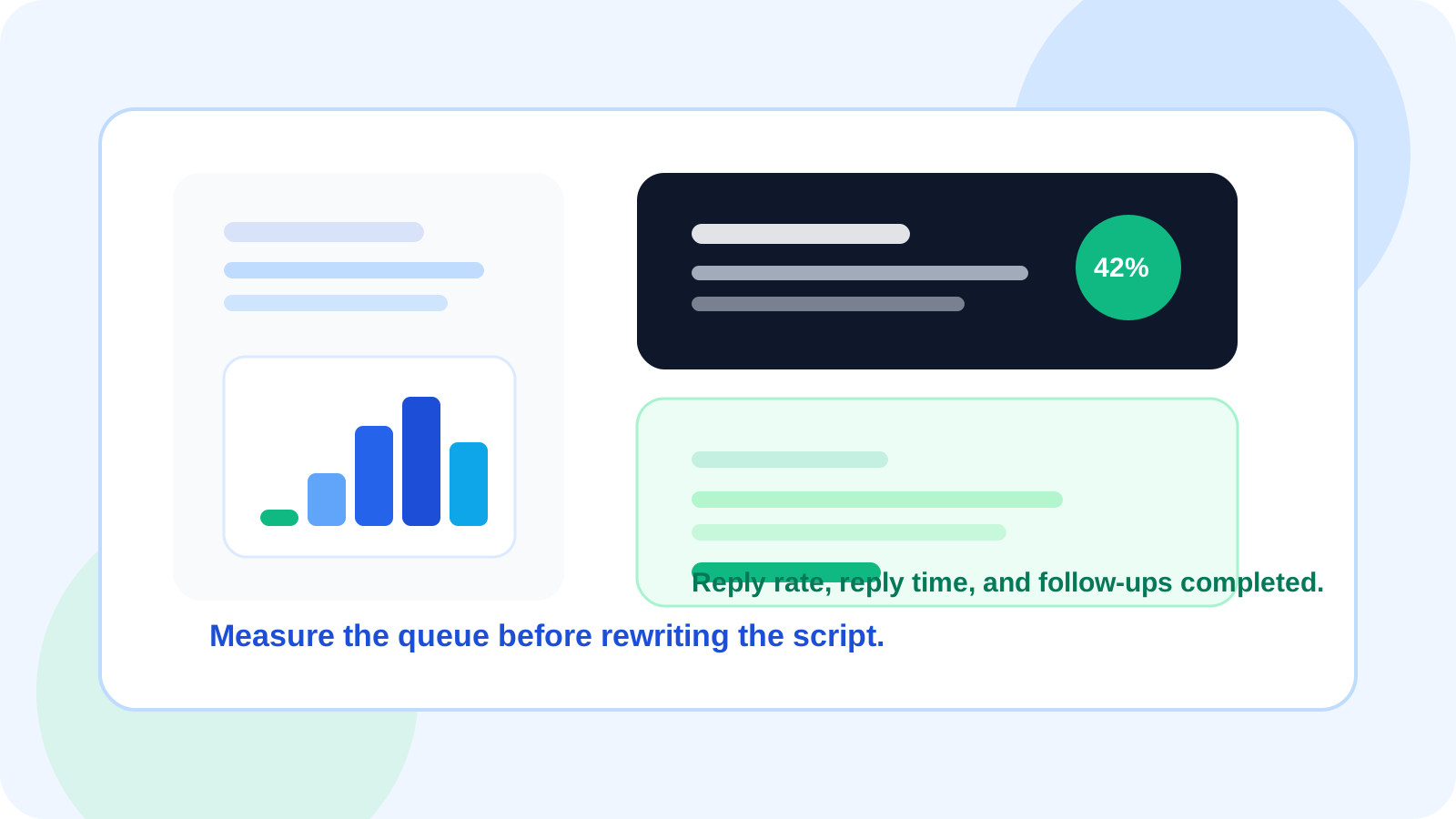
DMnesia is strong here because it combines browser-native execution with useful operating signals such as reply rate, average reply time, follow-ups completed, and a contact breakdown across active, replied, snoozed, and archived states.
What LinkedIn reply rate optimization actually means
Optimization should not mean chasing vanity numbers. It should mean making more of the right conversations move forward while learning which outreach behaviors help or hurt that outcome.
| Optimization area | What to watch | Why it matters |
|---|---|---|
| Initial capture | How many relevant contacts actually get tracked | You cannot improve what disappears from memory |
| Reminder timing | How often follow-ups happen on schedule | Late follow-ups usually drag reply rate down |
| Reply speed | Average reply time | Shows how long conversations typically need to mature |
| Queue hygiene | Active versus replied versus archived contacts | Keeps effort focused on live opportunities |
How to improve LinkedIn reply rate without guessing
1. Track the right prospects faster
Reply rate optimization starts before the first follow-up. DMnesia’s one-click tracking and separate target leads pipeline help reps distinguish between people they are actively messaging and people they want to work later.
2. Tighten follow-up consistency
The easiest performance leak is simple inconsistency. A visible Today queue and badge count make it easier to complete follow-ups on time instead of relying on memory and browser tabs.
3. Measure more than replies alone
Reply rate without context can mislead you. DMnesia’s stats layer is useful because it also surfaces tracked this week, average reply time, and follow-ups done. That gives you a better read on whether output, quality, or timing is the real constraint.
4. Protect live conversations from workflow mistakes
Reply detection matters for optimization because it helps the rep act on warm threads faster and avoids extra follow-ups after a response. The more clearly you separate live conversations from quiet ones, the better the overall workflow performs.
Useful lens: if reply rate is low, first ask whether the outreach is bad or whether the operating system around the outreach is too sloppy to give good messages a fair chance.
Where DMnesia fits in a reply rate optimization workflow
DMnesia is not just a note-taking layer. It is a system for turning LinkedIn outreach into something easier to review and improve. Reps get local, fast execution. Teams can add cloud sync, shared templates, organizational dashboards, and API access when optimization becomes a larger team exercise.
- One-click capture improves contact coverage.
- Template support speeds up drafting while keeping room for personalization.
- Reply-aware reminders keep the queue accurate.
- Stats views show reply rate and average reply time.
- Team reporting helps managers coach from real workflow signals.
That makes the product useful for both individual reps and organizations trying to improve message discipline without forcing every conversation into a heavyweight CRM motion first.
If your main issue is that replies recently fell off rather than a broad optimization project, the practical next read is LinkedIn reply rate recovery, which focuses on repairing timing drift and queue breakdowns before you rewrite every template.
People also ask about LinkedIn reply rate optimization
What is LinkedIn reply rate optimization?
LinkedIn reply rate optimization means improving the conditions around outreach such as timing, context, and follow-up visibility so more prospects actually respond.
What metrics matter for LinkedIn reply rate optimization?
The most useful metrics are reply rate, average reply time, follow-ups completed, and the split between active, replied, snoozed, and archived contacts.
Can a Chrome extension help optimize LinkedIn reply rate?
Yes. A browser-native extension can help by making follow-ups visible, capturing contacts faster, and detecting replies so reps spend more time on live conversations.
Conclusion: optimize the system, then the script
LinkedIn reply rate optimization gets more effective when the workflow itself becomes measurable. Once you can see timing, queue health, and reply behavior clearly, message changes become easier to judge and less likely to turn into random experimentation.
DMnesia supports that by combining tracking, reminders, reply awareness, and performance visibility in the same browser workflow where outreach is already happening.
Improve LinkedIn reply rate with better visibility
Use DMnesia to track conversations, keep follow-ups on time, and learn what actually improves response quality.
Install DMnesia for ChromeFrequently asked questions
What is LinkedIn reply rate optimization?
It is the practice of improving the workflow around outreach so more of the right prospects respond at the right time.
What metrics matter for LinkedIn reply rate optimization?
Reply rate matters, but so do average reply time, follow-ups completed, and the health of the active queue.
Can a Chrome extension help optimize LinkedIn reply rate?
Yes. It can keep the workflow close to LinkedIn, reduce missed follow-ups, and surface live conversations faster.