How to stop getting ghosted on LinkedIn usually comes down to better timing, lower-pressure follow-ups, and a visible system for what happens next. Most prospects do not disappear because they hated the first message. They disappear because the follow-up arrived late, felt generic, or never happened at all.
That distinction matters. If you think ghosting is purely a copywriting problem, you keep rewriting messages. If you treat it as a workflow problem, you fix the part that actually causes silence: remembering who to follow up with, when to do it, and how to keep the next touch relevant. If your pain is specifically warm opportunities going quiet after a meeting, the more targeted playbook is how to stop getting ghosted on LinkedIn after a demo. If the silence usually happens after shared-contact intros, the sharper companion is how to stop getting ghosted on LinkedIn for mutual connections.
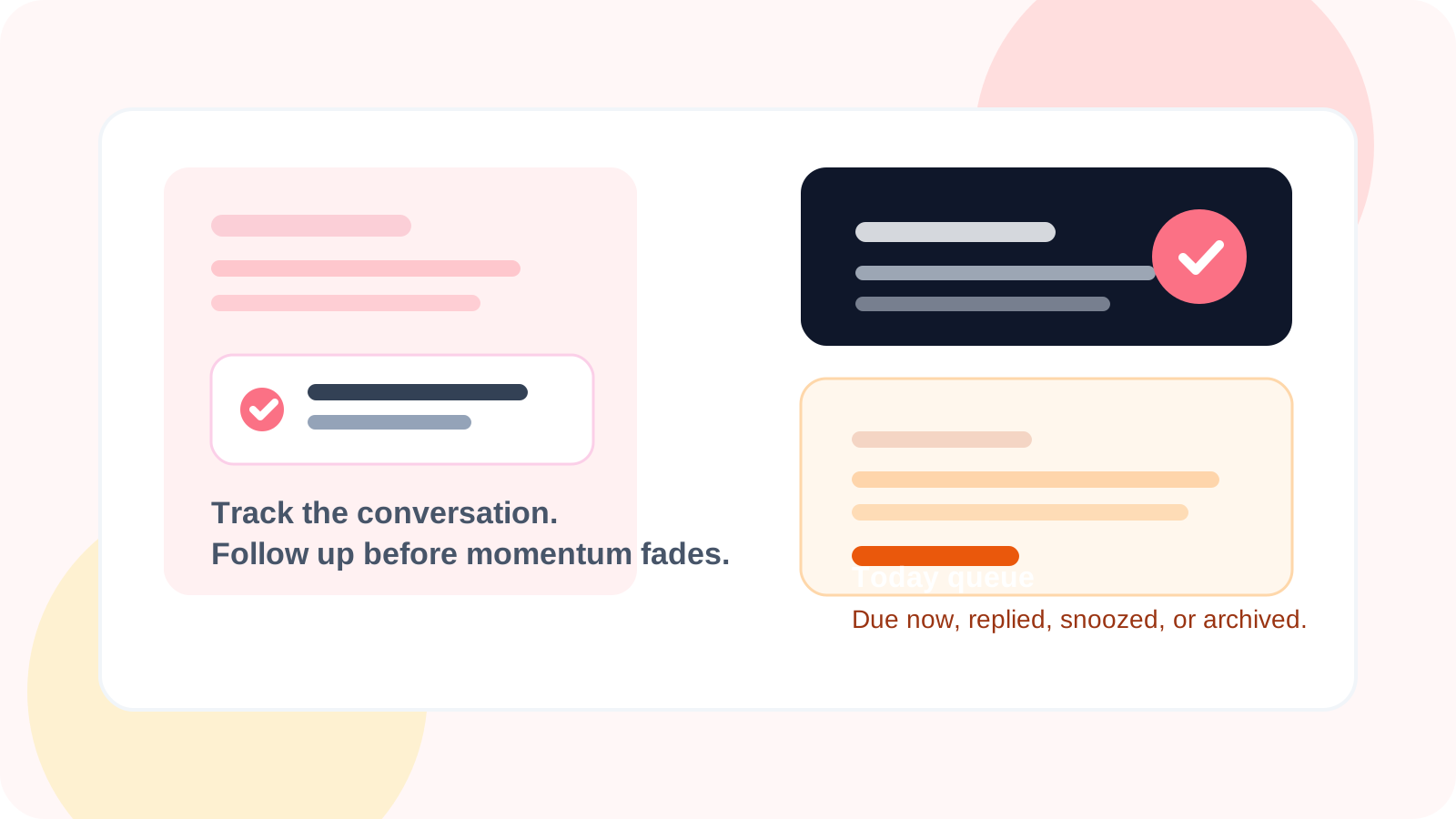
DMnesia is built for that second problem. Reps can save a profile in one click, work through a visible Today queue, use template-assisted drafting, and rely on reply detection so the system reflects what is really happening in the conversation.
Why LinkedIn conversations go cold after a promising start
Ghosting often feels personal, but it is usually procedural. The prospect was interested enough to accept the connection or answer once. Then the follow-up lost momentum.
| What breaks | How it shows up | What to do instead |
|---|---|---|
| Timing slips | The next touch comes after the moment has cooled off | Use a deliberate cadence such as day 3, day 7, day 14 |
| Context disappears | The follow-up reads like it could be for anyone | Reference the original topic, role, or trigger |
| The ask is too heavy | Every message pushes for a meeting | Ask a smaller question or offer one useful idea |
| No queue visibility | Warm threads get buried under new activity | Keep a due list inside the browser workflow |
How to stop getting ghosted on LinkedIn in a repeatable way
1. Save the contact while the context is fresh
The easiest prospect to lose is the one you meant to log later. A browser-native workflow fixes that. DMnesia lets reps save the profile immediately and carry the contact into a reminder flow without switching into a different system.
2. Follow up on a schedule you can maintain
Random follow-up creates random results. Structured timing is better because it removes emotion from the decision. DMnesia’s default reminder pattern gives reps a practical starting cadence and keeps due work visible through the extension badge and the Today tab.
3. Lower the pressure in the second message
The follow-up should usually ask less than the first message, not more. If the original note requested a meeting, the next touch can ask for a quick reaction, share a short insight, or clarify one problem you solve. That is one reason the guidance in how to follow up on LinkedIn without being annoying pairs so well with a ghosting strategy.
4. Keep replied and unreplied contacts separate
One of the fastest ways to damage momentum is sending a generic nudge into a conversation that already moved forward. DMnesia helps by skipping pending follow-ups when a reply is detected, so the rep can react to the live thread instead of treating it like a cold lead.
Practical rule: ghosting gets worse when your workflow depends on memory. It gets better when timing, status, and next step are visible before the workday starts.
What a stronger anti-ghosting follow-up looks like
You do not need a clever trick. You need a message that feels easy to answer.
- Open with shared context so the prospect instantly remembers why you reached out.
- Keep the ask narrow and easier than booking a call.
- Add one relevant observation instead of a generic "just checking in."
- Stop when a reply arrives and shift from follow-up mode into conversation mode.
If your current issue is broader than ghosting and includes low response across the funnel, the companion read is LinkedIn reply rate optimization. That page looks at the full workflow, not just what happens after the first silence.
What DMnesia changes about the ghosting problem
DMnesia does not promise magic replies. It gives reps the infrastructure that makes better follow-up possible:
- One-click profile saving so warm prospects are captured immediately.
- A visible due queue that shows who needs attention today.
- Template support to reduce blank-page friction without forcing robotic copy.
- Reply-aware reminders so the system changes when the conversation changes.
- Snooze and archive states to keep the active list clean instead of endlessly cluttered.
That makes the tool useful even for reps who want a manual process. The goal is not to automate the relationship. The goal is to stop losing good conversations to preventable process mistakes.
If you want the product view of this workflow, compare it on the DMnesia features page before you rebuild your follow-up process.
Stop warm LinkedIn conversations from slipping away
Use DMnesia to keep follow-ups organized, reply-aware, and visible before ghosting becomes the default outcome.
Install DMnesia for ChromeFrequently asked questions
Why do people ghost on LinkedIn after replying once?
Usually because the next touch was late, generic, or too demanding. The conversation cooled off before the rep came back with something easy to answer.
How many times should you follow up on LinkedIn before moving on?
A practical starting structure is the first message, then follow-ups around day 3, day 7, and day 14. After that, archive or snooze the contact instead of repeating the same nudge.
Can a reminder tool reduce LinkedIn ghosting?
Yes. Reminder tools help by making due follow-ups visible and by showing which conversations already received a reply so reps stop guessing.