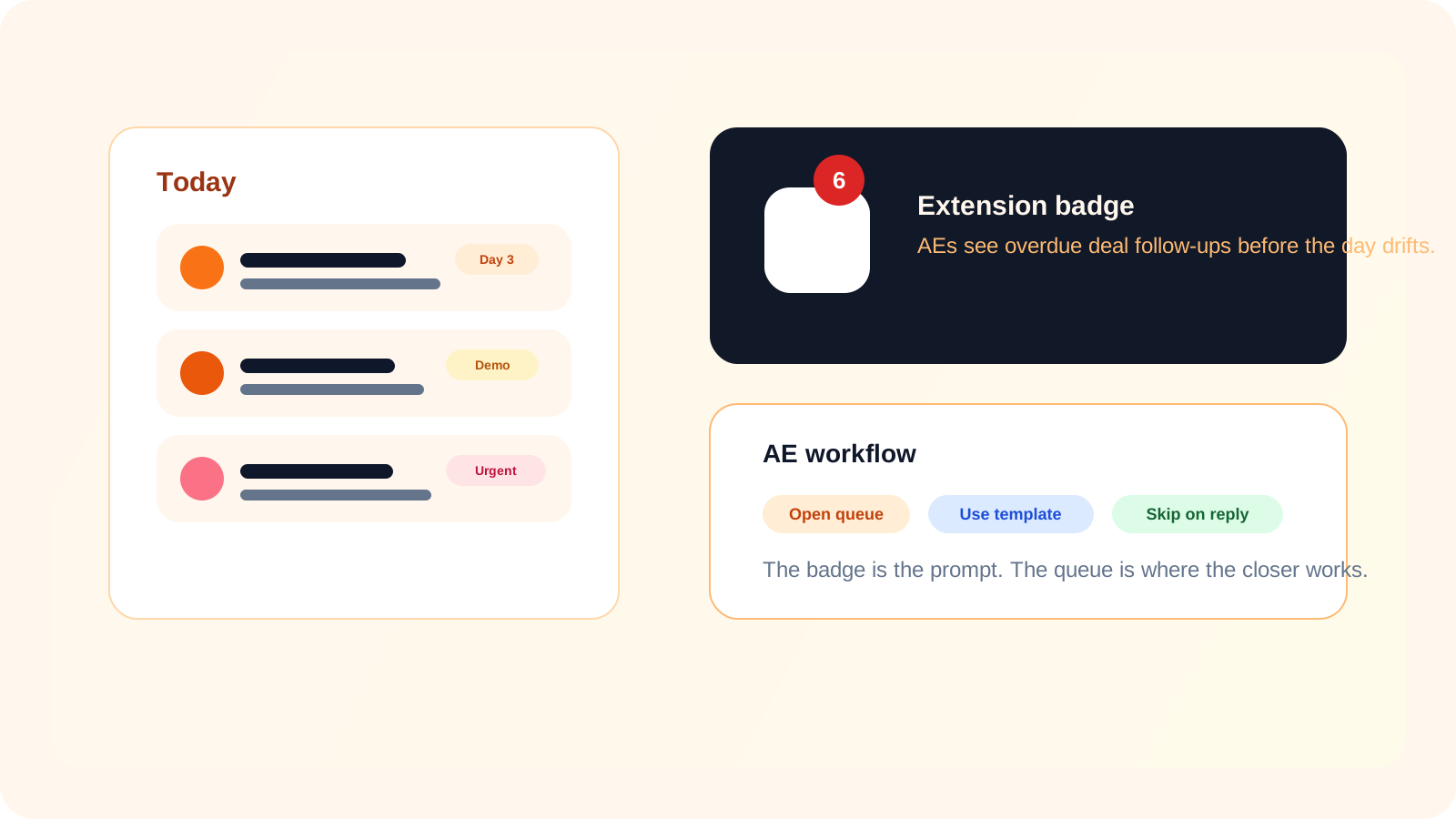
LinkedIn outreach badge notifications help account executives because they expose warm follow-up work before it slips behind calls, demos, and proposal tasks. For AEs, the badge is less about inbox-style alerting and more about protecting deal momentum when the next LinkedIn touch is easy to postpone but expensive to miss.
An SDR can often treat missed follow-up like a volume problem. An AE usually cannot. By the time an account executive is following up on LinkedIn, the conversation may involve a demo attendee, a champion, a stakeholder introduced mid-cycle, or a decision-maker who needs a soft nudge after internal silence.
That is why LinkedIn outreach badge notifications matter differently for closers. The count is not just telling them that some activity is due. It is telling them that warm deal tasks are quietly aging in the background.
What badge notifications should signal for an AE
| Badge state | What it means for an AE | Best response |
|---|---|---|
| No badge | No LinkedIn follow-ups are currently due | Stay focused on meetings, proposals, or account work elsewhere |
| Small count | A few warm contacts need a nudge or check-in | Open the queue and clear them in one focused block |
| Growing count | Deal follow-up discipline is slipping | Review the queue before warm opportunities cool off |
| Unusually high count | The system may be holding stale work or poor timing rules | Clean the queue, verify reply status, and adjust process |
For AEs, the badge works best as an early warning system. It turns invisible delay into visible action before the conversation feels obviously cold.
Why badge notifications are different for warm pipeline
1. The cost of delay is higher
Late-stage LinkedIn follow-ups usually involve relationships that are already active. Missing the right message after a demo, mutual connection, or stakeholder review can slow a real deal rather than merely reduce top-of-funnel volume.
2. AEs need a prompt, not more admin
Closers already juggle calls, notes, proposals, and account coordination. Badge notifications work because they reduce the overhead of remembering. The red count does the reminding before the AE has to open a dashboard and hunt for work.
3. Trust depends on reply awareness
If the badge still counts contacts who already replied, AEs stop trusting it quickly. DMnesia keeps the count more useful by skipping pending follow-ups after a reply so the badge reflects work that truly needs attention.
Closer rule: the badge should create urgency without creating noise. If every alert feels stale, the workflow is training the AE to ignore warm accounts.
How DMnesia turns a badge count into useful AE workflow
The badge matters most when it is connected to a lightweight system the AE can trust.
- Due-count badge surfaces follow-up work before the AE has to search for it.
- Today queue shows which contacts actually need attention right now.
- Message templates make it easier to send a thoughtful follow-up without starting from scratch.
- Reply-aware cleanup keeps answered threads out of the due count.
- Snooze and archive controls help remove stale contacts after the sequence no longer makes sense.
This is why badge notifications fit well with posts like tool that reminds me to follow up on LinkedIn DMs after a demo and best way to track LinkedIn follow-ups in 2026 for account executives. Those pages cover the bigger motion. This one zooms into the small signal that keeps that motion alive.
How account executives should use badge notifications
The mistake is reacting every time the badge changes. The better approach is using it as a routing signal into one compact follow-up block.
- Check the badge at natural transitions such as after calls, after demos, or before ending the day.
- Open the Today queue immediately when the count suggests warm work is waiting.
- Send the right follow-up quickly using a template as a draft, not a final script.
- Mark progress clearly so the queue and badge stay trustworthy tomorrow.
- Review any large count spike as a process issue, not just a busy day.
The general LinkedIn outreach badge notifications article explains the category. The daily follow-up triage version focuses on rep rhythm. This page is the AE version, where the badge protects warm deals rather than pure task throughput.
Why this small feature often changes behavior
Most follow-up systems fail quietly. They do not break. They just become easy to ignore. Badge notifications help because they make the hidden queue visible before the user has to summon motivation to inspect it.
For account executives, that matters more than it seems. Warm deal follow-up is usually not difficult to send. It is difficult to remember at the right moment while everything else competes for attention.
That is why a small badge can influence outcomes. It shortens the gap between "I should check LinkedIn later" and "I have three warm conversations due right now."
Protect warm deal follow-ups before they slip
Use DMnesia to surface due LinkedIn follow-ups, clear them from one queue, and keep AE outreach aligned with real deal timing.
Explore DMnesia featuresFrequently asked questions
Why do account executives care about LinkedIn outreach badge notifications?
Because warm deal conversations are easy to postpone and expensive to miss. A badge count surfaces those due follow-ups before they get buried under meetings and account work.
Should AEs rely on badge counts alone?
No. The badge should trigger attention, but the queue is where the AE reviews the contact, stage, and next best action.
What makes badge notifications more useful for warm deals?
They become more useful when answered contacts leave the pending queue and the count reflects real work rather than stale reminders.