The best way to track LinkedIn follow-ups in 2026 for account executives is to run a reply-aware queue tied to live deals, champions, and next-step dates. A generic reminder list is not enough. AEs need a system that shows who is warm, who replied, and which thread actually moves pipeline.
That answer is different from the broader follow-up advice you see for SDRs. SDR systems usually optimize for first-touch volume and consistency. Account executive systems need to protect warmer conversations where timing, stakeholder context, and meeting momentum matter more than sheer outreach count.
If your pipeline includes post-demo nudges, stalled mutual action plans, quiet champions, and multithreaded buying groups, LinkedIn follow-up becomes an opportunity-management problem. That is why the best account executive workflow sits close to LinkedIn while still behaving like a disciplined deal queue.
Why account executives need a different answer in 2026
When people search for the best way to track LinkedIn follow-ups in 2026, they often get generic advice about reminders, spreadsheets, or cadences. That helps at the top of funnel, but it falls short once you are working active opportunities.
| AE scenario | What needs tracking | Why generic follow-up lists break |
|---|---|---|
| Post-demo lull | Champion reply, next meeting timing, deal temperature | The list says “follow up,” but not why this thread matters now |
| Multi-stakeholder deal | Who has replied, who is still cold, who owns internal advocacy | One flat reminder cannot represent several people in one account |
| Expansion or renewal motion | Relationship continuity and open loops | Tasks get buried under prospecting-oriented workflow noise |
AEs do not need more reminders. They need clearer ranking of warm work. That is the operational difference.
What the best AE tracking workflow should include
1. A queue that understands opportunity context
A good AE queue should show more than a due date. It should tell you whether the follow-up belongs to a demo thread, procurement thread, champion thread, or expansion conversation. The point is to know which message unlocks movement, not just which one is overdue.
2. Reply detection that clears stale follow-ups
Warm deals suffer when the system cannot recognize that a buyer already replied. The cleaner model is a reply-aware workflow that removes pending nudges once the thread becomes active again. If that behavior matters to your team, start with how to detect when a LinkedIn lead has replied.
3. Support for stakeholder-based multithreading
Account executives are rarely following up with one person only. A useful system has to support several tracked contacts per account without making the rep rebuild the deal map from memory every morning.
4. Templates that reduce delay without sounding robotic
Warm follow-up should still feel human. Reusable drafts help you move faster, but they need room for context and deal-specific language. The practical version of that is closer to the guidance in LinkedIn follow-up sequence templates for account executives than a rigid automation script.
AE standard: the best system is the one that helps you act on the most valuable warm thread first, not the one that simply reminds you that many people exist.
How DMnesia fits the account executive version of this problem
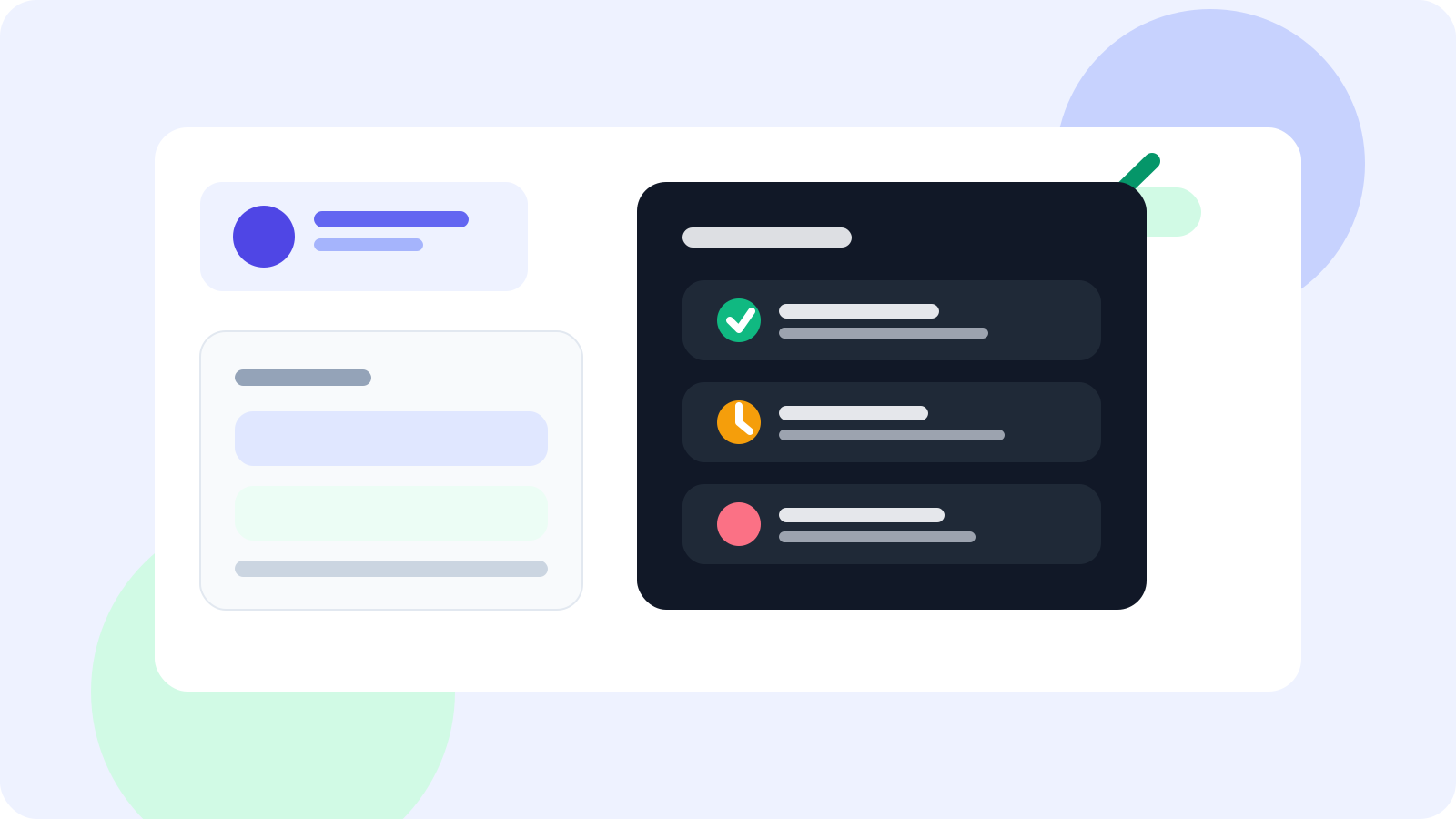
DMnesia is useful here because it keeps follow-up execution inside the browser while adding just enough structure for real pipeline work. AEs can save people quickly, review the Today queue, see reply-aware status changes, use templates when useful, and keep separate tracked contacts for the same buying group.
- One-click tracking keeps warm profiles from slipping away after a meeting.
- Reply-aware reminders reduce awkward nudges after buyers answer.
- Target leads and tracked contacts help separate pre-outreach research from active opportunity follow-up.
- Cloud sync and team options support managers or shared account coverage when deals involve multiple reps.
That makes DMnesia a better fit than a loose spreadsheet if your real pain is remembering which LinkedIn conversations deserve attention today. If you want the broader category answer first, read the general guide on the best way to track LinkedIn follow-ups in 2026. If your team is still defining the operating system, the manual LinkedIn follow-up system article covers the full workflow.
A practical AE workflow table
The best way to track LinkedIn follow-ups in 2026 becomes simpler once you match the queue to common AE moments:
| Moment | Best next action | What the tracker should do |
|---|---|---|
| After a discovery call | Send recap or next-step nudge | Surface the contact at the agreed follow-up date |
| Champion goes quiet | Escalate timing or multithread | Keep the thread visible without losing other account contacts |
| Procurement replies | Pause old reminders and switch context | Mark the thread active so stale nudges disappear |
People also ask
What is the best way to track LinkedIn follow-ups in 2026 for account executives?
The best way is to use a browser-native queue that ties LinkedIn follow-ups to live opportunities, flags replied contacts, and surfaces next steps around meetings, champions, and stalled deals.
Why do account executives need a different LinkedIn follow-up system than SDRs?
Account executives usually manage warmer, messier threads with multiple stakeholders and longer deal cycles. They need follow-up tracking built around opportunity movement, not just first-touch outreach volume.
Should account executives track LinkedIn follow-ups in a CRM alone?
A CRM is useful for shared records, but most account executives still need a faster browser-level layer for daily execution so warm LinkedIn threads do not wait for later admin.
Conclusion: the best AE system keeps warm LinkedIn work visible
For account executives, the best way to track LinkedIn follow-ups in 2026 is not a bigger admin tool. It is a fast, reply-aware operating layer that keeps live opportunities visible and makes the next action obvious while the rep is already in the browser.
If you want that without burying warm threads in spreadsheet debt, DMnesia is the practical fit. It helps account executives keep LinkedIn follow-ups organized around real deal motion instead of hoping memory carries the pipeline.
Keep warm LinkedIn deal threads moving
Use DMnesia to track buyers, clear replied contacts from the queue, and keep your next LinkedIn follow-up tied to the deal that actually matters.
Compare DMnesia plansFrequently asked questions
What is the best way to track LinkedIn follow-ups in 2026 for account executives?
Use a reply-aware browser queue that ties follow-ups to live opportunities, not a flat reminder list. That keeps warm deal motion visible and cuts stale outreach.
Why do AEs need more than a reminder tool?
Because account executive follow-up involves meetings, champions, procurement, and multiple stakeholders. A simple reminder alone cannot show which thread matters most to pipeline.
Can DMnesia work for account executives as well as SDRs?
Yes. The browser workflow is useful for both, but account executives benefit most from reply-aware queues, multi-contact tracking, and fast follow-up on warmer conversations.