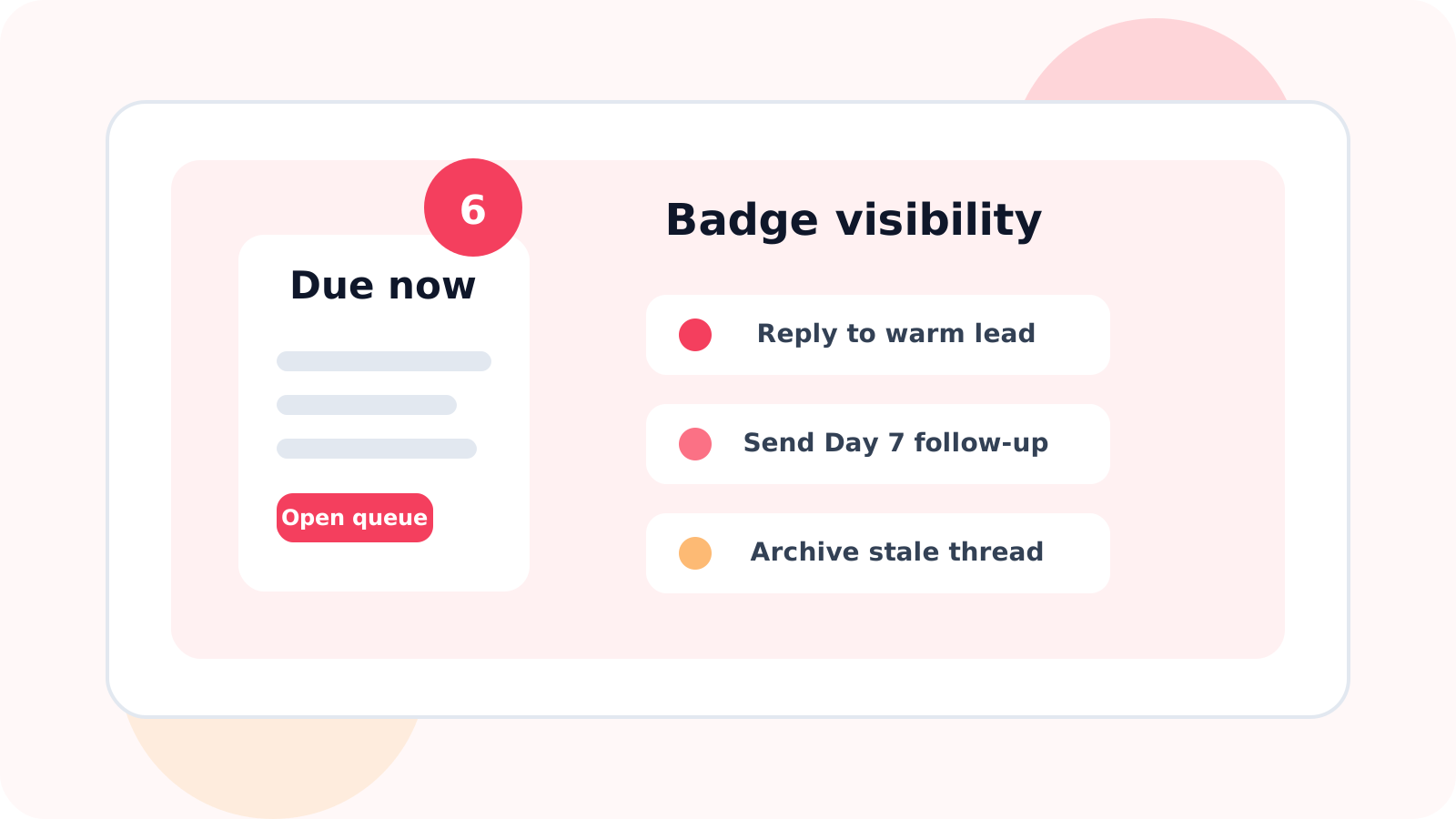
LinkedIn outreach badge notifications work because they make follow-up debt visible before it becomes pipeline loss. A simple due-count alert gives reps an immediate signal that action is waiting, which is often enough to pull them back into the right conversations before they go cold.
Plenty of outreach tools organize contacts well after you open them. Fewer solve the more basic problem: remembering to open them at the right time. That is where badge notifications earn their place.
DMnesia uses a red badge on the extension icon to show how many follow-ups are due. It sounds small, but it changes behavior. Instead of wondering whether LinkedIn work is hiding somewhere in the stack, the rep sees the count immediately and can jump into the Today queue with a clear reason to act.
What LinkedIn outreach badge notifications are supposed to do
| Signal | What it tells the rep | Why it matters |
|---|---|---|
| No badge | No follow-ups are due right now | The rep can stay focused elsewhere without guessing |
| Small due count | A few conversations need attention | The rep can clear warm work before it piles up |
| Large due count | The queue is starting to slip | The team sees a workflow problem before it becomes a revenue problem |
A good badge is not a vanity notification. It is a decision trigger.
Why badge notifications improve follow-up discipline
1. They reduce hidden work
Most missed follow-ups are not forgotten forever. They are forgotten long enough to matter. A badge keeps pending work visible without forcing the rep to browse through every tab or list manually.
2. They support the daily queue instead of replacing it
The badge should tell you that work exists. The queue should tell you what the work is. DMnesia uses both: the badge surfaces the count, and the Today view shows which contacts are due, sorted for action.
3. They become more accurate when reply awareness is built in
A noisy badge loses trust fast. DMnesia keeps the count cleaner by skipping pending follow-ups after a prospect replies, so the alert reflects work that still needs attention.
Simple benchmark: if your reminder system cannot answer “How many follow-ups are due right now?” without opening multiple views, it is asking the rep to spend energy before they can even start working.
What to pair with LinkedIn outreach badge notifications
The badge works best as part of a compact workflow, not as a standalone alert.
- Use a Today queue so the rep can move from count to action in one click.
- Keep a default cadence like Day 3, Day 7, and Day 14 so the count has a consistent logic behind it.
- Add reusable templates so due contacts can be worked quickly once they appear.
- Skip answered threads automatically so the badge reflects remaining work, not stale reminders.
- Snooze or archive finished sequences so old conversations do not pollute the count.
That is the full DMnesia loop: badge visibility, clean queue, reusable messages, reply-aware cleanup, and next-step controls when a contact has gone quiet for too long.
People also ask about LinkedIn outreach badge notifications
What are LinkedIn outreach badge notifications?
They are small due-count alerts on your outreach tool that show how many follow-ups need attention right now, so you do not have to open every list first just to see if work is waiting.
Why do badge notifications matter for LinkedIn follow-up?
Because remembering at the right moment is the hardest part of follow-up. A visible badge turns forgotten work into obvious work before warm leads drift away.
Should badge notifications replace a daily follow-up queue?
No. The badge should trigger attention, while the queue should show who is due, what stage they are in, and what to do next.
Conclusion: visibility beats memory
LinkedIn outreach badge notifications are powerful because they solve a simple but expensive problem: hidden follow-up work. Once the rep can see due conversations at a glance, it becomes much easier to protect momentum.
DMnesia turns that visibility into action with a due-count badge, a Today queue, reply-aware tracking, and lightweight follow-up controls that keep the system trustworthy.
If you want the workflow-specific version of this topic, read LinkedIn outreach badge notifications for daily follow-up triage. That guide focuses on how reps should use the badge as a routing signal instead of treating it like background noise.
For warm deal motion, the new LinkedIn outreach badge notifications for account executives page explains how closers use the same badge to protect demos, proposals, and stakeholder follow-ups.
See due follow-ups before they go cold
Use DMnesia to get badge alerts for due LinkedIn follow-ups and clear the right conversations from one focused queue.
Install DMnesia for ChromeFrequently asked questions
What are LinkedIn outreach badge notifications?
They are due-count alerts that show when LinkedIn follow-up work is waiting, without needing a manual list check first.
Why do badge notifications matter for LinkedIn follow-up?
Because they make pending work visible at the exact moment when most reps would otherwise move on to something else.
Should badge notifications replace a daily follow-up queue?
No. The badge is the trigger. The queue is where the rep actually works through the due conversations.