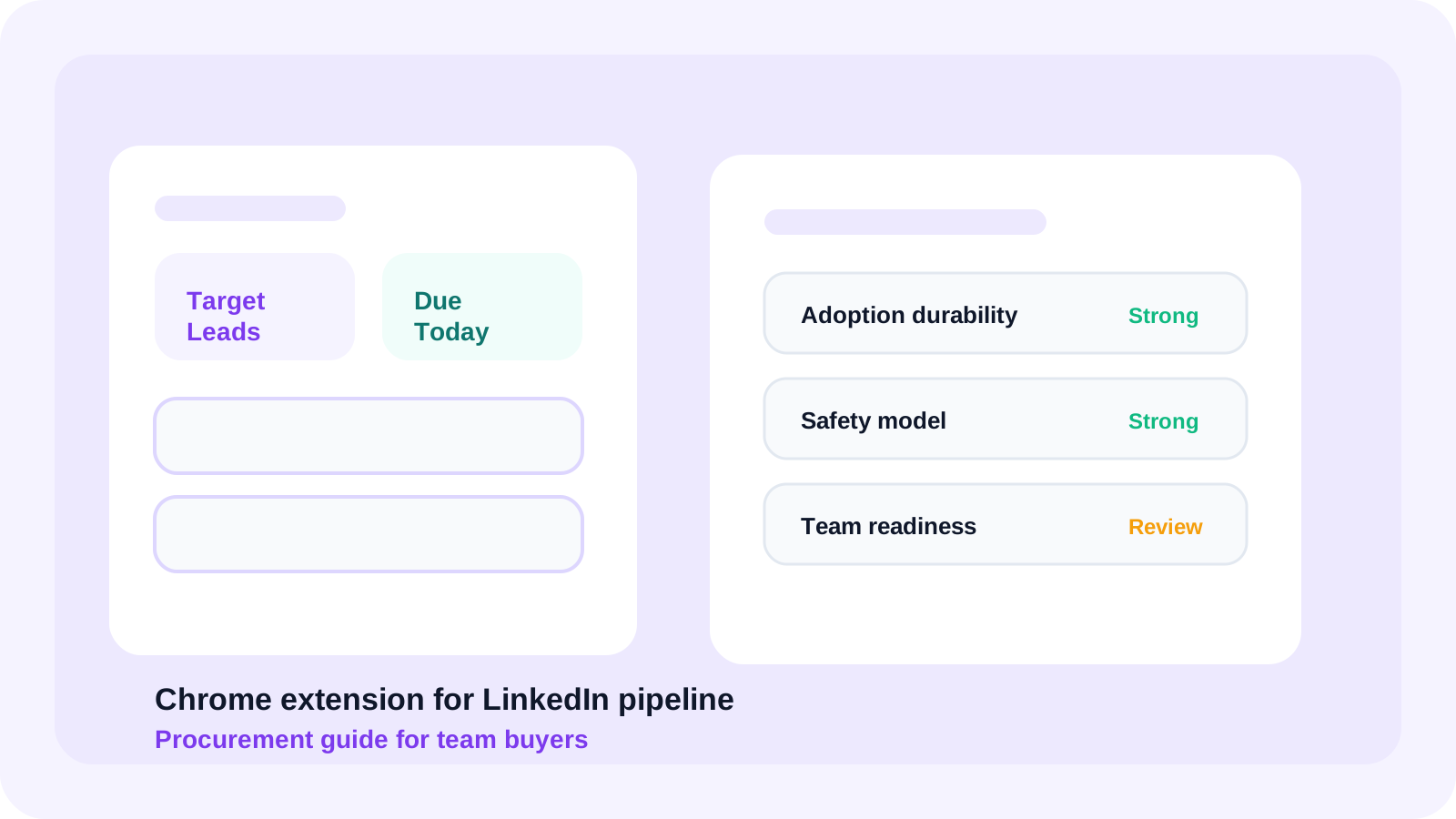
A useful Chrome extension for LinkedIn pipeline management should create cleaner daily execution, not just prettier capture screens. Buyers should compare adoption, safety, due-queue clarity, pipeline staging, and team rollout readiness before they commit to a browser-based workflow for multiple reps.
Procurement questions appear later in the buying journey, after the team already believes browser-native workflow can help. The conversation shifts from “is this category real?” to “which product will still work once more reps, more managers, and more expectations land on it?”
That is why this guide is distinct from the broader Chrome extension for LinkedIn pipeline overview and the more operational rollout guide. This page is for the buyer making the final procurement call. If you also need the stakeholder-sequencing side after purchase, read multi-channel outreach orchestration with LinkedIn for procurement-heavy B2B deals.
DMnesia is a strong example because it keeps the working layer inside LinkedIn while giving teams a path into shared reporting, templates, cloud sync, billing, and API-ready expansion. That makes it easier to evaluate as real sales infrastructure rather than a solo productivity toy.
Chrome extension for LinkedIn pipeline procurement checklist
| Procurement criterion | What good looks like | Risk signal |
|---|---|---|
| Adoption durability | Reps naturally use the extension every day because it improves the queue. | Usage depends on manager pressure or extra admin steps. |
| Pipeline structure | Target leads, active contacts, and due follow-ups are clearly separated. | Everything collapses into one list with weak operating logic. |
| Safety model | The tool supports manual-first workflow and avoids risky automation. | The product blurs tracking with auto-sending behavior. |
| Team readiness | Shared visibility, seat control, and manager reporting exist when needed. | The extension only works well for one person. |
| Commercial fit | Pricing, billing, and rollout path are clear enough to champion internally. | The team cannot explain how it scales after the pilot. |
Why procurement teams should care about workflow quality
Because extension software lives or dies on daily behavior
Traditional procurement often focuses on checklists. For browser extensions, the real test is behavioral. Will reps keep using the product after the first week? If not, the pilot looks alive while the actual pipeline quietly moves back into memory, notes, and spreadsheets.
Because browser-based pipeline tools can fail in two opposite ways
Some are too thin. They capture names but do not create usable pipeline structure. Others are too heavy. They try to become a full sales platform and lose the speed advantage that made a browser extension attractive in the first place.
Because safety and adoption are linked
Teams that want compliance and durability often prefer manual-first workflow. That is why buyer-stage readers also compare guides like LinkedIn outreach without sending automated messages and LinkedIn outreach compliance with TOS for sales teams. A safer workflow usually earns longer-term trust.
Procurement shortcut: the best extension is usually the one that makes tomorrow’s follow-up queue clearer, not the one that claims the most automation on the pricing page.
Questions to settle before you buy
- How quickly can a rep save and classify a profile? If this is slow, the pipeline never gets complete.
- How does the extension distinguish future targets from active work? This is essential for pipeline hygiene.
- What does the daily queue look like? Buyers should watch how easy it is to find due work.
- How does the product scale into a team motion? Shared visibility matters sooner than most buyers expect.
- Is the billing and expansion path simple enough to own internally? Teams should not need a hero user to keep the system alive.
DMnesia answers those questions with one-click capture, Target Leads, a focused Today queue, reply awareness, and a path into organization-level reporting. If your team is specifically comparing the shared layer, pair this page with Chrome extension for LinkedIn pipeline team edition and sales engagement Chrome extension for sales teams.
How DMnesia fits the procurement checklist
- Daily adoption support through a visible due queue and badge reminders.
- Clear pipeline structure through target lead staging before active tracking.
- Manual-first safety so the extension supports discipline without auto-sending.
- Commercial clarity through free entry, Pro, and seat-based team expansion.
- Team maturity path into cloud sync, shared templates, reporting, and API access.
That makes DMnesia easier to defend in a buying committee. The product solves the rep problem immediately, but it also gives managers and operations a reason to believe the workflow can mature instead of stalling at pilot stage.
People also ask about Chrome extension for LinkedIn pipeline management
What should teams compare in a Chrome extension for LinkedIn pipeline management?
Teams should compare lead capture speed, target lead staging, daily queue clarity, manager visibility, safety, and how cleanly the extension scales from one rep to many.
Why do procurement questions matter for LinkedIn pipeline extensions?
Because once a browser extension becomes part of pipeline execution, buyers need confidence around adoption, safety, team controls, billing, and whether the workflow will still hold up after the first pilot.
Is DMnesia a good fit for browser-based LinkedIn pipeline management?
Yes. DMnesia combines one-click capture, target lead staging, Today queues, reply awareness, and team-ready expansion in a browser-first workflow that stays close to LinkedIn.
Conclusion: buy the extension that strengthens rep habits
The best Chrome extension for LinkedIn pipeline work is not just easy to install. It strengthens how reps capture, stage, and revisit opportunities every day. Procurement should favor the tool that makes those habits clearer, safer, and easier to scale.
That is why DMnesia is a credible buyer-stage option. It keeps the working rhythm close to LinkedIn and gives the team a cleaner path from pilot to broader operating system.
Compare DMnesia for LinkedIn pipeline management
Use DMnesia to save profiles, stage target leads, work from a clean due queue, and expand into team reporting when the rollout proves out.
Install DMnesia for ChromeFrequently asked questions
What should teams compare in a Chrome extension for LinkedIn pipeline management?
Start with lead capture, queue clarity, target lead staging, safety, and whether the extension can evolve into a team-ready workflow after the pilot.
Why do procurement questions matter for LinkedIn pipeline extensions?
Because workflow software is only valuable if it still works at scale, stays trusted by the team, and is simple enough to champion internally.
Is DMnesia a good fit for browser-based LinkedIn pipeline management?
Yes. DMnesia fits teams that want browser-first execution now and shared visibility later without introducing risky automation.