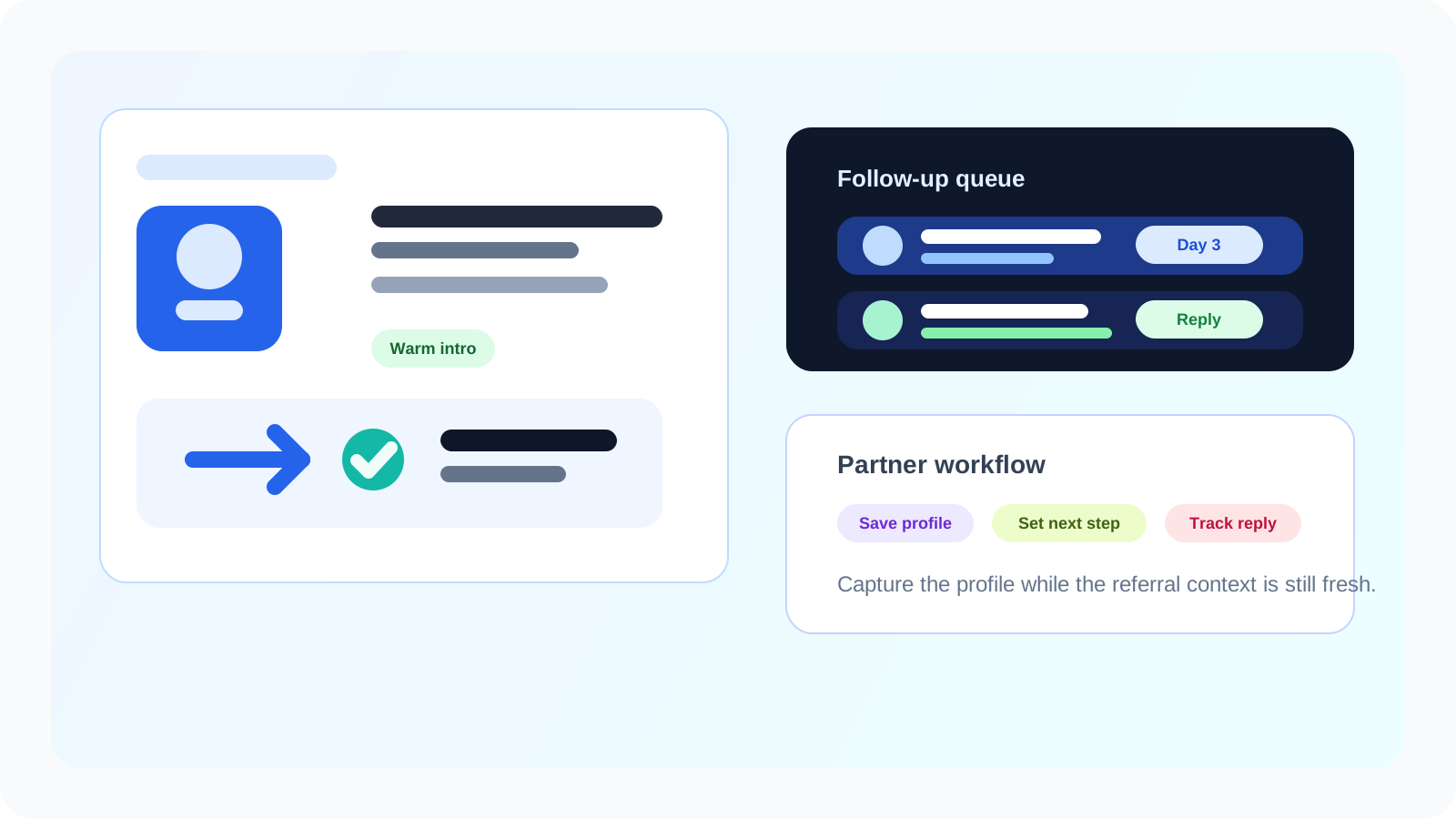
A one-click LinkedIn profile saver is especially valuable in partner outreach because warm intros lose value fast when the rep has to remember who referred whom, why the contact matters, and when to follow up. Fast capture turns that warm context into an actionable workflow before it fades.
Partner motions do not usually fail because the team lacked names. They fail because the names were sitting in messages, referral threads, meeting notes, or mental reminders instead of in a visible follow-up system. When an alliance manager, channel rep, or founder says "I should reach out to that person later," the quality of the intro immediately starts decaying.
That is where a one-click LinkedIn profile saver earns its keep. In DMnesia, the point is not just to save the profile. It is to preserve the warm reason behind the profile, start the next reminder, and keep the contact near the browser where the actual outreach work happens.
If your team wants the pre-message planning layer behind this workflow, the companion guide on how to build a LinkedIn prospect pipeline before reaching out for referral partnerships shows how to organize those warm names before outreach starts.
Why partner outreach needs a different capture workflow
Partner-led pipeline behaves differently from pure cold outbound. The source of the lead matters almost as much as the lead itself.
| Partner motion | What the rep needs to preserve | Why one-click capture matters |
|---|---|---|
| Warm introduction | Who made the intro and what angle they used | The rep can follow up without losing the trust context |
| Channel overlap | Which account, partner, or market motion the contact belongs to | The contact gets attached to the right workflow immediately |
| Post-event networking | Why the conversation was relevant and what happens next | The lead does not disappear after the event energy fades |
| Referral follow-up | The promised next step and timing | The handoff becomes a visible commitment instead of a memory test |
Generic list-building advice does not fully cover this. Partner outreach is warmer, messier, and more contextual. You are not just asking whether the person matches a role. You are asking whether the handoff deserves momentum right now.
What a one-click LinkedIn profile saver should do for partner teams
1. Capture the profile while the referral context is still alive
Warm introductions have a short half-life. The quicker the rep can save the profile while the conversation is still top of mind, the more likely the first follow-up reflects the original context instead of sounding like a generic cold message.
2. Preserve the next step, not just the person
A good saver does more than store a profile URL. It should support a follow-up date, notes about the relationship, and a visible queue that surfaces what needs attention each day. That is the difference between capture and actual progress.
3. Keep the workflow close to LinkedIn
Partner reps often work in bursts across chats, LinkedIn tabs, email threads, and internal calls. If saving the contact forces a heavy CRM detour, the rep delays it. A browser-native workflow lowers that friction and helps warm opportunities stay warm.
Practical rule: if a partner contact can be introduced in one tab but not turned into a tracked next step until three tools later, the workflow is too slow for warm pipeline.
How DMnesia fits this partner capture pattern
DMnesia is useful here because it keeps capture and follow-up in one lightweight system instead of asking the rep to remember an admin step later.
- One-click profile tracking so the contact is saved while the LinkedIn profile is open.
- Today queue visibility so partner follow-ups show up when they are due.
- Custom reminder timing for teams that do not want the same rhythm for every type of intro.
- Templates for common partner follow-up motions that still need a personal opening line.
- Reply awareness so answered contacts stop polluting the pending queue.
- Target Leads support for contacts who need to stay in research before they become active outreach.
That combination matters for partner work because the handoff is often the most valuable part of the interaction. The rep needs to act while the credibility transfer is intact.
How to use a one-click LinkedIn profile saver in a partner outreach routine
A clean process usually looks like this:
- Save the profile immediately when a partner makes the intro or the rep identifies the right contact.
- Add a short note about the relationship source, event, account motion, or intro angle.
- Set the next follow-up before leaving the profile so the contact enters a real queue.
- Use a template as a draft for the initial outreach, then personalize it around the partner context.
- Review the Today queue daily so warm intros are worked before they cool off.
For broader capture fundamentals, the original one-click LinkedIn profile saver guide covers the base workflow. If you want the account-planning version, read one-click LinkedIn profile saver for account-based prospecting. This page is different: the main challenge is not raw prospect volume, but preserving warm handoff context and acting fast enough to honor it.
Where this sits relative to partner CRM process
A browser-native profile saver does not replace every system of record. What it does replace is the unreliable gap between discovery and documentation. That gap is where many partner opportunities go stale.
Teams can still sync important account notes into a broader sales process later. But the first win is making sure the right LinkedIn contact is captured, visible, and scheduled while the reason for outreach still feels concrete.
If your current partner motion still depends on reps remembering who they meant to message after a call, the workflow is underpowered. A one-click LinkedIn profile saver gives the team a faster default.
Capture warm partner contacts before context disappears
Use DMnesia to save LinkedIn profiles fast, keep warm intros visible, and turn partner handoffs into tracked follow-ups.
Explore DMnesia featuresFrequently asked questions
Why do partner teams need a one-click LinkedIn profile saver?
Because partner and channel motions rely on warm context. Fast capture preserves the referral source, next step, and timing before that context fades into notes or memory.
What should happen after a partner rep saves a LinkedIn profile?
The contact should move into a visible follow-up workflow with notes, reminder timing, and a clear next action instead of sitting as a saved link.
Can a profile saver help with channel sales follow-up discipline?
Yes. It reduces the delay between finding the right contact and assigning the next step, which is exactly where warm partner leads often stall.