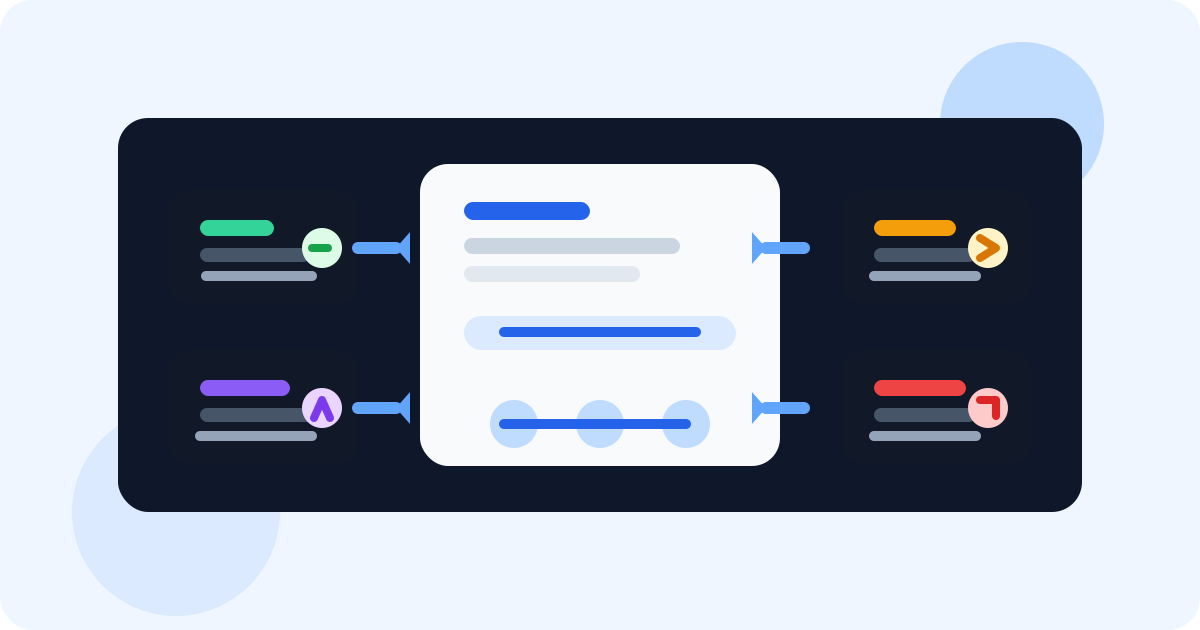
LinkedIn-first multi-channel orchestration for lean sales teams means using LinkedIn as the memory layer for email, calls, and follow-ups. Instead of juggling disconnected tools, the team keeps context close to the profile, works the next best channel, and stops the sequence as soon as the conversation becomes real.
Lean teams do not lose deals because they lack channels. They lose deals because the context breaks between channels. A rep sends an email, forgets the LinkedIn thread, leaves a voicemail, then cannot remember which touch should come next.
The broad article on multi-channel outreach orchestration with LinkedIn explains why LinkedIn works well as the anchor. This version is narrower: it is built for teams that do not have spare RevOps capacity, six tools, or time for admin-heavy sequence cleanup.
If your team already thinks in a LinkedIn-led motion, the next companion read is LinkedIn-first multi-channel outreach. That article lays out the philosophy. Here, the focus is operational discipline for small teams trying to do more with less.
Why lean teams benefit from a LinkedIn-first model
Small teams need fewer moving parts, not more. LinkedIn already gives reps identity, social context, conversation history, and active profiles. That makes it a strong coordination layer when you do not want your process spread across tabs and tools.
| Channel | Best use | What LinkedIn contributes |
|---|---|---|
| LinkedIn DM | Warm opening and relationship continuity | Profile context, live engagement, and social proof |
| Longer reasoning or asset sharing | A better understanding of what the buyer likely cares about | |
| Call | Urgency, clarification, or deal movement | A clear picture of who owns the relationship and why now |
| Reminder | Timing discipline between touches | A visible next step tied to the actual person, not a generic task |
What “LinkedIn-first” actually changes
A LinkedIn-first workflow does not mean every message must start in LinkedIn. It means LinkedIn holds enough context that the next touch in any channel still feels coherent.
- The profile becomes the anchor: reps know who they are contacting and why without digging through multiple systems.
- The next step stays visible: follow-up timing is not hidden in a separate task tool no one checks.
- The sequence stays human: once someone replies, the team pivots instead of blindly completing a cadence.
- Ownership stays cleaner: handoffs are easier because the context is attached to the person, not buried in memory.
This matters most for lean teams because channel switching is expensive when headcount is tight. If one rep is running prospecting, discovery follow-up, and pipeline cleanup, the process must reduce friction at every step.
If your motion has grown into shared account coverage and stakeholder coordination, the next read is multi-channel outreach orchestration with LinkedIn for account-based sales.
How lean teams orchestrate without overbuilding the stack
1. Let LinkedIn hold the account context
The rep should be able to save the profile, see the next due follow-up, and know whether the thread is warm without opening a separate CRM just to understand the situation. DMnesia fits well here because it keeps the follow-up workflow in the browser where the rep is already working.
2. Decide the next channel deliberately
Every touch should have a reason. If the buyer needs a short nudge, stay in LinkedIn. If the rep needs to send a longer explanation, move to email. If urgency is high, escalate to a call. The point is not channel variety for its own sake. The point is using the right medium at the right moment.
3. Protect the team from duplicate or stale touches
Lean teams feel every mistake more sharply. A duplicate follow-up or missed reply is not just awkward, it is a waste of precious rep time. Articles like how sales teams manage LinkedIn outreach across reps after handoffs matter because clean orchestration depends on clean ownership.
Practical test: if your rep cannot answer “what is the next channel and why?” in under ten seconds, the workflow is too heavy for a lean team.
What a lean-team orchestration workflow looks like day to day
The strongest pattern is simple. A rep saves the profile, chooses the next touch, sets the next date, and works from a due queue instead of memory. When a reply arrives, the queue changes immediately.
That is why lean teams often get more from reminder clarity than from adding another automation layer. The guide to sales engagement Chrome extensions for lean sales teams is useful here because it explains the tooling question from the same resource-constrained perspective.
DMnesia supports this style well because it combines profile saving, follow-up reminders, reply awareness, and team visibility without forcing a rep to leave the browser. For a small team, that matters more than feature sprawl.
People also ask about LinkedIn-first multi-channel orchestration for lean sales teams
What is LinkedIn-first multi-channel orchestration for lean sales teams?
It is a lightweight way of coordinating LinkedIn, email, calls, and reminders by using LinkedIn as the context layer instead of forcing a small team to live inside a heavy outbound stack.
Why does LinkedIn work well as the anchor channel?
LinkedIn keeps identity, social context, and active conversation history in one place. That makes it easier to decide what to send next across every other channel.
How do lean teams keep multi-channel outreach organized?
The cleanest method is to save the profile, choose the next channel intentionally, and set the follow-up date before leaving the conversation.
Conclusion: keep the channels, cut the friction
Lean sales teams do not need fewer ideas. They need fewer broken handoffs between ideas. A LinkedIn-first multi-channel workflow keeps context near the buyer, makes the next step obvious, and gives the team a better chance of sounding coordinated even with limited resources.
If you want the practical version, let DMnesia hold the LinkedIn memory layer while your team uses email, calls, and follow-ups with more discipline.
Coordinate the next touch without adding more tool sprawl
Use DMnesia to keep LinkedIn context, reminders, and reply visibility in one lean sales workflow.
Install DMnesiaFrequently asked questions
What is LinkedIn-first multi-channel orchestration for lean sales teams?
It is a lightweight way of coordinating LinkedIn, email, calls, and reminders by using LinkedIn as the context layer instead of forcing a small team to live inside a heavy outbound stack.
Why does LinkedIn work well as the anchor channel?
LinkedIn holds identity, context, social activity, and live conversation history in one place, which makes it easier for a lean team to decide what to send next across every other channel.
How do lean teams keep multi-channel outreach organized?
The simplest approach is to save the profile, decide the next channel, set a follow-up date, and stop the sequence as soon as a real reply arrives.