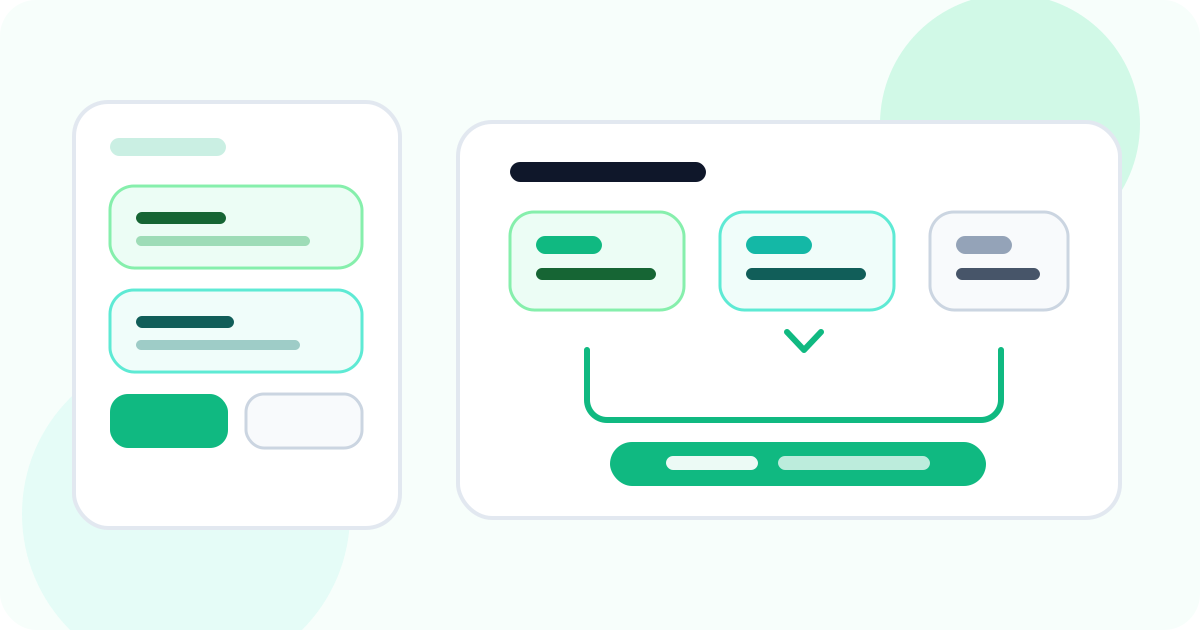
A LinkedIn prospect tagging tool should help before outreach starts, not just after a contact becomes active. The strongest setup lets reps separate raw targets from qualified leads, preserve why an account matters, and promote only the right names into follow-up so the active queue stays clean instead of turning into a holding area for half-finished research.
Most articles about this keyword focus on tags as a generic organization layer. That is useful, but it misses the harder problem. Teams do not usually need more labels after outreach begins. They need better decisions before outreach begins.
That is why this version of the topic is qualification-first. The real job of tagging is not to make the board look tidy. It is to help the rep decide which prospects deserve a place in active execution and which ones still belong in staging.
DMnesia already supports that model with a dedicated Target Leads lane, clean conversion into tracked contacts, and a follow-up workflow that only starts when the prospect is actually ready.
If your qualification challenge is happening inside complex account maps rather than a flat lead list, read LinkedIn prospect tagging tool for buying committee mapping for the multi-stakeholder version of this workflow.
If you want the broader grouping overview, start with the main guide to a LinkedIn prospect tagging tool. This article goes deeper on the pre-outreach qualification use case.
What a qualification-first tagging workflow needs to solve
| Qualification moment | What the tagging layer should answer | Why it matters |
|---|---|---|
| Early research | Is this still just a target or already worth active attention? | You stop polluting the live queue with low-confidence names |
| Account review | What made this prospect interesting in the first place? | You keep context attached to the name before writing outreach |
| Promotion decision | Is the person ready for tracked follow-up now? | The active workflow stays reserved for real opportunities |
| Team review | Are reps sorting well or just collecting names? | Managers get cleaner coaching signals earlier in the funnel |
Why too many tags make qualification worse
1. Reps stop trusting the category system
If the difference between labels is subtle, the taxonomy becomes decoration. A rep may still click a tag to satisfy the process, but the label stops carrying useful meaning for the next decision.
2. The queue loses its boundary
When every prospect looks equally “interesting,” everything drifts toward active follow-up. That removes the main benefit of staging: protecting daily execution from research noise.
3. Managers cannot see where the real problem lives
If the team is missing follow-up because the input list is weak, that is a qualification issue. If target leads and active contacts are blended together, it becomes much harder to tell.
Qualification rule: if a tag does not change what happens next, it is probably not helping. Good tagging should reduce decisions, not create more of them.
What a better LinkedIn prospect tagging tool looks like
- One lane for target leads so raw research stays separate from active outreach.
- A short set of stage labels that explain readiness, not just interest.
- Clear promotion into tracked contacts only when the rep is ready to work the account.
- Context kept close to the profile so the first message is easier to personalize.
- Follow-up tools activated after qualification so reminders and templates stay focused on live work.
This is exactly why the best tagging workflow connects naturally to the LinkedIn target leads pipeline for qualified outreach. The tags are not the destination. They are the control layer that decides what enters the pipeline and when.
If you are still defining the pipeline from scratch, the article on how to build a LinkedIn prospect pipeline before reaching out is the upstream strategy piece that pairs best with this page.
How DMnesia handles pre-outreach qualification
DMnesia is useful here because it treats qualification as a real workflow stage rather than a side note before outreach.
- Target Leads holds prospects before they enter active tracking.
- Profile-level context stays visible while the rep decides what to do next.
- Duplicate visibility helps teams avoid promoting someone who is already tracked.
- One-click conversion moves qualified prospects into the follow-up workflow when the rep is ready.
- Templates, reminders, and reply awareness stay reserved for the people who have already crossed that qualification line.
That is a cleaner operating model than letting every interesting profile become an active follow-up by default. It reduces queue inflation, improves personalization, and makes the rep’s day easier to trust.
If the next challenge after qualification is messaging quality, pair this with the LinkedIn follow-up sequence template article. If the challenge is daily timing, the better companion is the Day 3 Day 7 Day 14 cadence guide.
Frequently asked questions
How should a LinkedIn prospect tagging tool help before outreach starts?
It should separate raw targets from outreach-ready names, preserve qualification context, and help the rep decide what deserves active follow-up.
Do reps need lots of tags for LinkedIn qualification?
Usually no. Most teams do better with a small set of stage-based labels or lanes that make next actions obvious instead of maintaining a long taxonomy nobody trusts.
How does DMnesia support pre-outreach prospect tagging?
DMnesia keeps target leads separate from tracked contacts, makes qualification context visible, and allows clean conversion into active follow-up only when the prospect is ready.
Use DMnesia to keep target leads organized before outreach starts
Sort prospects in a dedicated target-leads workflow, qualify them with context, and move only the right names into active follow-up.
Explore DMnesia features