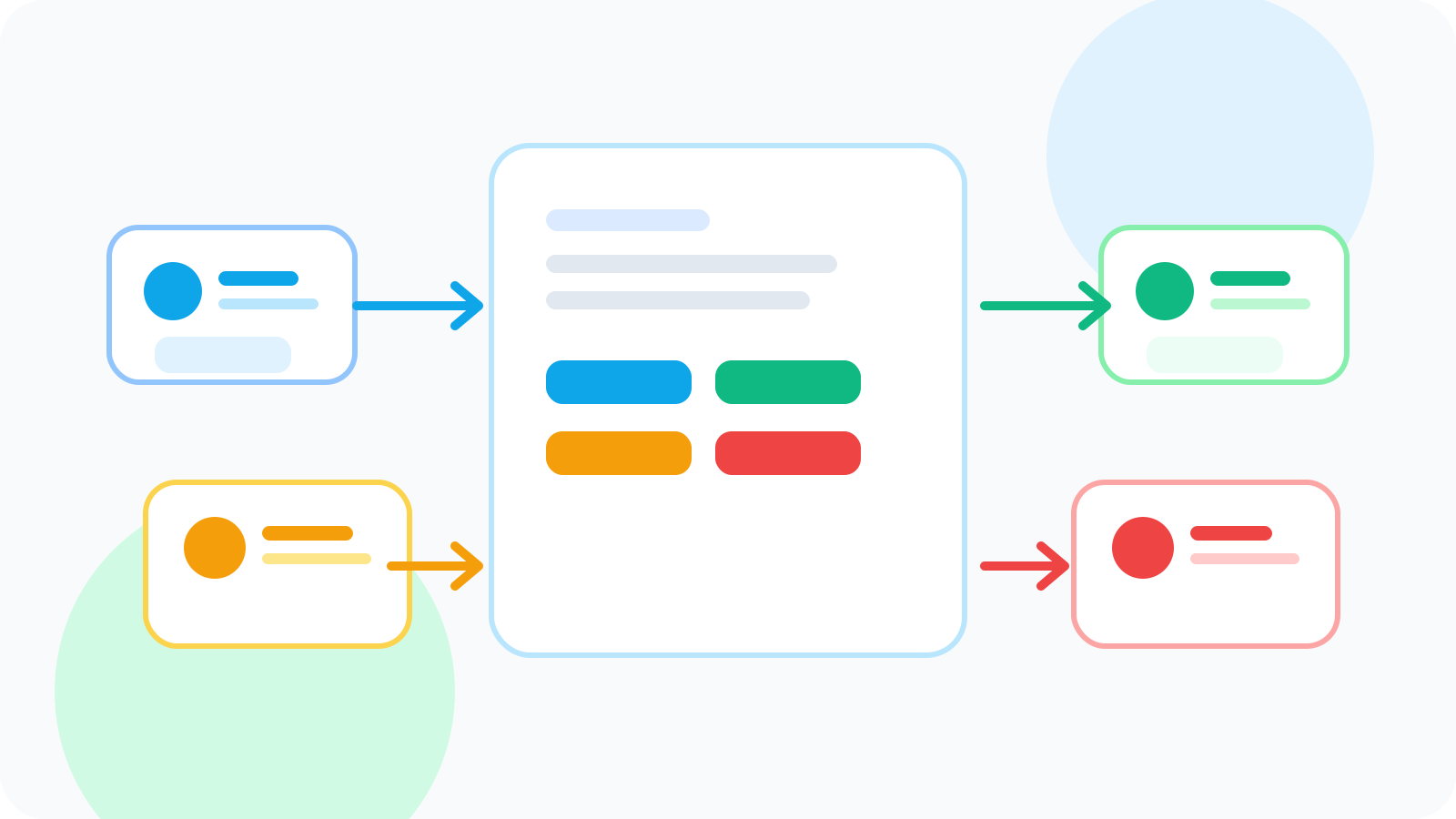
A LinkedIn prospect tagging tool becomes much more valuable when you use it for buying committee mapping instead of generic lead labels. In multi-stakeholder deals, the real challenge is keeping roles, influence, and next steps visible so the account does not collapse into a pile of disconnected names and forgotten follow-ups.
Most account teams eventually discover the same problem: one person responds on LinkedIn, another quietly influences the deal, a third owns budget, and a fourth slows everything down. If those contacts are stored as flat prospects without role context, the outreach stays reactive. The rep follows the loudest thread instead of the most strategic one.
A better LinkedIn prospect tagging tool gives the team a simple way to group stakeholders before the outreach becomes chaotic. The goal is not to build a bloated taxonomy. The goal is to understand who each person is in the buying motion and what should happen next.
DMnesia supports that lighter model by separating target leads from tracked contacts, keeping active follow-ups visible, and making it easier to work account context directly in the browser instead of reconstructing it from memory later.
What buying committee mapping actually needs from a tagging workflow
| Stakeholder type | What the team needs to know | Why the tag matters |
|---|---|---|
| Champion | Who is pushing internally | The rep knows where momentum is coming from |
| Evaluator | Who is gathering information or reviewing fit | The follow-up can stay useful instead of overly commercial |
| Economic buyer | Who influences budget or final approval | The team can time executive outreach more deliberately |
| Blocker or skeptic | Where resistance may appear | The rep stops assuming silence means neutrality |
The tag is not the whole system. It is a fast way to preserve account shape while the deal is still forming.
Why standard contact lists fail in multi-stakeholder outreach
1. They flatten different roles into identical records
If the champion and the blocker look the same in your workflow, you will almost certainly over-message the wrong person or underprepare for the actual decision path.
2. They confuse research with live execution
In account-based outreach, many stakeholders begin as targets long before they deserve a follow-up task. That is why the structure in LinkedIn target leads pipeline matters here too. Mapping and follow-up should not start in the same lane.
3. They make internal coaching harder
Managers cannot see whether an account is thin, over-dependent on one contact, or missing a buyer-level path unless the role context stays visible.
Account rule: if the team can tell you who replied last but not who matters most, the tagging layer is too shallow for a buying committee workflow.
How to use a LinkedIn prospect tagging tool for buying committee mapping
- Separate target stakeholders from active conversations so research does not pollute the follow-up queue.
- Use role-based labels first before adding any custom nuance.
- Keep the next action tied to the role so a champion gets different follow-up than a skeptical evaluator.
- Promote only the right stakeholders into tracked follow-up once the team is ready to engage them directly.
- Review account coverage regularly so one reply does not trick the team into thinking the account is fully mapped.
This is where DMnesia helps without turning into heavy CRM admin. The browser-native workflow keeps the account context closer to the LinkedIn profiles you are actually reviewing, and the active queue remains reserved for contacts who truly need attention now.
What a lightweight DMnesia setup looks like
| Workflow layer | How DMnesia helps | Outcome |
|---|---|---|
| Stakeholder research | Target Leads lane for pre-outreach names | The committee can be mapped without cluttering live work |
| Active conversations | Tracked contacts and due reminders | The right stakeholders stay visible once outreach starts |
| Role-sensitive follow-up | Templates and next-step visibility | Messages can match the stakeholder’s place in the deal |
| Response changes | Reply-aware status management | Live conversations stop being treated like untouched prospects |
If your immediate problem is earlier-stage qualification rather than stakeholder mapping, the article on LinkedIn prospect tagging tool for pre-outreach qualification covers that front-end workflow. If your challenge is tracking who has replied across several people on the same account, the broader guide on how to detect when a LinkedIn lead has replied on shared accounts complements this one well.
Common mistakes in buying committee tagging
Creating too many custom labels too early
Too much taxonomy usually hides the simple question that matters: what is this person’s role in the deal?
Treating all stakeholder replies as equal
A reply from a champion and a reply from a budget owner should not trigger the same follow-up logic.
Skipping account coverage review
Multi-stakeholder selling breaks down when the team mistakes one warm contact for full account access.
People also ask about LinkedIn prospect tagging tools
Why use a LinkedIn prospect tagging tool for buying committee mapping?
Because multi-stakeholder accounts need role context. A tagging layer helps the team keep champions, evaluators, and decision-makers distinct instead of flattening them into one generic list.
What tags matter most in a multi-stakeholder LinkedIn account?
Relationship role, influence, and whether the contact is still a target or already active are usually the most useful tags.
How does DMnesia help organize buying committees on LinkedIn?
DMnesia separates target leads from tracked contacts, keeps live follow-up visible, and helps teams understand which stakeholders are ready for outreach and which still need mapping.
Conclusion: good buying committee tagging keeps the account legible
LinkedIn prospect tagging tool workflows matter more in complex accounts because the team is really managing account structure, not just names. When stakeholder roles stay visible, follow-up becomes more deliberate and account coverage gets much easier to coach.
DMnesia helps by keeping pre-outreach mapping separate from active follow-up, preserving account context in the browser, and turning the right stakeholders into tracked conversations only when the team is ready.
Use DMnesia to map stakeholders without heavy CRM admin
Use DMnesia to separate target stakeholders from active follow-ups and keep buying committee outreach organized directly inside LinkedIn.
Explore DMnesia featuresFrequently asked questions
Why use a LinkedIn prospect tagging tool for buying committee mapping?
Because multi-threaded accounts need stakeholder role context, not just a flat list of names and dates.
What tags matter most in a multi-stakeholder LinkedIn account?
Champion, evaluator, buyer, blocker, and whether the person is still a target or already in active follow-up are usually the most practical tags.
How does DMnesia help organize buying committees on LinkedIn?
It keeps mapping and live follow-up separate, then makes the active stakeholder queue visible once outreach begins.