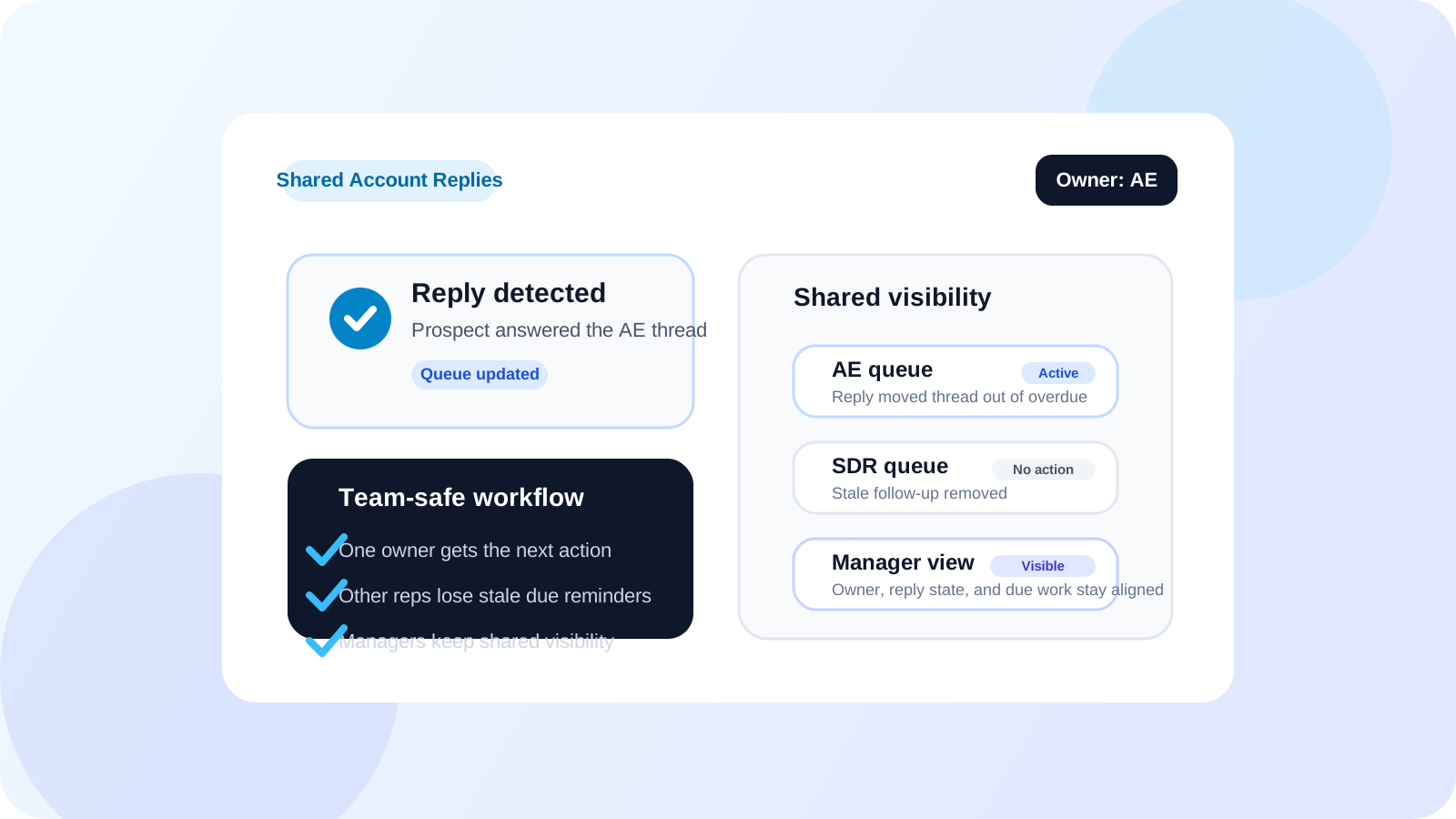
To detect when a LinkedIn lead has replied on shared accounts, teams need more than a generic reply flag. They need reply-aware tracking connected to account ownership and shared visibility, so the active rep sees the change immediately and the rest of the team does not send an outdated follow-up into a live conversation.
Reply detection gets harder the moment account coverage stops being one-to-one. An SDR hands a contact to an AE. An AE loops in an account manager. Two reps touch different stakeholders at the same company. Now a reply is not just a nice status update. It changes who should act next and who should stay out of the thread.
That is why shared-account reply detection is really a coordination problem. The workflow has to keep the queue accurate for the rep doing the work while still giving the wider team enough visibility to avoid collisions.
Why reply detection breaks on shared accounts
Most teams do not fail because they never notice replies. They fail because the reply does not propagate into a clean next action across the people covering the account.
| Shared-account problem | What goes wrong | What the workflow should do |
|---|---|---|
| Several reps touch the same account | A reply lands but another rep still sees the thread as overdue | Update the active queue immediately and show the ownership clearly |
| Handoff in progress | The new owner misses the reply or answers too late | Preserve reply status with the contact as ownership changes |
| Manager review | Leaders see activity totals but not conversation state | Show which contacts replied, which are still due, and who owns next action |
Without that structure, teams end up with stale reminders, duplicate touches, and unnecessary internal clarification loops.
How to detect replies correctly on shared accounts
1. Keep reply awareness inside the browser workflow
The rep who is actively working LinkedIn needs the update first. That is why browser-level reply awareness is so important. It changes the live queue where execution happens instead of relying on someone to log the status later.
2. Separate visibility from ownership
Shared accounts do not mean shared sending rights at every moment. The strongest teams make one rep clearly responsible for the next touch while still keeping others aware of reply state. This is the difference between a clean handoff and a messy free-for-all.
3. Remove replied contacts from stale follow-up lists
If a lead replies, every outdated reminder tied to that same thread should stop cluttering the queue. DMnesia’s reply-aware tracking model matters here because it helps the active owner trust the due list instead of re-checking every thread manually.
4. Give managers a shared surface for queue state
Leaders do not need to read every message. They need enough shared visibility to see where reply state changed, which contacts are waiting, and whether a thread is ownerless. That is where team dashboards and shared analytics become useful.
Team rule: a reply should change both the queue and the ownership picture. If it only changes one of those, the account is still vulnerable to duplicate outreach.
A practical shared-account reply workflow
The practical flow is simple. Track the stakeholder in the browser. Detect the reply in the working queue. Remove the stale reminder. Preserve the owner and contact context in the shared layer. Then let the right rep act while the rest of the team stays informed.
| Stage | Rep-level action | Team-level effect |
|---|---|---|
| Reply arrives | Owner sees the contact move out of pending follow-up | Team view reflects that the thread is active again |
| Account changes hands | New rep inherits the current reply state | Managers avoid duplicate touches during transition |
| Pipeline review | Rep works only truly due contacts | Leadership sees which accounts are warm, stalled, or ownerless |
Where DMnesia fits for shared-account reply detection
DMnesia is useful here because it combines reply-aware tracking in the extension with a path to shared team visibility through dashboards, member management, and API-connected reporting. The rep keeps the execution layer close to LinkedIn, while the team keeps enough visibility to coordinate coverage cleanly.
- Reply-aware queues help the active rep stop sending stale follow-ups.
- Tracked contacts keep stakeholder context attached to the account over time.
- Team views help managers spot which accounts are active, overdue, or between owners.
- Shared templates and reporting support consistent follow-up once the thread becomes a team motion.
If you want the broader single-owner explanation first, read how to detect when a LinkedIn lead has replied. If the coordination challenge is your main issue, pair this page with how sales teams manage LinkedIn outreach across reps, the handoff-focused version, and shared LinkedIn outreach dashboard.
For leadership visibility beyond the queue itself, team LinkedIn outreach analytics is the next relevant read.
People also ask
How do you detect when a LinkedIn lead has replied on a shared account?
The cleanest approach is to use reply-aware tracking tied to account ownership and a shared team view, so the active rep sees the change immediately and other reps avoid stale follow-ups.
Why is reply detection harder on shared accounts?
Because a reply changes who should act next, not just the contact status. Shared accounts need both queue accuracy and team coordination.
Do teams need a CRM alone for LinkedIn reply detection?
No. Teams usually need a browser-level reply-aware queue first, then add CRM or API reporting for wider management and analysis.
Conclusion: reply detection on shared accounts is really ownership clarity
On shared accounts, detecting a LinkedIn reply is not just about speed. It is about making sure the right rep sees the right state at the right time while everyone else stays aligned.
That is why a browser-native tool like DMnesia works well. It keeps live reply awareness close to execution and gives teams the shared visibility they need to avoid sloppy follow-up collisions.
Keep shared-account replies out of the wrong queue
Use DMnesia to detect replies, preserve account context, and give reps a cleaner LinkedIn follow-up workflow across shared coverage.
Compare DMnesia for TeamsFrequently asked questions
How do you detect when a LinkedIn lead has replied on a shared account?
Use reply-aware tracking connected to account ownership and team visibility. The key is that the active queue updates immediately and the rest of the team can see the change without guessing.
What breaks if reply detection is weak on shared accounts?
Teams end up with duplicate follow-ups, slower response times, and confused ownership. The problem is not only missing replies but acting on stale queue state.
When do shared dashboards matter for LinkedIn reply detection?
They matter once several reps or managers need visibility into who owns the next step. The dashboard does not replace execution, but it keeps the team aligned around the execution state.