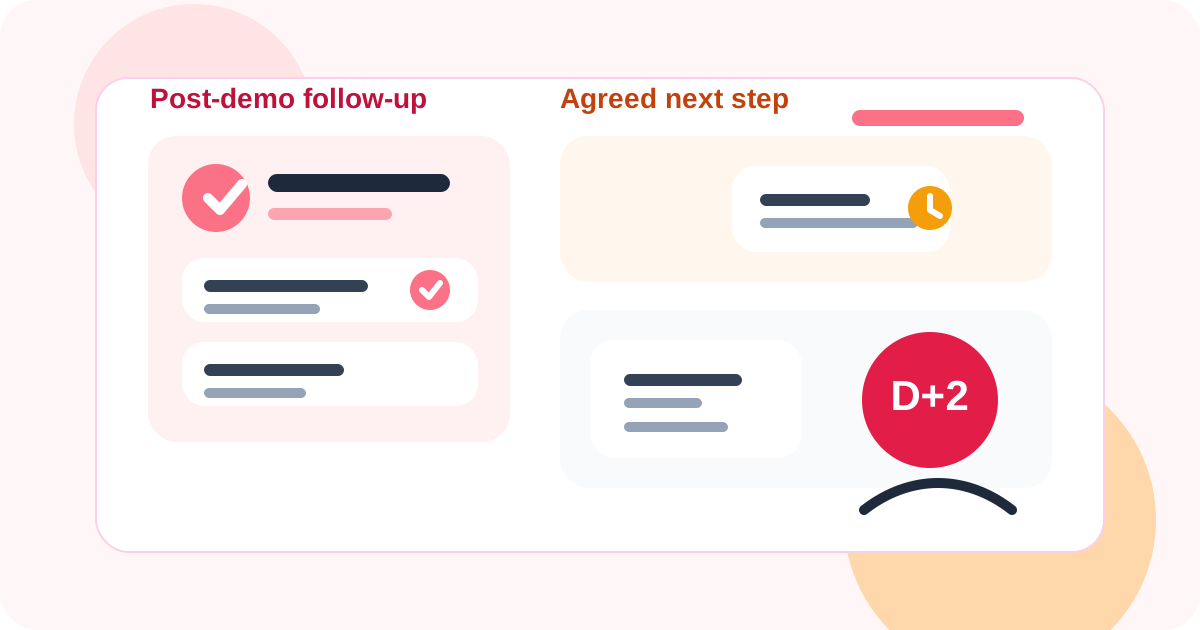
How to stop getting ghosted on LinkedIn after a demo starts with protecting the next step while the conversation is still warm. The strongest teams confirm timing, log the exact follow-up promise, and use reply-aware reminders so the buyer never receives a late, generic nudge that ignores what just happened.
That is a different problem from top-of-funnel outreach. After a demo, you are not trying to earn first attention. You are trying to preserve momentum that already exists. When the follow-up misses the promised window or reopens the thread with a broad ask, the buyer often goes quiet even if the meeting itself went well.
DMnesia fits this moment because it keeps the workflow close to LinkedIn. Reps can save the profile, attach the next step to a due date, see it inside a Today queue, and rely on reply detection so reminders do not keep firing after the buyer has already answered.
Why post-demo LinkedIn ghosting happens
Most post-demo silence is not mysterious. It usually comes from one of a few repeatable workflow mistakes.
| What goes wrong | How the buyer experiences it | What to do instead |
|---|---|---|
| The next step is vague | The buyer is unsure what the rep expects next | Leave the demo with one explicit follow-up action and date |
| The rep follows up late | The thread feels colder than the meeting did | Use a reminder tied to the promised timing, not memory |
| The message re-asks for everything | The buyer feels pushed into a bigger commitment | Make the second touch lighter than the meeting ask |
| Replies are missed | The rep sends awkward follow-ups into a live thread | Use reply-aware tracking that changes the queue automatically |
How to stop getting ghosted on LinkedIn after a demo
1. Lock the follow-up promise before the call ends
The safest follow-up is the one the buyer already agreed to. Instead of ending with “I’ll circle back,” finish with something specific like “I’ll send the stakeholder recap Thursday morning” or “I’ll check back after you review pricing next week.” That single sentence reduces ambiguity and gives your next LinkedIn message context the buyer already recognizes.
2. Save the profile before you switch tasks
Post-demo deal momentum often dies in the five minutes after the meeting, when the rep moves to the next task and assumes they will remember what to do later. DMnesia’s profile save flow matters here because it lets the rep capture the relationship immediately instead of recreating it from memory that evening.
3. Reopen with a smaller ask, not a bigger one
If the demo covered a lot, do not turn the follow-up into a second meeting invitation with five extra questions. A lighter next move is usually stronger. Confirm the resource you promised, ask whether the buyer wants you to involve another stakeholder, or give them a simple yes or no path forward. That discipline is one reason how to follow up on LinkedIn without being annoying works so well as a companion read.
4. Keep the queue warm-thread specific
Cold prospecting follow-ups and post-demo threads should not live in one undifferentiated pile. Warm opportunities deserve faster review and better context. DMnesia helps by letting reps keep active contacts visible in a browser-native queue while post-demo LinkedIn reminders stay tied to the real relationship instead of a generic task list.
Simple rule: after a demo, every LinkedIn follow-up should sound like it belongs to the same conversation, not like a fresh sequence that forgot what the buyer already said.
A practical post-demo workflow for LinkedIn
You do not need an elaborate sequence. You need a workflow that keeps context, timing, and reply state visible.
- Immediately save the buyer profile while the meeting details are still fresh.
- Record the agreed next step in plain English, not shorthand only you understand.
- Set a due date that matches the promise instead of defaulting to a generic cadence.
- Review the Today queue daily so warm threads do not cool off behind new outbound work.
- Pause reminders when a reply comes in and switch into conversation mode.
If no next step was explicitly agreed, borrow from a light timing structure like the one in Day 3, Day 7, Day 14 follow-up cadence. The difference is that post-demo follow-ups should be adapted around real buying signals rather than fired off as fixed automation.
What DMnesia changes about post-demo ghosting
DMnesia does not guarantee a response. It fixes the operational mistakes that make good opportunities feel colder than they should.
- One-click profile saving keeps the account from disappearing after the meeting.
- Visible due dates make promised follow-ups easier to hit.
- Reply-aware reminders prevent redundant nudges after the buyer answers.
- Templates reduce blank-page friction without turning the note robotic.
- Snooze and archive states keep the warm queue credible when priority shifts.
The result is a system that feels manual in the right places and structured in the places that usually fail. If you want the broader answer to the original pain point, the generic guide is still how to stop getting ghosted on LinkedIn. This version exists for the more specific moment when a live opportunity has already started.
For teams that want a clearer handoff from reminder logic to product evaluation, the next step is the DMnesia pricing page. That is where you can compare whether the workflow fits a single closer, a founder, or a broader sales team.
Use DMnesia to stop warm demo threads from slipping
Save the profile, track the promised next step, and keep post-demo LinkedIn follow-ups visible before silence turns into churn.
Install DMnesia for ChromeFrequently asked questions
Why do buyers ghost on LinkedIn after a demo?
Usually because the follow-up arrives later than promised, feels too generic, or asks for more effort than the buyer expected after the meeting.
What is the best follow-up timing after a LinkedIn demo conversation?
The best timing is the one agreed during the demo. If that did not happen, a light follow-up within a few days usually works better than waiting until the thread feels stale.
Can DMnesia help with post-demo ghosting on LinkedIn?
Yes. It helps reps capture the profile, set the follow-up date, review a due queue, and stop nudging once a reply changes the state of the conversation.