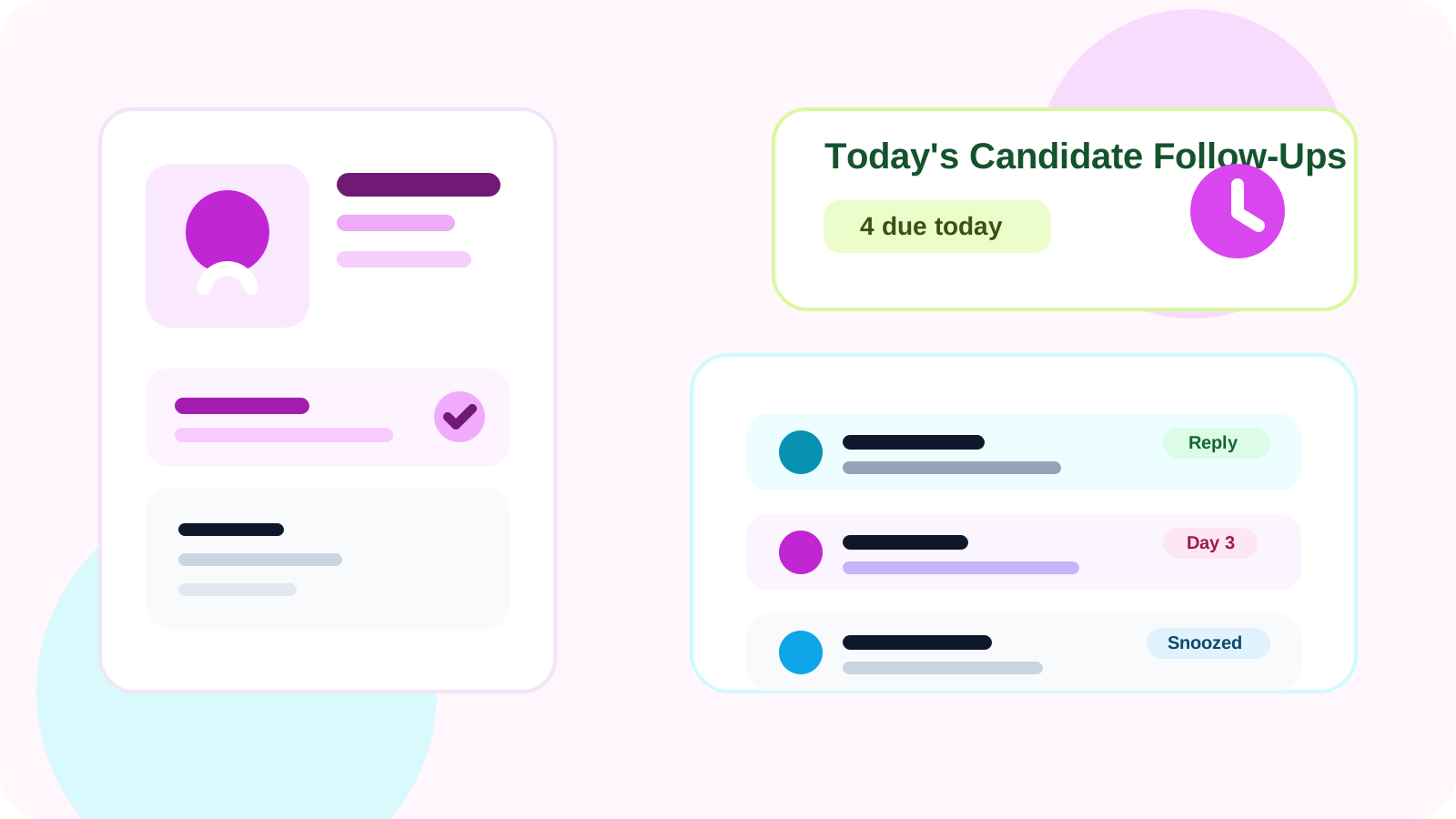
The best way to track LinkedIn follow-ups in 2026 for recruiters is to use a browser-first system that saves candidate profiles instantly, shows who needs a nudge today, and removes replied candidates from the reminder queue. That keeps sourcing follow-up disciplined without making recruiter outreach feel like admin work.
Recruiters usually do not lose candidates because the first LinkedIn message was bad. They lose momentum because the second and third touch disappear between sourcing tabs, ATS updates, interview coordination, and inbox cleanup. A candidate who looked warm on Tuesday becomes a silent maybe by Friday simply because nobody remembered to re-open the thread.
That is why the best follow-up system in 2026 is less about having more software and more about putting the memory layer where the recruiter already works. If the follow-up list lives far away from LinkedIn, the workflow gets slower with every handoff between tabs.
DMnesia fits that browser-first model well. It lets users save profiles in one click, review a Today queue, spot replies, use reusable message templates, and keep reminders visible without forcing every early touch into a heavier system first.
Why recruiter follow-up breaks so easily on LinkedIn
Recruiter sourcing looks simple from the outside, but the workload is full of small timing decisions. You need to know who to re-engage, who already replied, who should be snoozed until a role opens up, and who is no longer worth active effort.
| Recruiting moment | What usually goes wrong | What a better system does |
|---|---|---|
| Initial sourcing wave | Strong prospects get buried once the first batch is sent | Creates a daily due queue tied to each candidate |
| Candidate reply arrives | The prospect still looks overdue in the reminder list | Marks replied contacts and removes stale nudges |
| Role timing changes | Recruiters either forget the person or keep noisy reminders active | Uses snooze and archive rules to keep the queue clean |
The common thread is queue trust. When the list stops reflecting reality, recruiters stop trusting it. Once that happens, the system becomes another checkbox instead of a real operating tool.
What is the best way to track LinkedIn follow-ups in 2026 for recruiters?
1. Capture the candidate when intent is highest
The best moment to save a contact is when you have just decided the person is worth pursuing. One-click profile capture matters because it removes the delay between finding someone interesting and actually tracking the next step.
2. Run a daily due queue, not a generic list
Recruiters do not need one more giant spreadsheet. They need a list that answers one question clearly: who deserves a follow-up today? A due queue makes the work operational instead of aspirational.
3. Make reply awareness part of the workflow
Candidate outreach gets awkward fast when reminders stay active after someone responds. That is why reply-aware tracking matters so much. It keeps a live conversation from looking like a cold lead. If reply detection is your main bottleneck, the broader guide on how to detect when a LinkedIn lead has replied explains what a clean reply-aware queue should do.
4. Give recruiters a light way to reuse message structure
Templates help, but only when they reduce blank-page friction without flattening the message. Browser-native templates work well because the recruiter can start from a structure and still personalize the note based on the profile in front of them.
Simple hiring rule: the best follow-up system is the one your sourcing team will still open on a high-volume Tuesday, not the one that only looks organized in a planning doc.
Browser-first tracking versus ATS-first tracking
For recruiter outreach, the browser and the ATS are not enemies. They just solve different parts of the process. The browser is better for live execution. The ATS is better once a person becomes part of a structured hiring flow.
- Use the browser for fast profile capture, reminders, reply checks, and day-to-day follow-up.
- Use the ATS when the candidate moves into interview stages, structured notes, and team coordination.
- Keep the boundary clean so recruiters do not need to log every early sourcing action twice.
That is one reason a browser-native layer can be so effective. It handles the messy real-time part of outreach without pretending to replace every downstream system in the hiring stack. If your workflow is more retained-search and partner-handoff driven than broad sourcing, the companion guide is tracking LinkedIn conversations without a CRM for executive search.
If your immediate gap is cadence rather than the full workflow, the tighter operational answer is tool that reminds me to follow up on LinkedIn DMs for recruiters. If the issue is keeping candidate tracking restricted to intentionally worked profiles, compare it with is there a LinkedIn CRM that works only on profiles I visit for recruiting teams. Buyers evaluating the reminder category itself should also read LinkedIn follow-up reminder tool for recruiters.
Where DMnesia fits for recruiter follow-up
DMnesia was built around LinkedIn follow-up discipline rather than mass automation. That makes it useful for recruiters who want a manual-first reminder system that stays close to the profile, thread, and next action.
- One-click tracking helps save candidate profiles the moment interest is real.
- The Today tab gives recruiters a focused list of due follow-ups instead of scattered notes.
- Reply detection helps protect tone by keeping answered candidates out of the wrong queue.
- Templates and snooze controls reduce friction for roles with slower hiring cycles.
If you want the general version of this question, read the best way to track LinkedIn follow-ups in 2026. If your workflow is more about ongoing warm relationships than candidate sourcing, the closer comparison is the account executive version. And if your main concern is privacy rather than hiring rhythm, compare this with a private LinkedIn tracker without automation.
People also ask
What is the best way to track LinkedIn follow-ups in 2026 for recruiters?
The best way is to use a browser-first tracker that saves candidate profiles instantly, shows a daily due list, notices replies, and keeps warm conversations out of stale reminder queues.
Should recruiters track LinkedIn follow-ups in an ATS or in the browser?
For day-to-day outreach execution, the browser is usually faster because context stays next to the profile and DM thread. The ATS still matters later for structured hiring records.
What features matter most for recruiter follow-up tracking?
Fast profile capture, a due queue, reply awareness, snooze controls, and reusable messaging templates matter most because they reduce admin without making recruiter outreach feel robotic.
Conclusion: the best recruiter system keeps follow-up close to live sourcing
The best way to track LinkedIn follow-ups in 2026 is to keep the reminder layer near the work itself. For recruiters, that means saving the candidate when intent is high, working from a due queue, and trusting the system to reflect when a conversation is active again.
DMnesia supports that model with a browser-native workflow built around memory, timing, and reply awareness instead of a bulky admin loop. If your hiring outreach is slipping because good candidates disappear between touches, that is the gap to fix first.
Keep recruiter follow-ups organized inside LinkedIn
Use DMnesia to save candidate profiles, run a cleaner daily queue, and keep replies from turning into awkward or forgotten follow-ups.
Install DMnesia for ChromeFrequently asked questions
What is the best way to track LinkedIn follow-ups in 2026 for recruiters?
Use a browser-first system that captures candidate profiles, shows a daily due queue, and removes answered candidates from pending reminders. That keeps recruiter outreach consistent without creating extra admin.
Do recruiters need automation for LinkedIn follow-up?
Not usually. Most sourcing teams need reminder discipline and better queue visibility more than they need automated sending. Manual-first tools are often the cleaner fit.
Can a browser-based tracker still work with a hiring stack?
Yes. The browser can handle live sourcing execution while the ATS handles formal hiring stages. That separation is often more practical than forcing everything into one system too early.