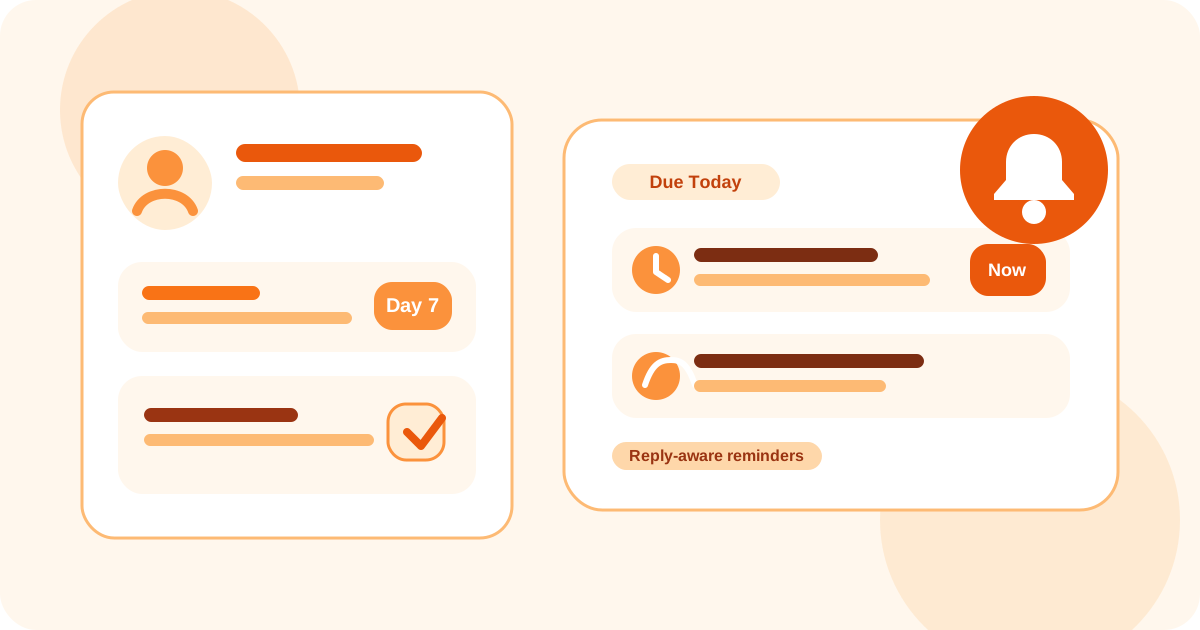
If you need a tool that reminds you to follow up on LinkedIn DMs for recruiting, the best fit is a browser-native system that saves candidate profiles quickly, surfaces who is due today, pauses reminders after replies, and lets you snooze talent for a later check-in. That keeps sourcing disciplined without making the workflow robotic.
Recruiters usually do not lose candidate conversations because the first outreach was weak. They lose them because the second or third touch disappears between intake calls, hiring manager updates, and a dozen active reqs. The real problem is memory under workload.
That is why a reminder tool for recruiter LinkedIn DMs needs a different feel than a generic sales tool. It should support sourcing cadence, candidate warmth, and future-interest follow-up instead of assuming every conversation is a fast outbound sequence.
DMnesia fits this well because it keeps tracking close to LinkedIn with one-click contact capture, a Today queue, reply detection, badge reminders, and snooze or archive controls. The goal is not to automate candidate outreach. It is to make sure strong people do not quietly slip away.
What a recruiter reminder tool should do that generic task lists do not
A basic reminder app can tell you a date. A good LinkedIn recruiting reminder tool tells you which candidate needs attention, whether they already replied, and whether this is a warm nurture thread or a cold sourcing follow-up.
| Recruiting need | What a better reminder tool does | Why it matters |
|---|---|---|
| Fast candidate capture | Save a LinkedIn profile the moment it looks relevant | You do not lose the lead between sourcing and follow-up |
| Daily follow-up triage | Show due conversations in one recruiter-friendly queue | You can start the day with real next actions |
| Reply awareness | Remove answered candidates from pending reminders | You avoid awkward nudges after someone already responded |
| Future-interest handling | Snooze people who are not ready yet without deleting context | You can revisit warm talent at the right moment later |
Why recruiters prefer manual-first reminder systems
1. Candidate tone matters more than pure throughput
Recruiting follow-up has more nuance than “send another nudge.” A candidate may be interested next quarter, waiting on a promotion cycle, or open only after a specific milestone. Manual-first reminders give structure without pretending every person should move through the same automation lane.
2. A due queue works better than scattered notes
The strongest sourcing habits come from a trusted daily queue. DMnesia’s Today tab is useful here because it lets recruiters see what actually needs a touch instead of rebuilding the day from tabs, messages, and memory.
3. Reply detection keeps the workflow polite
When candidates answer, the job changes. The conversation should move from reminder mode to response mode immediately. That is why the broader guide on how to detect when a LinkedIn lead has replied matters so much for recruiting as well.
Recruiter rule: the best reminder tool is the one that helps you stay timely without making candidate communication feel scripted or rushed.
How DMnesia fits recruiter LinkedIn follow-up
DMnesia gives recruiters a practical way to keep sourcing and follow-up organized inside the browser. Instead of moving every candidate into a big ATS-style workflow too early, you can keep the first layer of tracking close to LinkedIn.
- Track promising profiles fast as soon as you decide a candidate is worth working.
- Review due conversations daily from one visible queue.
- Use reply-aware tracking so answered candidates stop cluttering pending reminders.
- Snooze future-fit candidates when the timing is wrong but the relationship is worth preserving.
- Archive dead threads so the active queue stays believable.
If you want the full recruiting operating model around this, the sharper companion read is best way to track LinkedIn follow-ups in 2026 for recruiters. If your concern is more about safe workflow design, compare it with LinkedIn outreach compliance with TOS for recruiters.
And if your recruiting work is heavier on executive search or relationship mapping than high-volume sourcing, the adjacent guide on tracking LinkedIn conversations without a CRM for executive search is usually the better fit.
For the more general version of this question, read tool that reminds me to follow up on LinkedIn DMs. This recruiter page is narrower on purpose: candidate timing, nurture, and sourcing context change what “good reminder design” looks like.
What the workflow looks like in practice
A recruiter-friendly reminder system usually follows a simple pattern. Save the profile when interest is real, let the queue tell you who is due, pause reminders once a candidate replies, and snooze the conversation if the fit is strong but the timing is not.
That is more useful than a generic todo item because the context stays tied to the actual LinkedIn conversation. It also creates a cleaner sourcing habit across weeks, not just one busy afternoon.
Frequently asked questions
Is there a tool that reminds recruiters to follow up on LinkedIn DMs?
Yes. The strongest options save candidate profiles, surface who is due today, stop reminders after replies, and let you snooze future-interest candidates without losing context.
What should a recruiter LinkedIn reminder tool include?
Look for quick profile capture, a daily queue, reply awareness, and flexible snooze controls. Those features matter more than fancy automation in most recruiting workflows.
Do recruiters need automation to manage LinkedIn follow-ups?
Usually no. Recruiters mainly need better memory, better timing, and cleaner visibility into which candidate conversations are still waiting on them.
Keep candidate follow-ups from slipping
Use DMnesia to keep recruiter LinkedIn reminders organized with candidate capture, due queues, reply awareness, and snooze controls inside the browser.
Install DMnesia for Chrome