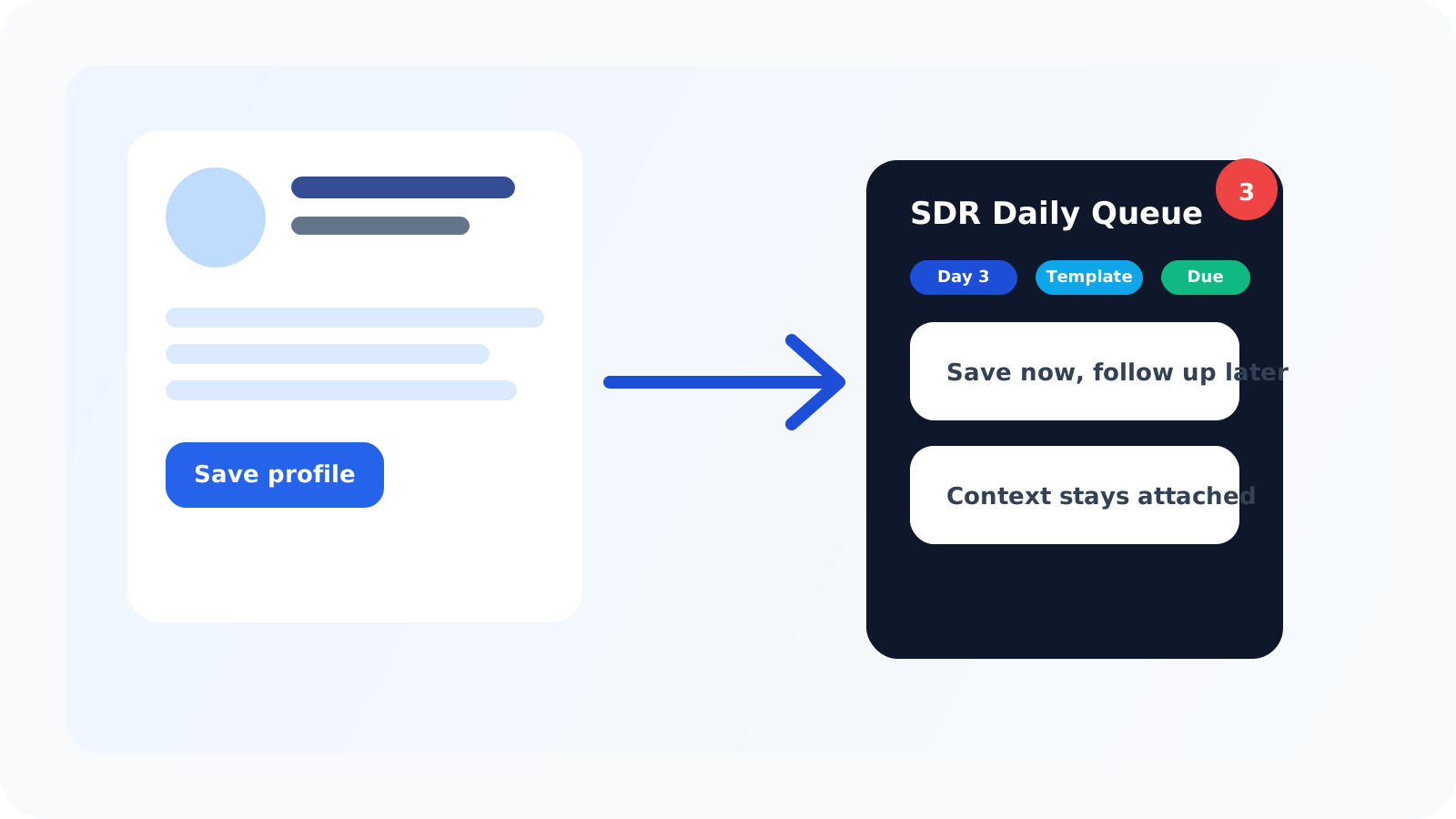
A one-click LinkedIn profile saver is valuable for SDRs because it protects the most fragile part of prospecting: the moment between “this looks promising” and “I actually put this into a workflow.” If that handoff is slow, profiles disappear into tabs, memory, and half-finished research piles.
That is why the saver question is bigger than speed. SDRs do not just need to capture a profile. They need to preserve context, start the right follow-up rhythm, and make sure the contact shows up again when it matters.
DMnesia is built around that operating reality. A rep can save a profile while it is open, move the contact into tracked follow-up, rely on a default cadence, and keep the next action visible in a browser-native queue instead of a spreadsheet cleanup session later.
What SDRs need from a one-click LinkedIn profile saver
| SDR workflow moment | What the saver should do | Why it matters |
|---|---|---|
| During prospecting | Capture the profile with minimal friction | Momentum stays intact while the rep is still evaluating accounts |
| Right after saving | Start a reminder sequence | The profile becomes a real next step instead of a maybe-later note |
| At follow-up time | Show the contact in a clear queue | The rep does not have to remember who needs attention |
| When the prospect replies | Stop treating the contact like a pending cold lead | Answered conversations should move into live conversation mode immediately |
That full loop is what separates a useful saver from a simple bookmark. SDR teams care about captured context, but they care even more about what happens next.
Why SDRs lose pipeline after the profile visit
1. The save step is delayed
Reps often mean to come back after finishing a list, another tab, or another sequence. The longer that delay gets, the more likely the profile never becomes a tracked contact at all.
2. The next action is not attached
Saving without scheduling just creates a cleaner pile of forgotten names. SDR workflows improve when the first reminder is assigned at the same moment as the capture.
3. The browser and the tracker are too far apart
Prospecting decisions happen on the LinkedIn profile. If the rep has to switch systems just to preserve that moment, the workflow becomes slower than the job itself.
Simple test: if your SDRs still say “I’ll log that later,” then the profile saver is not solving the real problem. The save action has to end with a visible next step, not a promise to clean things up later.
How a one-click LinkedIn profile saver should fit an SDR workflow
The strongest SDR workflows keep capture, follow-up timing, and message support in the same operating loop.
- Save the profile while the reason is fresh so context does not have to be reconstructed later.
- Choose whether the person belongs in target leads or active follow-up depending on qualification confidence.
- Apply a cadence immediately so the first, second, and third touches are already mapped.
- Return to a Today queue that shows the due work in one pass.
- Use templates only after the structure is set so speed supports relevance instead of replacing it.
DMnesia covers that loop directly. Reps can save profiles, work from the default Day 3, Day 7, Day 14 follow-up cadence, pull from a LinkedIn follow-up sequence template, and clear due work from a queue that sits close to the browser.
If the rep is still in research mode, the person can stay in a LinkedIn target leads pipeline first. That distinction is what protects SDR capacity. Not every profile should become an active follow-up immediately.
That split is especially useful during list-building blocks. Some profiles deserve immediate action because the fit and timing are obvious. Others deserve a second look after more account research. A saver that respects both outcomes helps SDRs move faster without forcing every discovered profile into the same workflow stage.
What DMnesia adds beyond basic profile saving
A one-click save action is only the start. DMnesia adds the pieces SDRs actually need to convert that action into repeatable outbound behavior:
- Automatic follow-up structure starting from the default reminder sequence.
- Today queue visibility for due conversations.
- Reply-aware tracking so answered threads stop behaving like pending cold outreach.
- Badge alerts to show when follow-up work is waiting.
- Template support for faster drafting once the contact is due.
- Optional cloud sync for reps who work across devices or on paid plans.
That is why the saver is more useful for SDRs than a generic bookmarking workflow. It protects the part of outbound that usually breaks under pace: consistent execution after the initial profile review.
If your team is evaluating the broader extension category, the guide on how SDRs use Chrome extensions for LinkedIn workflows explains where a saver fits inside a fuller browser stack. If you are the person rolling that standard out across a team, pair it with how SDR managers use Chrome extensions for LinkedIn workflows.
The most practical win is usually not dramatic. It is simply fewer lost profiles at the end of the day. Over time, that means more follow-ups are based on real account context rather than reconstructed memory, which is exactly the kind of small operational edge that compounds for outbound teams.
People also ask about one-click LinkedIn profile savers
Why do SDRs need a one-click LinkedIn profile saver?
Because SDRs move quickly through profiles and tabs. A one-click saver protects context at the moment of discovery, then turns that profile visit into a tracked next step.
What should happen after an SDR saves a LinkedIn profile?
The contact should enter a follow-up workflow immediately, with a schedule, a visible queue, and enough context preserved to write a relevant message later.
Can a one-click LinkedIn profile saver replace SDR spreadsheets?
For many daily prospecting workflows, yes. A browser-native saver with reminders and status visibility often removes the need for manual logging in a spreadsheet.
Conclusion: the best saver protects momentum, not just data
A one-click LinkedIn profile saver matters for SDRs because outbound work is fragile at the point of discovery. If the rep can preserve the profile, attach the next step, and trust that it will reappear at the right time, the workflow becomes much easier to sustain.
That is where DMnesia fits: capture on the profile page, a visible reminder structure, and just enough workflow support to keep prospecting blocks clean without adding CRM drag.
Help SDRs capture context before it disappears
Install DMnesia to save LinkedIn profiles fast, start the right follow-up cadence, and keep every next step visible from one browser-native workflow.
Install DMnesia for ChromeFrequently asked questions
Why do SDRs need a one-click LinkedIn profile saver?
Because it protects context during fast prospecting sessions and turns a promising profile visit into a tracked workflow before the rep moves on.
What should happen after an SDR saves a LinkedIn profile?
The contact should get a next step immediately, whether that means moving into target leads or active follow-up with reminders and queue visibility.
Can a one-click LinkedIn profile saver replace SDR spreadsheets?
Often yes. When saving, reminders, and status views all live in the extension, the spreadsheet usually stops being necessary for day-to-day follow-up execution.