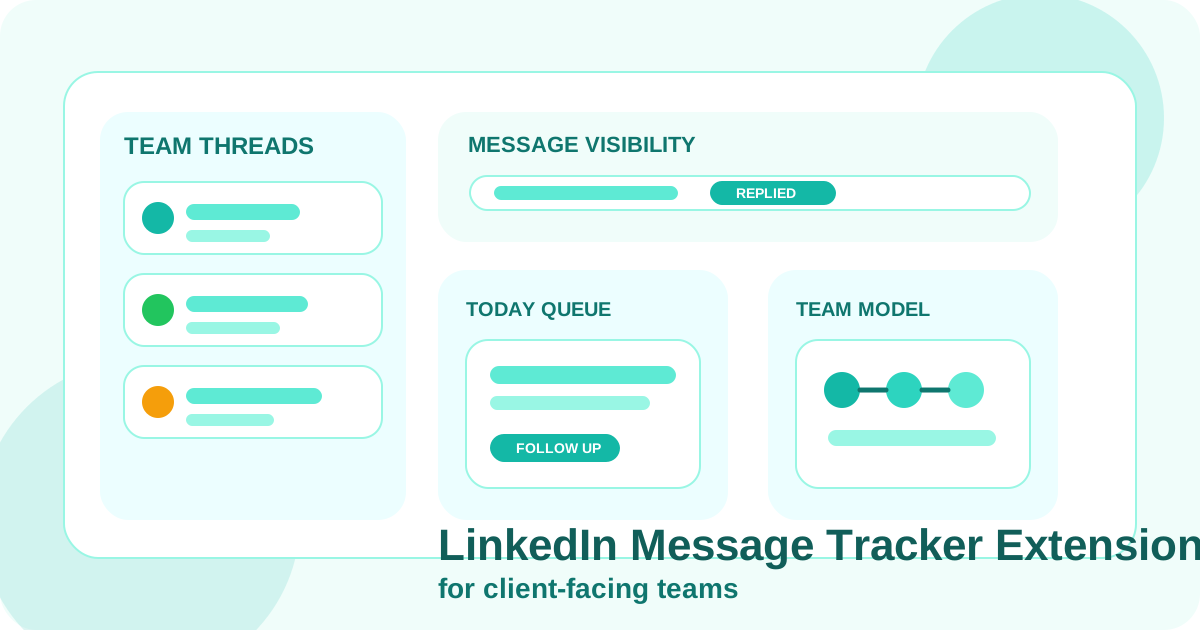
A LinkedIn message tracker extension helps client-facing teams keep replies, next steps, and conversation timing visible across many active relationships. The best version supports human follow-up, shows when a thread has already moved, and makes it easier to reopen the right conversation without turning LinkedIn into an automation channel.
This angle matters because “client-facing teams” covers more than SDRs. It includes account executives, account managers, founders, partnerships people, and customer-facing sellers who use LinkedIn as a relationship layer around pipeline work. Their problem is rarely message volume alone. It is message continuity. For the AE-specific version of that problem, read LinkedIn DM tracking software for account executives.
A general message tracker article explains what the category is. A team-focused article needs to answer a harder question: how do you keep many relationship threads organized when different people may touch the account at different points, but the LinkedIn conversation still needs to feel personal and coherent?
DMnesia is built for that style of work. It combines tracked contacts, a Today queue, templates, badge notifications, and reply-aware reminders so teams can keep message timing organized without handing the send action to automation.
If you want the broader category page first, read the main guide to a LinkedIn message tracker extension. This page focuses on what changes once the workflow belongs to a team instead of a single rep. Account teams with a warmer book of business should also compare LinkedIn message tracker extension for account managers.
What message tracking looks like on client-facing teams
| Team condition | What usually goes wrong | What the tracker should make visible |
|---|---|---|
| Many live conversations at once | Warm threads get buried by newer work | Who is due now and why the conversation matters |
| Different stages across the same account | Prospecting and nurture messages blur together | Current status, next step, and priority |
| Replies change the urgency instantly | Teams follow up on already-answered threads | Reply-state that keeps the queue trustworthy |
| Managers need some visibility | Message work becomes invisible between CRM updates | A workflow that can roll into shared dashboards later |
What the first layer of a team message tracker should show
You do not need a perfect system before the tracker becomes useful. You need a clear first layer that answers the operational questions teams ask every day.
- Who was messaged? Basic relationship memory should not depend on recollection.
- Who is due next? The queue should surface real follow-up, not just raw activity.
- Who already replied? This is what keeps the list believable and prevents awkward extra nudges.
- Which conversations still deserve active attention? Teams need a way to distinguish active nurture from stale noise.
That is why client-facing teams usually do better with a browser-native tracker than with a generic task list. LinkedIn-specific context matters. The closer the tracker stays to the profile and message thread, the easier it is to keep the next move natural.
How DMnesia supports team-based message tracking
Tracked contacts create working memory
Instead of asking people to remember every message thread from scratch, DMnesia creates a browser-side record tied to the LinkedIn workflow. That record becomes the starting point for next steps.
The Today queue surfaces action, not just storage
A good tracker does more than collect contacts. It helps the team know what matters right now. DMnesia’s Today queue turns message tracking into a practical daily habit instead of a static archive.
Reply-aware status keeps teams from stepping on active threads
One of the fastest ways to lose trust in a tracker is to see it nag people about contacts who already answered. DMnesia uses reply awareness to keep the queue cleaner. That matters even more on teams where multiple people may look at the same account context.
Templates create consistency without flattening tone
Client-facing teams often want better consistency, not robotic sameness. Templates help create a strong starting point while still leaving judgment with the rep. If consistency is a bigger problem than raw reminder timing, the guide on LinkedIn follow-up sequence templates is a useful companion.
Team rule: if the tracker shows activity but not priority, it is only half useful. Client-facing teams need the system to clarify which conversation deserves attention next.
How to compare team message tracking approaches
| Approach | Strength | Limitation |
|---|---|---|
| Shared spreadsheet | Simple for logging key contacts | Weak on reply-state, queue quality, and browser flow |
| CRM activity log | Good for reporting and governance | Too far from LinkedIn for fast daily message work |
| Browser-native tracker with team expansion path | Best for timing, context, and habit formation | Needs disciplined reminder and stage design |
What to evaluate before choosing a LinkedIn message tracker extension
- Does the tracker stay useful after the first message?
- Can the team trust the queue after replies?
- Will it support manual-first outreach instead of pushing bulk action?
- Is there a path from individual usage to shared visibility later?
- Does the product improve behavior, or just count activity?
For teams thinking one step higher than individual message execution, it also helps to read how sales teams manage LinkedIn outreach across reps and shared LinkedIn outreach dashboard. Those pages cover the management layer that often follows once a tracker becomes part of team process.
Why message tracking changes team behavior
Teams become more reliable when the system answers simple questions quickly. Which conversations still need attention? Which ones already moved? Which contact is warming up and should not be left sitting for another week? A good message tracker answers those questions without asking the team to narrate every detail in a separate tool.
That behavioral effect is what makes message tracking more valuable than it first appears. It reduces duplicate outreach, protects timing during handoffs, and gives managers a clearer signal about whether relationship work is actually progressing. In other words, the tracker is not just a log. It is a small operating system for LinkedIn conversation quality.
When that operating system is browser-native, adoption usually gets easier because the team does not have to leave the place where the relationship is already happening.
- Better team habit: treat LinkedIn as a structured relationship channel with visible next steps.
- Worse team habit: let each rep invent a private memory system that nobody else can trust.
Frequently asked questions
Why do client-facing teams need a LinkedIn message tracker extension?
Because LinkedIn conversations often span prospecting, nurture, handoffs, and account growth. A tracker keeps timing and reply-state visible when many relationship threads are active at once.
What should a team message tracker show first?
It should show who was messaged, who is due next, who already replied, and which conversations still deserve active attention.
How does DMnesia support team-based LinkedIn message tracking?
DMnesia combines tracked contacts, templates, reply-aware reminders, and a shared workflow model so client-facing teams can stay organized without handing message sends to automation.
Compare DMnesia as a LinkedIn follow-up tool for your team
Use DMnesia to keep message timing, reply-state, and next steps visible for the client-facing team without turning LinkedIn into an automation machine.
See DMnesia for teams