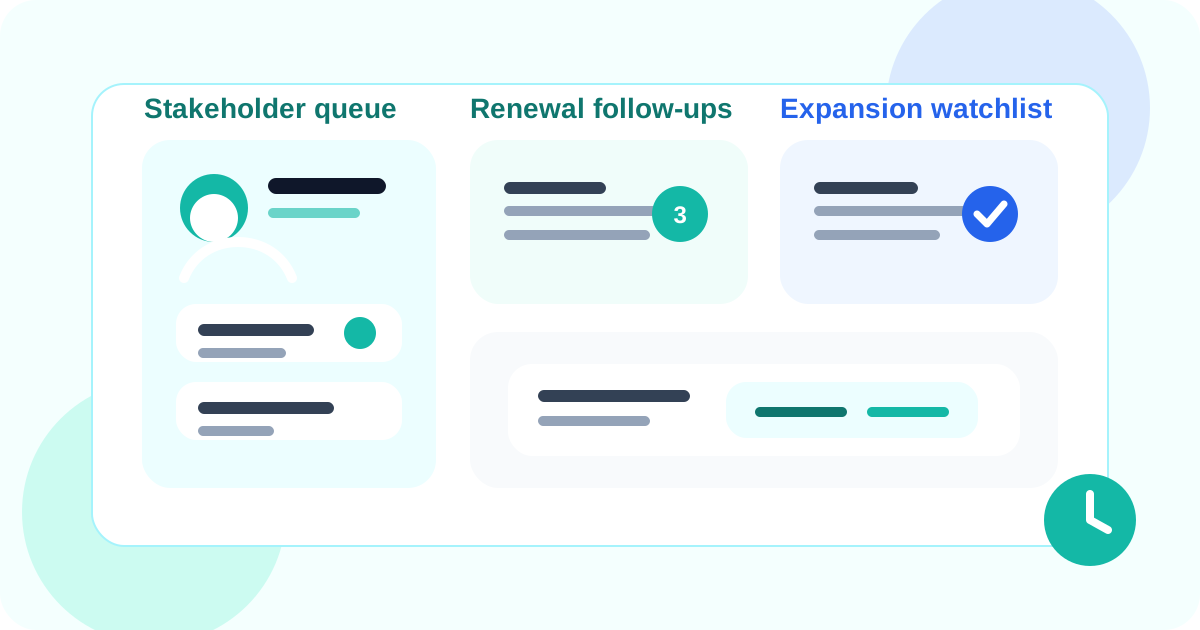
Tracking LinkedIn conversations without a CRM can work extremely well for account managers when the daily system stays close to the stakeholder profile. You need reminders, reply status, and relationship context in the browser, while the heavyweight CRM only receives the milestones that truly need shared reporting.
That distinction matters because account managers rarely fail from lack of strategy. They fail when a warm stakeholder drifts out of the weekly rhythm. A note from a champion goes unanswered. A renewal contact quietly changes roles. A quiet expansion thread vanishes between quarterly business reviews. Those are memory and timing failures more than they are CRM failures.
DMnesia is useful in that gap. It gives account managers a browser-native way to save the profile, separate active stakeholders from future targets, review a Today queue, use reply-aware reminders, and keep LinkedIn follow-up moving without interrupting every touch for a full CRM update.
If your focus is expansion and stakeholder growth rather than general account coverage, read relationship-first LinkedIn selling for client expansion next.
Why account managers often do not want full CRM logging for LinkedIn
The issue is not that the CRM lacks value. The issue is that relationship work on LinkedIn happens in small moments that are easy to miss and annoying to log.
| Workflow choice | Why it feels attractive | Where it breaks for account managers |
|---|---|---|
| Memory and inbox scanning | Fast in the short term | Stakeholder coverage becomes inconsistent |
| Log every LinkedIn touch in the CRM | Great for reporting purity | Too much admin for low-friction relationship work |
| Spreadsheet sidecar | Simple and flexible | No live reply awareness and weak daily execution |
| Browser-native tracking layer | Keeps action close to the stakeholder | Needs clean rules for active, future, and finished contacts |
What account managers should track if they are not using a CRM for every touch
1. The stakeholder, not just the account
Renewals and expansions live or die at the person level. If the system only knows the account name, it will not help when a champion goes silent or a new decision-maker appears. A browser-native workflow should let the rep save each relevant stakeholder while they are on the profile.
2. The next follow-up date
A relationship can look healthy right up until nobody knows who was supposed to re-engage this week. DMnesia solves that with visible due dates in the Today tab and reminder logic that does not depend on someone remembering to update another system later.
3. The state of the relationship motion
For account managers, one thread might be renewal risk, another might be expansion timing, and another might just be relationship coverage. That is why a clean separation between active contacts, target leads, and archived threads matters more than generic task piles.
4. Whether the stakeholder has already replied
Account managers cannot afford awkward nudges into live customer conversations. DMnesia’s reply detection helps by changing the queue when the thread changes, which keeps follow-up behavior closer to the real relationship.
Practical rule: account manager LinkedIn tracking should optimize for continuity, not surveillance. If the system creates more admin than continuity, it is the wrong layer.
How DMnesia supports no-CRM LinkedIn tracking for account managers
This is where a browser-native tracker behaves differently from a normal CRM extension. The goal is not to mirror every field. The goal is to make the next useful action obvious inside the relationship workflow.
- Save stakeholders from the profile in one click so follow-up starts while context is fresh.
- Use a due queue for daily review instead of remembering renewals and check-ins from scattered tabs.
- Separate target leads from active contacts so expansion research does not clutter live customer follow-up.
- Detect replies so the queue reflects who still needs action.
- Snooze or archive threads when the timing is real but not immediate.
If your team is earlier in the evaluation cycle, compare this article with LinkedIn extension for account managers, which frames the buying question more broadly. If you want the browser-native CRM lens specifically, the closest companion read is LinkedIn CRM Chrome extension for account managers. If the operational pain is more about team visibility, the adjacent read is LinkedIn message tracker extension for client-facing teams. And if you want the generic category explanation, start with tracking LinkedIn conversations without a CRM.
When account managers should still involve the CRM
Browser-native tracking is strongest for daily execution. The larger CRM still matters for shared visibility, forecasting, and company-wide record keeping. The clean split is simple.
- Keep day-to-day LinkedIn follow-up in the browser where the relationship work actually happens.
- Push milestone moments to the CRM when leadership needs formal reporting.
- Add broader integrations later once the account manager motion is disciplined enough to deserve system-of-record sync.
That is a healthier approach than forcing every micro-interaction into a heavy admin process. If you want to see how DMnesia supports that workflow for teams, compare the product positioning on the features page.
Keep stakeholder follow-up visible without CRM drag
Use DMnesia to track warm LinkedIn stakeholders, due dates, and reply state where account managers already work.
Install DMnesia for ChromeFrequently asked questions
Can account managers track LinkedIn conversations without a CRM?
Yes. Many teams use a browser-native layer for daily LinkedIn follow-up and only send milestone information into the CRM when broader reporting is necessary.
What should account managers track on LinkedIn if they are not using a CRM for every touch?
They should track the stakeholder, the latest context, the next follow-up date, whether a reply has arrived, and the type of motion involved such as renewal, expansion, or relationship coverage.
How does DMnesia help account managers without adding CRM drag?
It keeps saved contacts, reminders, reply detection, and working queues inside the browser so the rep can act immediately and update larger systems only when it truly matters.