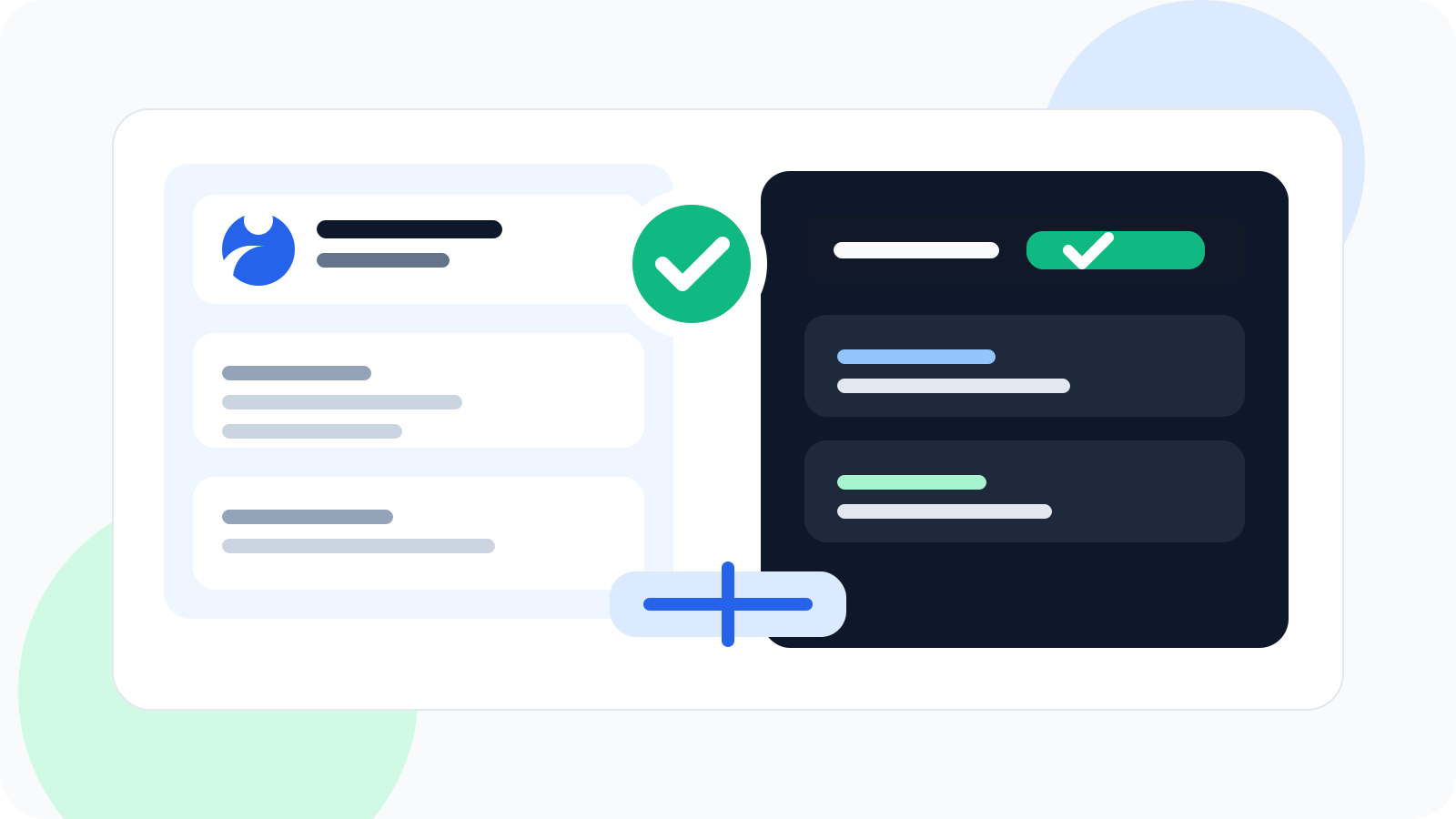
A one-click LinkedIn profile saver helps you capture a promising prospect while the profile is open, then turn that moment into a tracked follow-up. It removes the delay between interest and action, which is usually where good leads disappear into tabs, notes, and memory gaps.
Most LinkedIn pipeline loss does not happen because the rep missed the profile. It happens because the rep saw the profile, meant to come back later, and never turned that intent into a system.
That is why browser-native capture matters. In DMnesia, the saver behavior is simple: track the contact from the profile, keep the core details together, and push the next action into a visible queue instead of leaving it in your head.
What a one-click LinkedIn profile saver should do
The best saver is not just a bookmark button. It should turn profile discovery into pipeline progress.
| Workflow moment | What the saver should capture | Why it matters |
|---|---|---|
| Profile visit | Name, company, headline, location, and profile link | You avoid rebuilding basic context later |
| Right after saving | A follow-up schedule | The contact enters a real workflow instead of a parking lot |
| Daily review | A Today view and due indicators | You know who needs attention without digging |
| Active conversation | Reply visibility and message support | You stop treating a live lead like a cold one |
Why one-click saving beats manual prospect logging
1. It keeps prospecting momentum intact
When saving a profile takes too many steps, reps postpone it. That is exactly when the prospect falls through the cracks. A one-click flow keeps you moving while the profile is still in front of you.
2. It turns discovery into follow-up discipline
DMnesia does not stop at saving. New contacts can enter the familiar 3, 7, and 14 day rhythm or whatever cadence you prefer. That changes the saver from a storage tool into a follow-up tool.
3. It keeps the browser as the place of work
Good LinkedIn workflows stay close to where the rep is already making judgments. Saving from the profile, seeing due work in Today, and using templates from the same extension all reduce context loss.
Useful benchmark: if your current “save” process still ends with “I will update that later,” it is not really a saver. It is a delay.
What DMnesia adds beyond basic profile saving
A simple saver is helpful. A saver connected to the rest of the workflow is better. DMnesia extends the action with the pieces reps usually need next:
- Today queue so due follow-ups are visible immediately.
- Customizable follow-up sequence starting from the default 3, 7, and 14 day pattern.
- Templates with personal placeholders to remove blank-page friction.
- Reply detection so answered conversations leave the pending flow.
- Badge alerts showing how many follow-ups are due.
- Cloud sync on Pro for people who work across browsers or machines.
That combination is what makes the saver feel operational instead of cosmetic. You are not just collecting names. You are starting a managed outreach path.
People also ask about one-click LinkedIn profile savers
What does a one-click LinkedIn profile saver do?
It lets you save a prospect while you are already viewing the profile, so the name, company, context, and next follow-up are not left to memory or a spreadsheet update later.
Why is saving LinkedIn profiles quickly important?
Because prospecting context decays fast. If you wait until later, strong leads get buried under new tabs, inbox noise, and the next batch of work.
Can a LinkedIn profile saver replace a spreadsheet?
For many individual workflows, yes. A dedicated saver with reminders, templates, and reply visibility is usually easier to maintain than a manual sheet.
Conclusion: saving the profile is only valuable if it starts the workflow
The real value of a one-click LinkedIn profile saver is not speed by itself. It is what that speed protects: context, intent, and follow-up discipline. If a promising profile can become a tracked contact in one motion, pipeline quality improves immediately.
That is the standard DMnesia is designed around. The rep saves the profile, the system takes over the memory burden, and the next action stays visible.
Capture the lead while the profile is still open
Use DMnesia to save LinkedIn contacts fast, schedule the next step, and keep your follow-up queue close to the browser.
Install DMnesia for ChromeFrequently asked questions
What does a one-click LinkedIn profile saver do?
It captures a prospect while the profile is open and turns that profile visit into a tracked contact with a next step.
Why is saving LinkedIn profiles quickly important?
Because timing protects context. The longer you wait, the easier it is for a good lead to disappear under other work.
Can a LinkedIn profile saver replace a spreadsheet?
Often yes. Once reminders, templates, and reply visibility are built in, the spreadsheet usually becomes unnecessary for day-to-day execution.