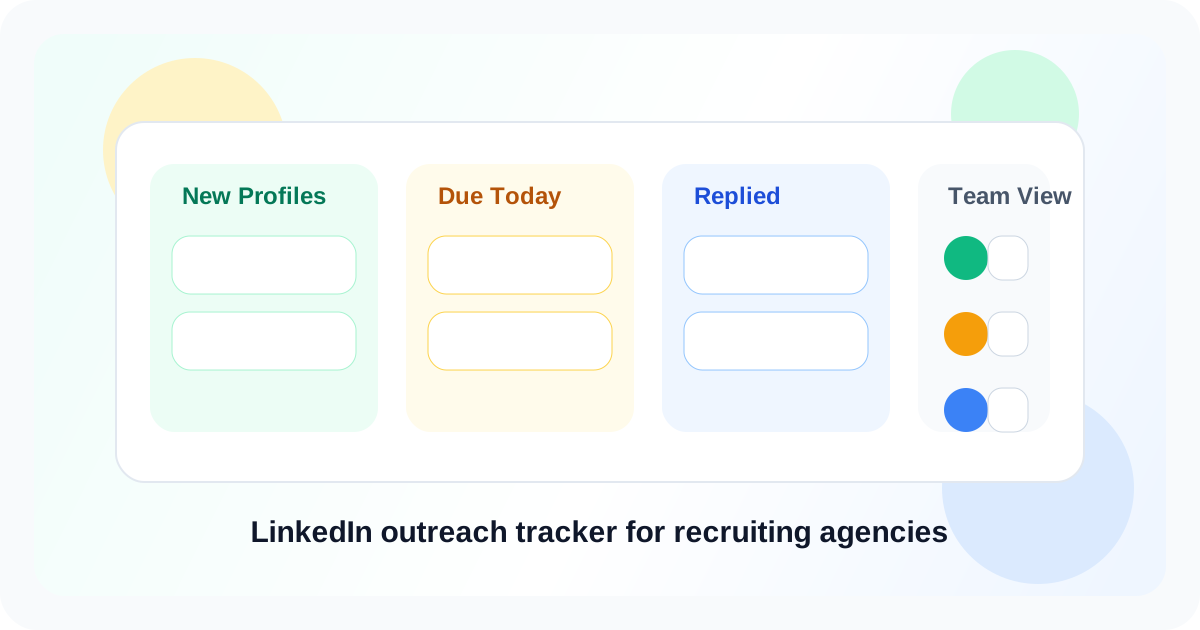
A LinkedIn outreach tracker for recruiting agencies keeps candidate sourcing, recruiter follow-ups, and reply visibility in one place so warm people do not vanish between searches, interviews, and client updates. The best setup stays close to LinkedIn itself, where recruiters already discover profiles, reopen conversations, and decide who deserves the next touch.
Agency recruiting creates a strange kind of timing problem. The team is rarely short on candidate names. The shortfall usually appears a week later, when the recruiter cannot remember which profile needed a same-week nudge, which one asked to reconnect next month, and which one already replied but never made it back into a clean workflow.
That is why the category question matters. A true LinkedIn outreach tracker for recruiting agencies does more than save profiles. It helps recruiters keep role context visible, separate active follow-ups from future-fit candidates, and avoid clumsy double taps when a promising person already answered. DMnesia fits that model with one-click profile tracking, a Today queue, reply-aware cleanup, and a separate place for Target Leads before outreach starts.
What recruiting agencies actually need from a LinkedIn outreach tracker
| Need | Why it matters in agency recruiting | What works best |
|---|---|---|
| Fast profile capture | Recruiters source in bursts and cannot stop to build records from scratch | One-click saving while the profile and role context are still open |
| Visible due queue | Candidates cool off quickly when follow-up timing gets fuzzy | A daily list that shows who needs attention now |
| Reply awareness | Candidate experience gets worse when a recruiter nudges after a reply | Status cleanup that clears reminders once a conversation moves |
| Target staging | Not every sourced person should enter an active follow-up lane immediately | A separate bucket for future-fit or pending-client candidates |
Why recruiting agencies lose momentum on LinkedIn
Delivery pressure beats memory every time
Most recruiters do not forget candidates because they are disorganized in principle. They forget because client calls, interview coordination, and urgent role changes take over the day. When follow-up timing only exists in memory, the most important conversations become the easiest ones to miss.
Candidate timing is uneven
One person is open today. Another wants a conversation after notice period talks. Another likes the role but needs a quieter month. That range makes agency workflows harder than simple cadence systems suggest. A good tracker preserves timing without forcing every candidate into the same sequence.
Spreadsheets rarely stay honest
Many agencies start with notes, tabs, or sourcing sheets. Those tools help with list building but not with daily execution. Once reply state and due dates drift out of sync, the recruiter starts trusting memory again. That is exactly the moment pipeline quality falls off.
Agency rule: if a recruiter cannot tell the difference between sourced, due, and replied candidates in a few seconds, the system is not reducing workload. It is adding another place to forget things.
How DMnesia fits a recruiting-agency workflow
DMnesia is useful when the agency wants a browser-first tracking layer instead of another heavy admin process. Recruiters can stay close to LinkedIn and still build repeatable follow-up discipline.
- Save candidate profiles in one click during sourcing and shortlist review.
- Work from a Today queue so follow-up blocks start with clear priorities.
- Separate future-fit candidates into Target Leads before they become active outreach.
- Use reply-aware tracking so the queue reflects the real state of the conversation.
- Reuse message templates carefully for first touches and check-ins without losing recruiter context.
That combination is especially valuable for agencies that share hiring context across several recruiters. One recruiter may source the profile, another may reopen it for a newer role, and a third may need to understand whether the candidate already engaged. A lightweight tracker keeps that context visible without turning LinkedIn into a full ATS replacement.
If you are comparing recruiter-safe operating models, pair this article with LinkedIn outreach compliance with TOS for recruiters. If your agency wants a narrower reminder workflow, the companion read is tool that reminds me to follow up on LinkedIn DMs for recruiters. Teams evaluating a profile-only CRM model should also read is there a LinkedIn CRM that works only on profiles I visit for recruiting teams. If you want the broader browser-native category view, the new guide to a LinkedIn CRM Chrome extension for recruiters explains how sourcing, staging, and follow-up fit together.
And if your agency’s bigger gap is candidate staging before first outreach, the companion page on a LinkedIn lead tracking tool for recruiting teams covers how to keep future-fit profiles separate from active recruiter work.
LinkedIn outreach tracker options for recruiting agencies
| Approach | What it does well | Where it breaks |
|---|---|---|
| Spreadsheet plus recruiter notes | Easy to start and flexible for sourcing lists | Weak reply awareness and poor daily trust |
| ATS-only workflow | Strong for formal process stages | Often too far from live LinkedIn conversations |
| Manual browser-first tracker | Keeps timing and candidate context near the profile | Needs good habits around when to promote a lead into active outreach |
What to evaluate before you choose one
- Does it keep the workflow inside LinkedIn? Recruiters should not need five extra steps after every profile view.
- Can it separate sourced people from live follow-ups? That line matters more than most agencies expect.
- Will it remove stale reminders after a reply? Candidate experience depends on it.
- Can the team reuse working outreach patterns? Templates help if they stay human.
- Does it support future collaboration without demanding it now? Growing agencies need that path.
People also ask about LinkedIn outreach trackers for recruiting agencies
Why do recruiting agencies need a LinkedIn outreach tracker?
Recruiting agencies juggle candidate outreach, recruiter follow-ups, and long-gap nurture conversations at the same time. A LinkedIn outreach tracker keeps the next action visible so warm candidates do not disappear between sourcing sprints and client delivery work.
What should recruiting teams track first on LinkedIn?
Track who the candidate is, which role or client context matters, when the next follow-up is due, and whether the person already replied. Those four details cover most of the timing risk in recruiter-led outreach.
How does DMnesia help recruiting agencies on LinkedIn?
DMnesia helps agencies save profiles in one click, work from a Today queue, stage future-fit leads separately, and clear stale reminders when a candidate has already replied.
Conclusion: the best recruiting tracker creates recruiter memory at browser speed
A useful LinkedIn outreach tracker for recruiting agencies does not try to replace every hiring system. It solves the timing and visibility layer that recruiters lose first: who matters now, who can wait, and who already moved the conversation forward.
Keep recruiter follow-ups organized inside LinkedIn
Use DMnesia to keep LinkedIn candidate follow-ups, reply checks, and future-fit profiles visible without extra admin.
Add DMnesia to ChromeFrequently asked questions
Why do recruiting agencies need a LinkedIn outreach tracker?
Because recruiter calendars move faster than candidate memory. A tracker keeps sourcing, due follow-ups, and reply state visible without relying on tabs or spreadsheets.
What should recruiting teams track first on LinkedIn?
Start with the profile, the role context, the next due date, and reply status. That is enough to keep candidate timing usable day to day.
How does DMnesia help recruiting agencies?
It gives recruiters one-click capture, a Today queue, reply-aware cleanup, and target staging so active candidate conversations stay easier to manage.