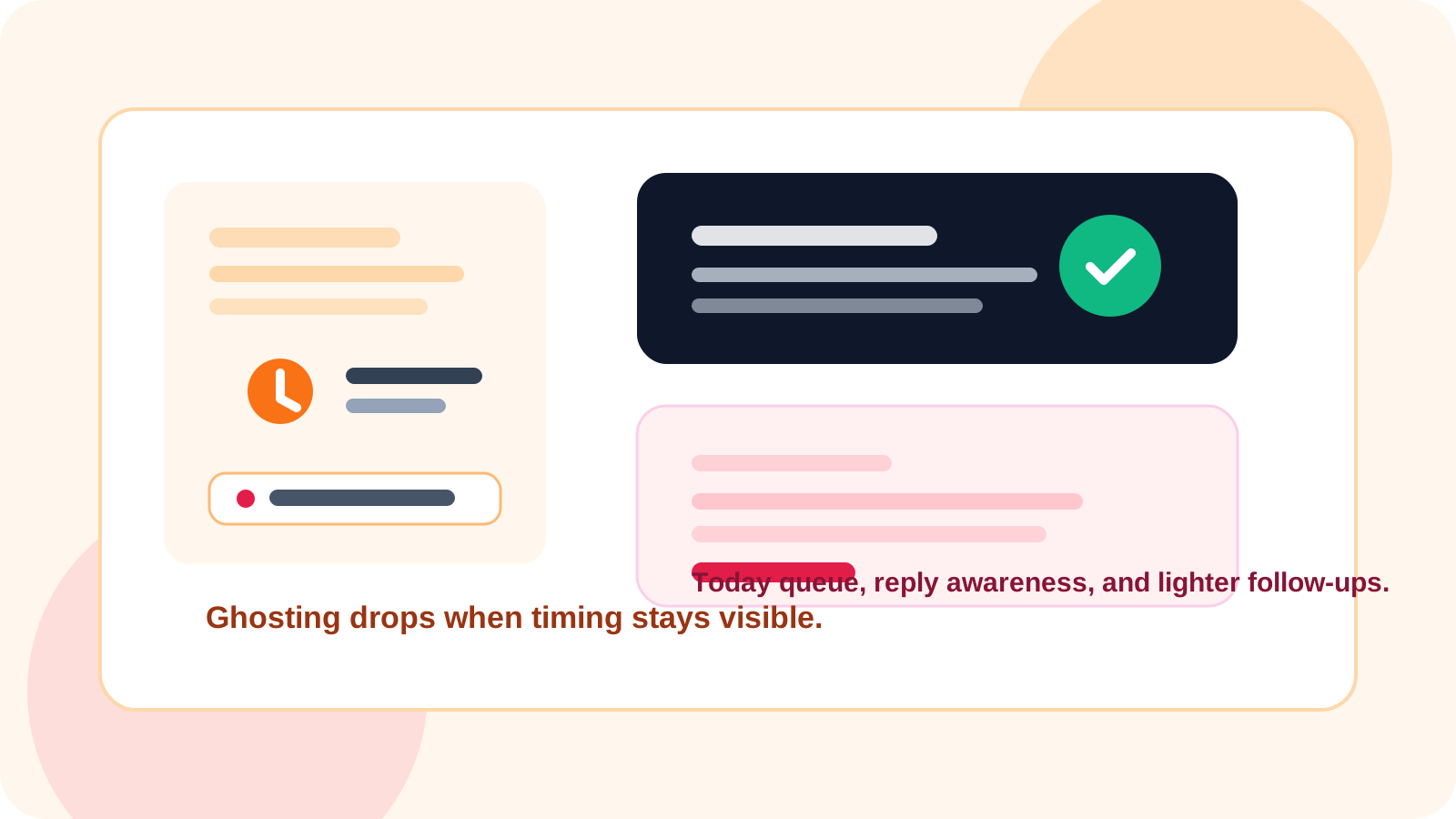
A LinkedIn ghosting epidemic solution starts with better conversation control, not louder messaging. When reps save contacts early, follow a visible reminder rhythm, and stop pending follow-ups after a reply, more warm threads stay alive and fewer promising prospects quietly disappear.
Most sellers treat ghosting like a mystery. It usually is not. The real pattern is simple: a promising message gets sent, the thread goes quiet for a few days, and the next action either comes too late or feels too heavy.
That is exactly the kind of problem DMnesia is built around. The product keeps outreach close to the browser with one-click tracking, a visible Today queue, a red due badge, and reply-aware follow-up so reps know whether to nudge, pause, or move on.
Why the LinkedIn ghosting epidemic feels worse than it is
Ghosting feels personal because you only see the silence. What you do not see is the workflow failure sitting underneath it. Warm conversations go cold when the system depends on memory instead of process.
| Ghosting pattern | What usually causes it | What improves it |
|---|---|---|
| The thread dies after the first note | No follow-up is scheduled while the context is fresh | Track the contact immediately from the profile |
| The second message gets ignored | The ask feels bigger than the relationship | Use a lower-friction nudge with specific context |
| Warm threads vanish from attention | There is no visible daily queue | A Today tab plus badge reminders |
| Reps send awkward extra follow-ups | They did not notice the prospect already replied | Reply detection that skips pending follow-ups |
How to apply a LinkedIn ghosting epidemic solution in real outreach
1. Capture the prospect before the memory fades
The best time to save a contact is when you are still on their LinkedIn page. DMnesia makes that easy with one-click profile tracking, which is far more reliable than promising yourself you will log the person later.
2. Use a cadence that turns into a habit
The default day 3, day 7, day 14 reminder rhythm works because it is simple enough to sustain. DMnesia also lets users customize reminder timing, but the core advantage is visibility: the next step becomes obvious.
3. Make silence easier to interpret
Not every quiet prospect is a hard no. Some are just busy. A cleaner system separates active, replied, snoozed, and archived states so reps know whether to keep working the thread or stop pushing it.
4. Lower the pressure of the next message
Ghosting often gets worse when every follow-up sounds like a calendar trap. Use a lighter reply path: a relevant observation, a simple yes or no question, or a short check-in that respects the prospect’s attention.
Practical rule: if your outreach system cannot tell you who is due today and who already replied, it is quietly creating ghosting for you.
What DMnesia changes when ghosting is the real problem
DMnesia is useful here because it improves the operating system around the message. Reps can open due chats from the queue, use templates to remove blank-page friction, mark follow-ups done, and let the workflow stop chasing people who already answered.
- One-click tracking keeps the contact from being forgotten.
- The Today queue turns follow-up into a daily routine.
- Badge notifications surface due work before momentum disappears.
- Reply-aware status changes reduce clumsy over-follow-up.
- Snooze and archive controls keep the active list focused.
That combination matters more than fancy theory. Most reps do not need a bigger playbook. They need a system that makes the next right action easier than the wrong one.
People also ask about the LinkedIn ghosting epidemic solution
What is the best LinkedIn ghosting epidemic solution?
The best solution is a reply-aware follow-up workflow that saves contacts early, makes due conversations visible every day, and uses lighter follow-ups instead of repetitive pressure.
Why do LinkedIn prospects ghost after one reply?
Prospects usually go quiet because the next message arrives late, asks for too much, or loses the original context. Workflow discipline matters as much as copy.
Can a reminder tool reduce LinkedIn ghosting?
Yes. A reminder tool reduces ghosting by surfacing due follow-ups, showing which threads already replied, and keeping warm conversations from disappearing between tabs.
Conclusion: the solution is consistent visibility
The LinkedIn ghosting epidemic is real enough to hurt pipeline, but the answer is not more spammy persistence. The answer is a workflow that protects timing, preserves context, and reacts correctly when a prospect finally answers.
DMnesia gives sellers that structure through browser-native tracking, reminder visibility, reply awareness, and a cleaner way to decide which conversation deserves the next touch.
Stop letting warm LinkedIn conversations disappear
Use DMnesia to track contacts, keep a visible follow-up rhythm, and react faster when replies show up.
Install DMnesia for ChromeFrequently asked questions
What is the best LinkedIn ghosting epidemic solution?
A visible follow-up workflow with reminders and reply awareness is more effective than just rewriting the original message again and again.
Why do LinkedIn prospects ghost after one reply?
Because the conversation often loses timing, context, or momentum. A gentler and better-timed second step usually performs better than a bigger ask.
Can a reminder tool reduce LinkedIn ghosting?
Yes. It helps reps act while the conversation is still warm and avoids missing the moment entirely.