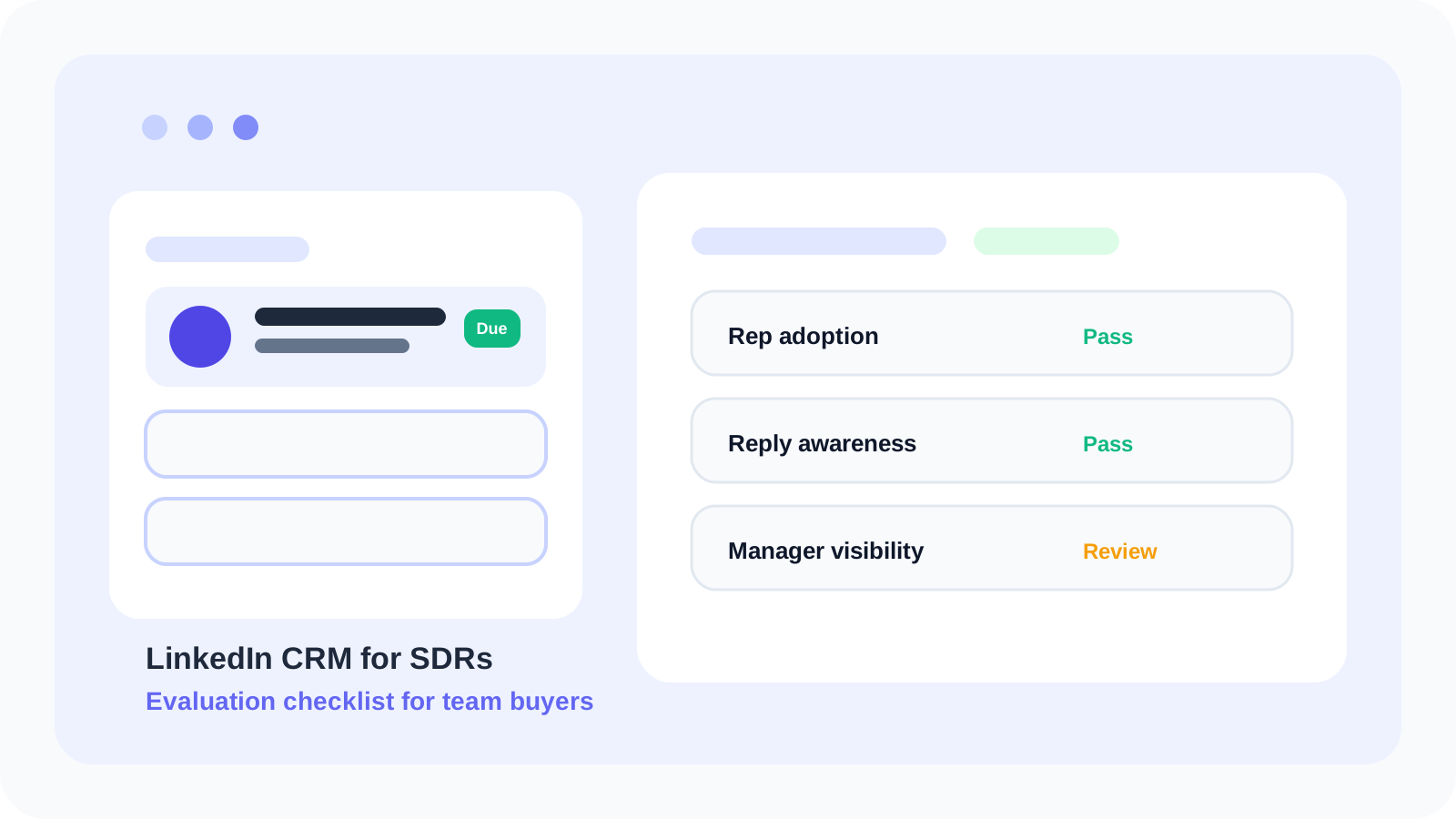
A strong LinkedIn CRM for SDRs should help reps work faster inside LinkedIn while giving leaders enough visibility to coach, forecast, and scale. Buyers should compare adoption, follow-up clarity, reply awareness, target lead staging, and team reporting before they decide which workflow will actually hold up after rollout.
Many teams buy a CRM based on what looks complete in a demo. SDR reality is different. If the system creates drag during prospecting, requires duplicate updates, or hides what is due today, reps work around it. That means the reporting layer becomes less reliable the moment leadership wants to depend on it.
The better buying lens is operational. A useful LinkedIn CRM for SDRs should feel natural at the rep level first, then expand into manager oversight without asking the team to relearn the workflow. That is why browser-native systems increasingly outperform heavier sales tools for LinkedIn-led outbound motions.
DMnesia is designed around that operating model. SDRs can save profiles in one click, work from a focused Today queue, detect replies, stage prospects in Target Leads, and use reusable templates. Once a pod grows, the same workflow can expand into team reporting, organization controls, and API access.
LinkedIn CRM for SDRs evaluation checklist
| Checklist item | What good looks like | What weak tools do |
|---|---|---|
| Rep adoption | The workflow lives close to LinkedIn and stays current naturally. | Reps must update a second system after every conversation. |
| Follow-up visibility | Due work is obvious through a daily queue and badge reminders. | Follow-ups disappear into generic task lists. |
| Reply awareness | The system reflects when a prospect replies and the next step changes. | Answered contacts still look like untouched leads. |
| Pipeline separation | Target leads and live follow-ups stay distinct. | Everything lands in one crowded list. |
| Manager layer | Leadership sees activity, load, and team health without rep admin burden. | Managers chase updates manually or rely on anecdotes. |
Why most LinkedIn CRM for SDRs evaluations go wrong
They overvalue database depth and undervalue workflow fit
SDRs do not need a more impressive place to store names. They need a system that helps them act at the right moment. If the rep cannot instantly see who is due, who already replied, and which prospects are still just staged, the CRM becomes a passive archive instead of a working system.
They assume manager reporting can compensate for poor rep habits
It cannot. Reporting is only trustworthy when the rep workflow stays current. That is why the rep layer and manager layer must reinforce each other. This is also the same budget conversation covered in the LinkedIn CRM for SDRs ROI playbook, where adoption quality determines whether any ROI model is believable.
They forget prospecting and follow-up are different stages
Great SDRs save more potential names than they actively work. A CRM that cannot separate future prospects from active sequences pushes teams into list clutter fast. DMnesia solves this with Target Leads, so discovery remains separate from tracked follow-up until a rep is ready to convert the profile into live work.
Practical buying test: ask every vendor to show how a rep moves from “interesting profile” to “due follow-up today” without leaving LinkedIn. The clearest answer usually wins in production.
What buyers should ask in a live demo
- How does a rep save a profile? The first action should be fast enough that reps do it every time.
- Where does due work appear? A clean queue matters more than another reporting widget.
- What happens when a prospect replies? Live conversations should stop looking like stale reminders.
- How are future prospects staged? The system should support list building without polluting active follow-up.
- What does leadership see once multiple reps are active? Shared health matters as soon as the motion scales.
The generic buyer guide on LinkedIn CRM for SDRs is useful earlier in the journey. This checklist is narrower: it helps a manager, RevOps lead, or founder make the final shortlist more rigorous. Once the shortlist is real, use the 30-day pilot guide to turn the comparison into a live adoption test.
How DMnesia fits this SDR CRM checklist
DMnesia scores well because it starts with the rep reality instead of forcing SDRs into after-the-fact logging. The extension keeps LinkedIn as the working surface, then adds the operating layers buyers usually want:
- One-click profile capture for fast contact tracking.
- A Today queue and badge reminders so due work stays visible.
- Reply detection so answered threads are handled differently.
- Target Leads for pipeline staging before active outreach begins.
- Templates, cloud sync, and team reporting when the rollout expands.
That structure maps cleanly to a modern SDR pod. Individual reps start with a simple daily operating system, then managers add the visibility they need once behavior is stable. Teams comparing the broader browser stack should also read Chrome extension for LinkedIn pipeline rollout guide and LinkedIn outreach tool with API access checklist.
People also ask about LinkedIn CRM for SDRs
What should buyers compare in a LinkedIn CRM for SDRs?
Buyers should compare rep adoption, follow-up visibility, reply awareness, target lead staging, and how cleanly the system expands into manager reporting once the team grows.
Why do SDR teams need a LinkedIn-native CRM workflow?
Because SDR context lives inside LinkedIn. A LinkedIn-native workflow reduces tab switching, keeps follow-ups visible where reps already work, and improves the odds that the system stays current.
Does DMnesia fit a LinkedIn CRM for SDRs buying process?
Yes. DMnesia combines one-click capture, a Today queue, reply visibility, target lead staging, templates, and team-level expansion into one browser-first workflow.
Conclusion: pick the SDR CRM reps will actually keep alive
The best LinkedIn CRM for SDRs is not the one with the longest feature page. It is the one that keeps the rep workflow current without friction and gives leadership a cleaner read on outreach health as adoption grows.
That is the standard DMnesia is built around. Reps stay inside LinkedIn, memory work becomes visible, and leadership gets a more trustworthy layer for coaching and rollout decisions.
Compare DMnesia as a LinkedIn CRM for SDRs
Use DMnesia to keep SDR follow-ups visible, stage target leads, detect replies, and expand into team reporting when the pod is ready.
Install DMnesia for ChromeFrequently asked questions
What should buyers compare in a LinkedIn CRM for SDRs?
Start with rep adoption, due-follow-up clarity, reply awareness, pipeline staging, and the manager visibility layer that appears once more than one SDR is active.
Why do SDR teams need a LinkedIn-native CRM workflow?
Because the selling motion lives inside LinkedIn. A browser-first workflow is easier to keep current than a disconnected system that depends on later data entry.
Does DMnesia fit a LinkedIn CRM for SDRs buying process?
Yes. It gives SDRs a browser-native operating system for profile capture, due queues, reply awareness, and team-ready expansion.