How to stop getting ghosted on LinkedIn starts with timing, context, and visibility. Most conversations do not die because the prospect hated the message. They die because the rep waited too long, followed up too vaguely, or forgot the thread altogether until the moment had already passed.
If you sell on LinkedIn long enough, ghosting starts to feel random. A prospect accepts your request, maybe even answers once, and then everything goes quiet. That silence creates the temptation to either spam them or give up too early.
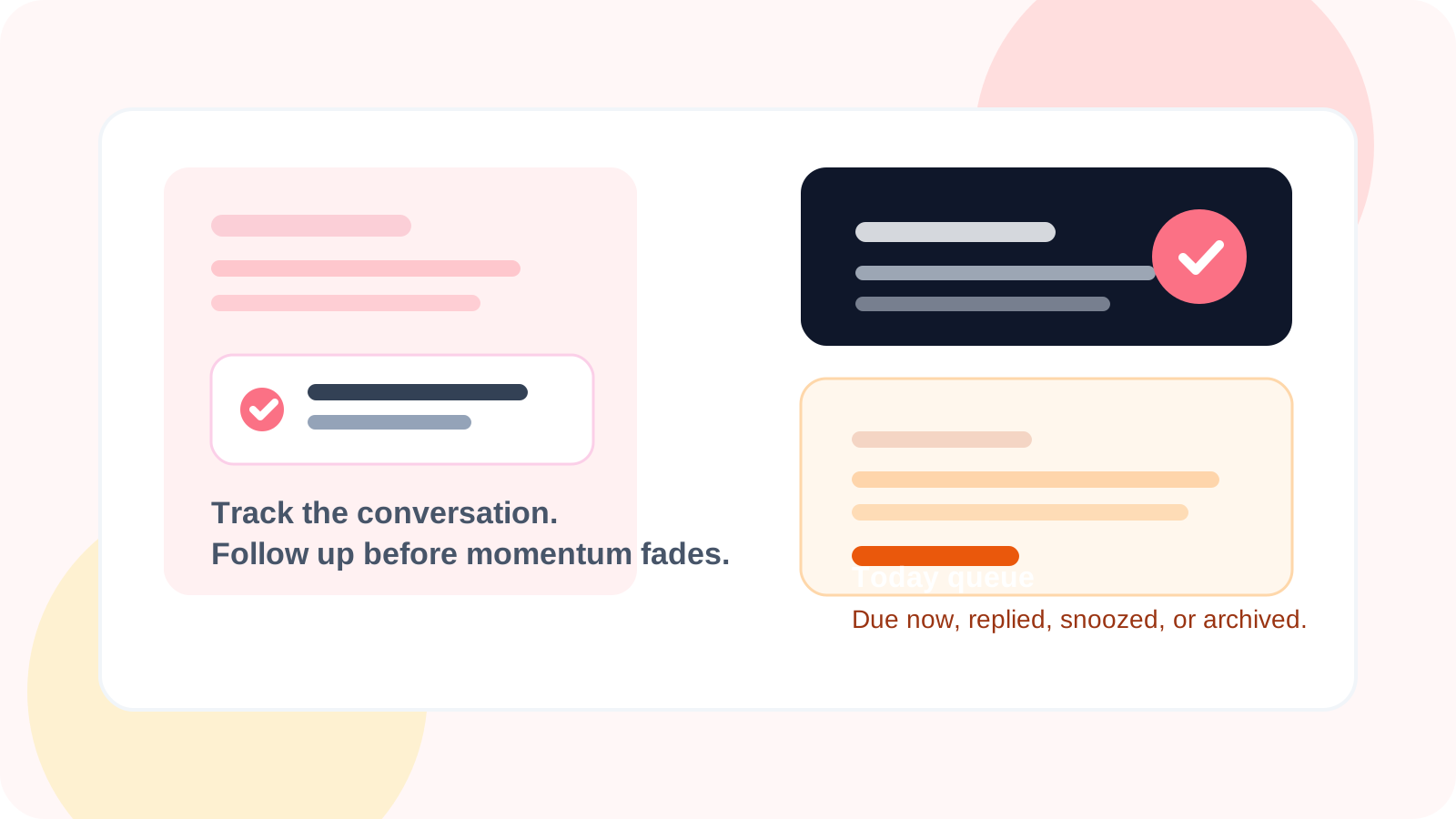
The better answer is process. DMnesia was built around that exact pain: one-click tracking from the profile, a visible Today queue, a red due badge on the extension icon, and reply detection that helps reps see whether a conversation still needs a follow-up or has already moved forward.
Why LinkedIn ghosting happens more than most reps think
Ghosting is usually not one big rejection. It is a small chain of workflow mistakes. The more friction there is between "I should follow up" and "I actually followed up well," the more deals disappear into silence.
| What causes ghosting | What it looks like | What helps instead |
|---|---|---|
| Late timing | The second message arrives after the prospect has mentally moved on | A simple reminder rhythm such as day 3, day 7, day 14 |
| No conversation memory | You cannot remember who was warm, due, or already answered | A browser-native queue with visible follow-up status |
| High-pressure follow-ups | Every message sounds like a meeting request | Low-friction nudges with context or a useful asset |
| Reply blindness | Reps keep treating a live thread like a cold prospect | Reply-aware tracking that separates responded contacts from pending ones |
How to stop getting ghosted on LinkedIn with a cleaner follow-up system
1. Track the conversation as soon as interest appears
The first mistake is waiting until later to log the prospect somewhere else. By then, the motivation is gone. A better workflow is to save the person while you are still on the LinkedIn profile, which is exactly how DMnesia’s one-click tracking flow is designed to work.
2. Use a cadence you can actually maintain
Many reps fail because they do not have a cadence at all. DMnesia starts contacts on a practical 3, 7, 14 day structure and lets users customize the reminder days if their motion is different. That is more useful than vague advice like "just stay top of mind."
3. Make the next action impossible to miss
A system only works if it creates visibility. The Today tab and the extension badge notification are valuable because they turn follow-up into a daily operating habit rather than an occasional memory test.
4. Separate real replies from silent prospects
One of DMnesia’s strongest workflow advantages is that pending follow-ups are skipped when a contact replies. That matters because nothing makes outreach feel worse than sending a cold-style nudge into a conversation that is already alive.
Simple rule: ghosting gets worse when your system depends on memory. It gets better when your workflow makes timing, status, and next step visible every day.
What to send when you want to stop getting ghosted on LinkedIn
Better timing alone is not enough. Your follow-up also needs to feel light, specific, and easy to answer.
- Reference the original context so the prospect does not have to reconstruct the conversation.
- Lower the pressure by asking a small question instead of forcing a call ask in every message.
- Use a reusable template as a starting point, then personalize the opening line to match the person and their situation.
- Offer one useful reason to reply such as a relevant idea, resource, or observation.
That is where message templates become helpful. Used badly, templates create spam. Used well, they remove blank-page friction so the rep can spend energy on the part that should be custom: the reason this person should care right now.
How DMnesia reduces ghosting without automating LinkedIn messages
There is an important difference between outreach discipline and risky automation. DMnesia is designed as a personal productivity tool, not an auto-sender. It helps you track who matters, remember when to follow up, and recognize when the prospect has answered. The rep still owns the message quality and the send button.
That makes it especially useful for sellers who want structure without turning LinkedIn into a robotic sequence machine. If you want a system that supports careful follow-up while staying close to the browser, this is the right operating model.
People also ask about how to stop getting ghosted on LinkedIn
Why do people ghost on LinkedIn after the first message?
Most LinkedIn ghosting happens because the follow-up arrives too late, feels too sales-heavy, or loses the original context. The problem is often workflow discipline, not just copy quality.
How many times should I follow up before giving up on LinkedIn?
A simple three-touch structure is a practical starting point for most reps: an initial message, a follow-up around day 3, another around day 7, and a final low-pressure touch around day 14. After that, snooze or archive the contact instead of nagging.
Can a reminder tool reduce LinkedIn ghosting?
Yes. A reminder tool helps by making timing consistent, surfacing due follow-ups, and showing when someone has already replied so the rep can react correctly instead of guessing.
Conclusion: stop treating ghosting like a mystery
How to stop getting ghosted on LinkedIn is mostly a workflow question. The reps who win more conversations are not magically more charming. They are more consistent, more visible, and less likely to let promising threads disappear between tabs and task lists.
If you want the practical version of that system, DMnesia gives you the browser-native pieces that matter: tracked contacts, a Today queue, due badges, reply-aware follow-up, and a clean way to keep your next message moving.
Build a follow-up workflow that catches ghosting early
Use DMnesia to track promising prospects, keep a visible reminder cadence, and spot replies before another conversation goes cold.
Install DMnesia for ChromeFrequently asked questions
Why do people ghost on LinkedIn after the first message?
Because the follow-up is often too late, too generic, or disconnected from the original context. Better conversation tracking fixes more of this problem than most reps expect.
How many times should I follow up before giving up on LinkedIn?
Three structured follow-ups is a sensible starting point for many reps. After that, snooze or archive the contact instead of repeating the same pressure-heavy message.
Can a reminder tool reduce LinkedIn ghosting?
Yes. It reduces missed timing, makes due follow-ups obvious, and helps reps see whether a thread still needs action or has already moved forward.